
TheGoatToji - Minecraft Skins & Skin History
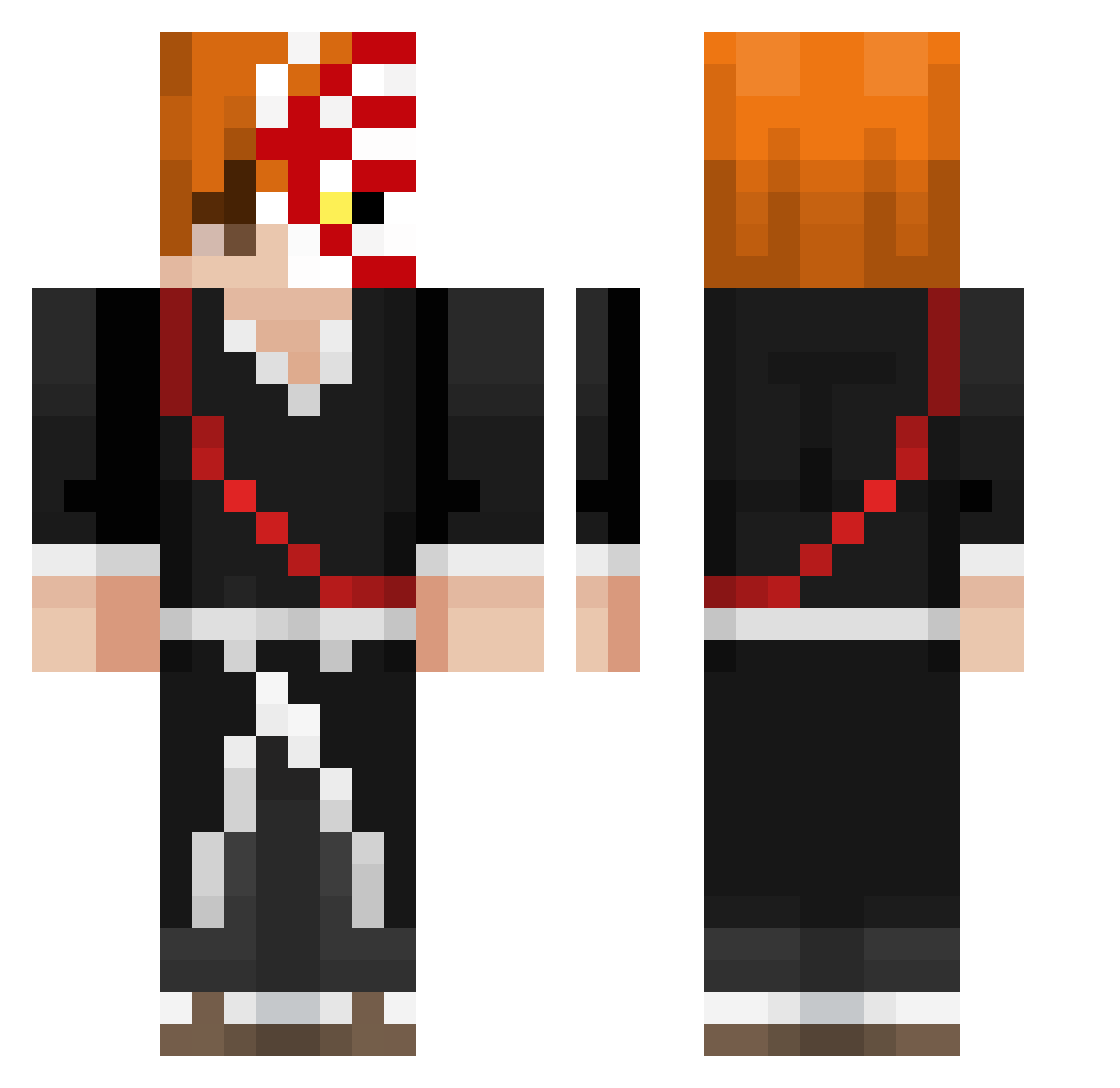
Current Minecraft skin of the player TheGoatToji, loaded from the official Mojang API. Rotate the 3D model with your mouse or finger, then download the skin as a PNG file and use it in Minecraft: Bedrock Edition or Java Edition for free. When TheGoatToji changes their skin, this page updates automatically and the old skin stays in the history below.
Other players with this skin (437)
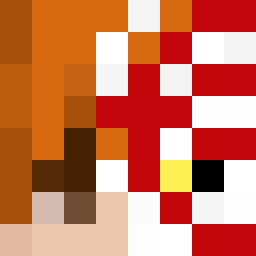
TheGoatToji was the 139th player we have seen with this skin, first spotted on 03.09.2026. The same skin was seen on these players. Open a nickname to see their current skin and skin history.
 WCOCHRAN Viespatis LBTUnderworld ismael_78 LostSoulPvP Tatkela Kastaps TTV_aqYzUy ZyrumX Efetaro Samicee TkVexx guindows RIp_Rio Megakin10 Samori01 aDemonz fxrtnitePro GalbenuSH antvenom446 ilovedraculeas Misteri0n11 MACNCHEZ6767 ILoveAsuka0718 Cubodecuarzowen Ichi1000 MSG_Delirium RRobertito Ayranilius Boatman09 Pancakepowerv21 TozunLouf Manu_55 JackPotJr Gregstone1 Mifril07 prowoblade Chino1816 Just_Mend sharkbro33 adoomuh n7gg eoeoeoeok G0DLY_Nugget sedayy CHATDOOO yulian_GG alphaetan FireForce2000 rafadabest Bewoutv Tajinier Hollow_s CoolNik14 MazinWolf11 H4zE20K Keinankills RexYang_TW NEVLEP malestararee
More Shinigami Minecraft skins
How to install the TheGoatToji skin
- Press the Download button above to save the skin as a PNG file.
- Minecraft: Bedrock Edition (PE): open the Dressing Room from the main menu (or tap your character → Edit Character), go to Classic Skins → Owned, press the + (new skin) button, choose the downloaded PNG and pick the Classic (Steve) model. Works on PC and mobile; consoles cannot import custom skins.
- Minecraft: Java Edition: open the Minecraft Launcher, go to the Skins tab, click New Skin, load the PNG, pick the Classic (Steve) model and press Save & Use. You can also upload it at minecraft.net → Profile → Change Skin.
The skin does not show up after import - what should I do?
Restart Minecraft and open the Dressing Room again - imported skins sometimes appear only after a restart. Also make sure you selected the imported skin and picked the Classic (Steve) model.
Which model should I choose, Classic or Slim?
This skin is designed for the Classic (Steve) model. If you pick the wrong model, the arms of the skin will look stretched or squeezed.
Is the skin of TheGoatToji free to download?
Yes. Press Download, save the PNG file and use it in Minecraft: Bedrock Edition or Java Edition - no payment or registration needed. The skin also works on multiplayer servers and Realms.
More skins
Looking for more? Go back to all Minecraft skins and check the top skins of the week, month and all time, or find any player's skin by nickname.