
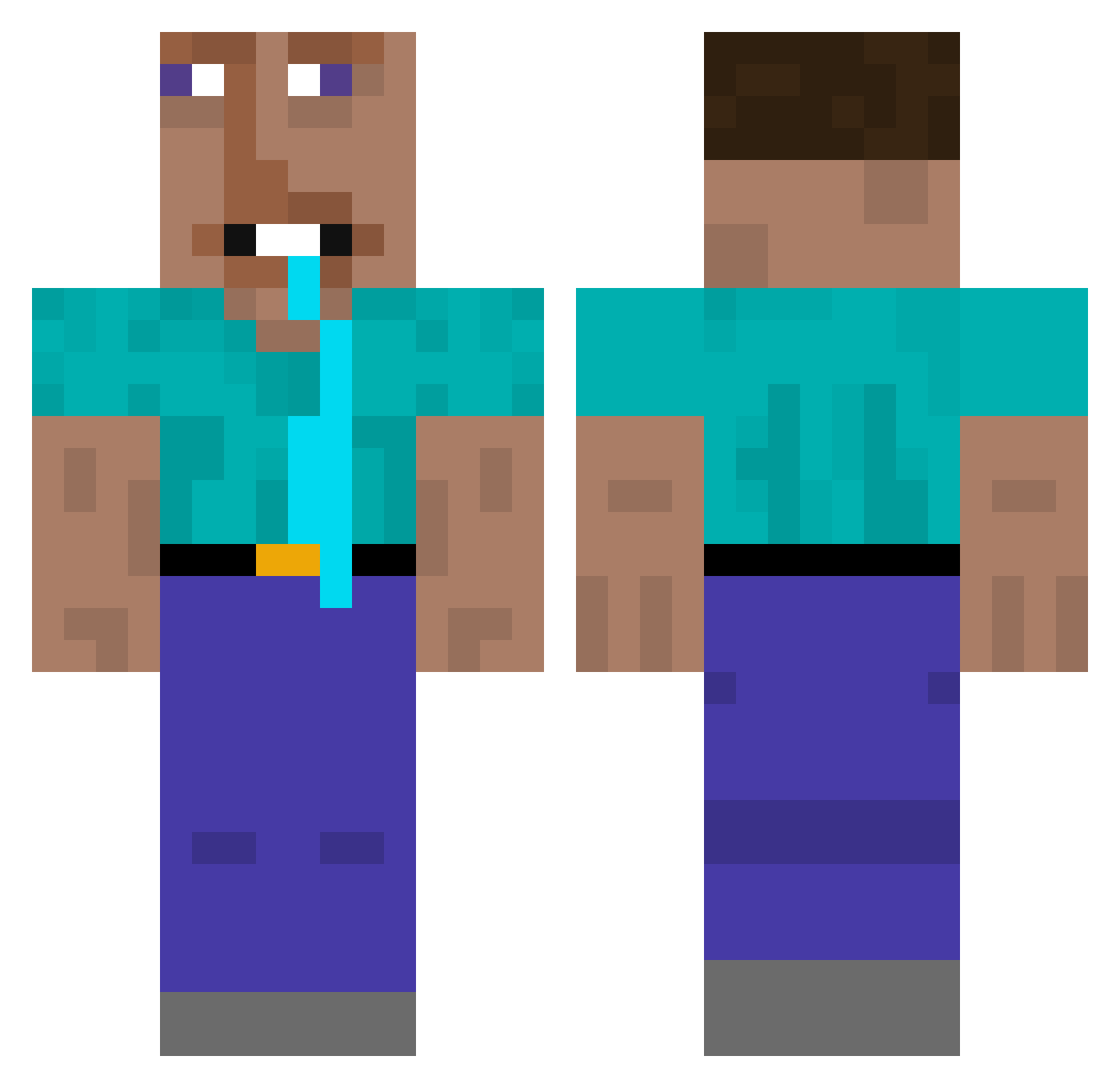
Current Minecraft skin of the player TheDanielTheKill, loaded from the official Mojang API. Rotate the 3D model with your mouse or finger, then download the skin as a PNG file and use it in Minecraft: Bedrock Edition or Java Edition for free. When TheDanielTheKill changes their skin, this page updates automatically and the old skin stays in the history below.
Other players with this skin (320)
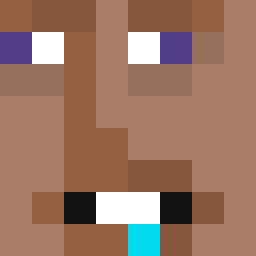
TheDanielTheKill was the 171st player we have seen with this skin, first spotted on 10.09.2026. The same skin was seen on these players. Open a nickname to see their current skin and skin history.
 IIehctim Grokula looex Wasa2356 Certified_Sigma1 Mehdidz_ remsito10 2S_TUT MonkRage69 ESSZ_JayJay bluepls SmogAlarm FleAlICE cuttingedge7 QFF75 HipCoffee6998 Inesco Pizdvin afonsomap hepi7 Rubes10 Gioele091 HopeWasFull jason12345678093 PepoGob Sanderoonz Rombyka gegege8080 YoreKiro Galadral2006 Kudakayto her740 glompa Cephalotripsy Skylane133 ravegN72BcKRbW2 1X_00 Bobikage TOBPEOPLE higaz tristybooboo falconhihi Kniazes ToMaSchhh DoXxed777 lucaslululex Spajalica newbie_skibidi Joy95273 WhiteGhillieSpud hahalexiss QWIE3 Marveneer koppie1412 Swig3 Cobbahh Walefak Gpavle Hersumi Nanoflare700Tour
More Drooling Minecraft skins
How to install the TheDanielTheKill skin
- Press the Download button above to save the skin as a PNG file.
- Minecraft: Bedrock Edition (PE): open the Dressing Room from the main menu (or tap your character → Edit Character), go to Classic Skins → Owned, press the + (new skin) button, choose the downloaded PNG and pick the Classic (Steve) model. Works on PC and mobile; consoles cannot import custom skins.
- Minecraft: Java Edition: open the Minecraft Launcher, go to the Skins tab, click New Skin, load the PNG, pick the Classic (Steve) model and press Save & Use. You can also upload it at minecraft.net → Profile → Change Skin.
The skin does not show up after import - what should I do?
Restart Minecraft and open the Dressing Room again - imported skins sometimes appear only after a restart. Also make sure you selected the imported skin and picked the Classic (Steve) model.
Which model should I choose, Classic or Slim?
This skin is designed for the Classic (Steve) model. If you pick the wrong model, the arms of the skin will look stretched or squeezed.
Is the skin of TheDanielTheKill free to download?
Yes. Press Download, save the PNG file and use it in Minecraft: Bedrock Edition or Java Edition - no payment or registration needed. The skin also works on multiplayer servers and Realms.
More skins
Looking for more? Go back to all Minecraft skins and check the top skins of the week, month and all time, or find any player's skin by nickname.