
TheCoolPhoenix11 - Minecraft Skins & Skin History
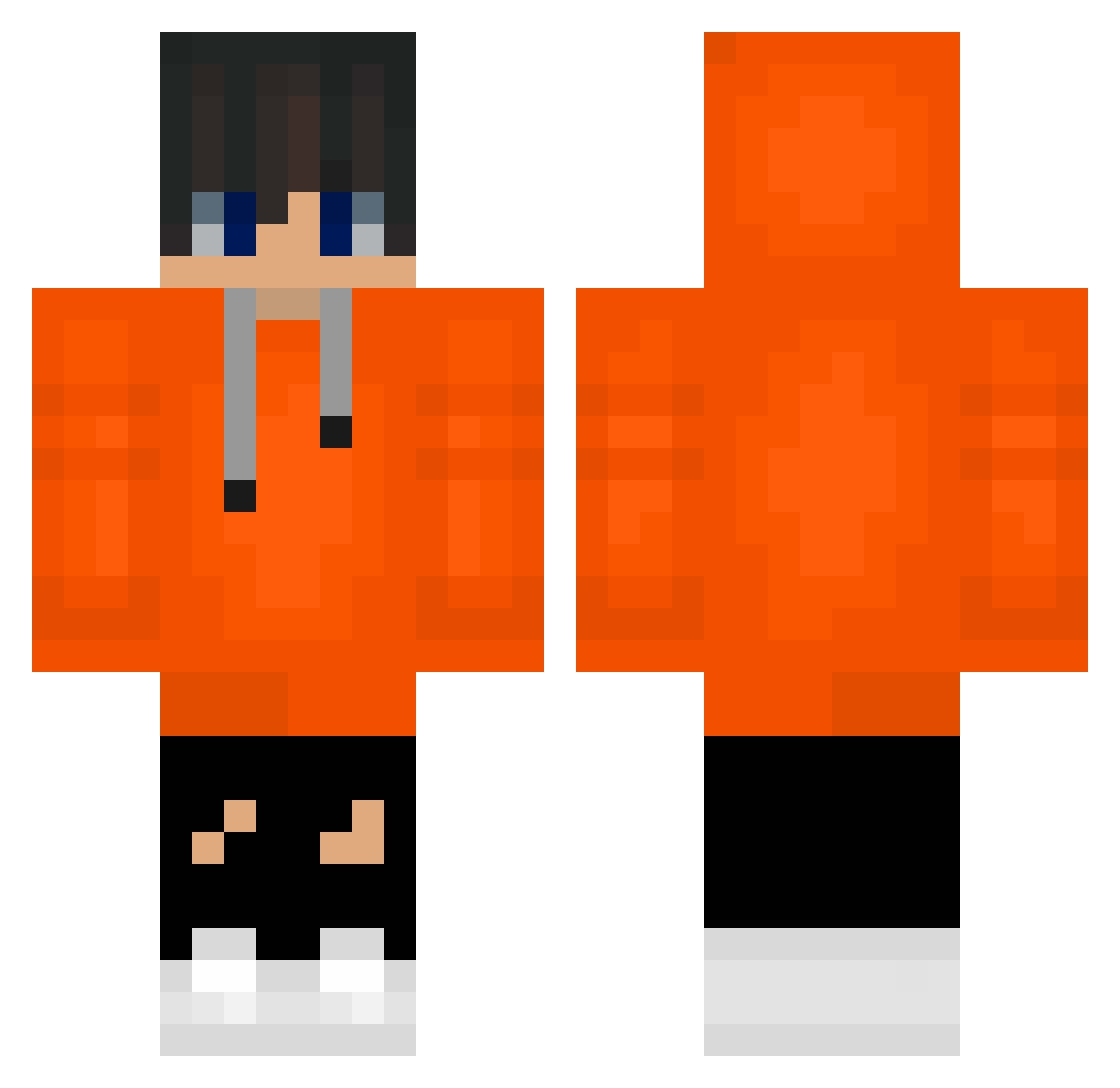
Current Minecraft skin of the player TheCoolPhoenix11, loaded from the official Mojang API. Rotate the 3D model with your mouse or finger, then download the skin as a PNG file and use it in Minecraft: Bedrock Edition or Java Edition for free. When TheCoolPhoenix11 changes their skin, this page updates automatically and the old skin stays in the history below.
Other players with this skin (488)
TheCoolPhoenix11 was the 146th player we have seen with this skin, first spotted on 22.08.2026. The same skin was seen on these players. Open a nickname to see their current skin and skin history.
 JSUSJDJ M3RAZE haodianying Dr_Frink CplHakaisha najh04 Gravesshadow01 Reminiscent815 dktmahs leaf_0104 babe__babe Egoist52 MaTii233 hyojun2022 wooyoung07
 Alvin9938 victory_777 milkcase119 chanyu_0417 lukinooo Gab_el DiffuseChimp931 PTBSD1 Canyonruler ersw Blobfish09
 bufu777 ____5____ kOnn9 danielimda Chielmobiel sung0413jung MoonShell_ junmineba GREAT_GAMERZ gomdoripooh T3o3 JWE0111 sexy_haera YeJoonx3 Su3ht_lyguti juyeopbang11
 TheOrangeSyrup HandyCloth LeeJaeHyun0522 meteo0320 StarzOnYT small_hippo1234 HANSOOGYEONG swimminglee Iamspartan1975 Iamkoma Johnny0627 ZEYTROS ImAnEglrl HenrySK milkyway12345678 5DY416 Vincet_Vega yong_hoho
How to install the TheCoolPhoenix11 skin
- Press the Download button above to save the skin as a PNG file.
- Minecraft: Bedrock Edition (PE): open the Dressing Room from the main menu (or tap your character → Edit Character), go to Classic Skins → Owned, press the + (new skin) button, choose the downloaded PNG and pick the Classic (Steve) model. Works on PC and mobile; consoles cannot import custom skins.
- Minecraft: Java Edition: open the Minecraft Launcher, go to the Skins tab, click New Skin, load the PNG, pick the Classic (Steve) model and press Save & Use. You can also upload it at minecraft.net → Profile → Change Skin.
The skin does not show up after import - what should I do?
Restart Minecraft and open the Dressing Room again - imported skins sometimes appear only after a restart. Also make sure you selected the imported skin and picked the Classic (Steve) model.
Which model should I choose, Classic or Slim?
This skin is designed for the Classic (Steve) model. If you pick the wrong model, the arms of the skin will look stretched or squeezed.
Is the skin of TheCoolPhoenix11 free to download?
Yes. Press Download, save the PNG file and use it in Minecraft: Bedrock Edition or Java Edition - no payment or registration needed. The skin also works on multiplayer servers and Realms.
More skins
Looking for more? Go back to all Minecraft skins and check the top skins of the week, month and all time, or find any player's skin by nickname.