
Th3_Maestro - Minecraft Skins & Skin History
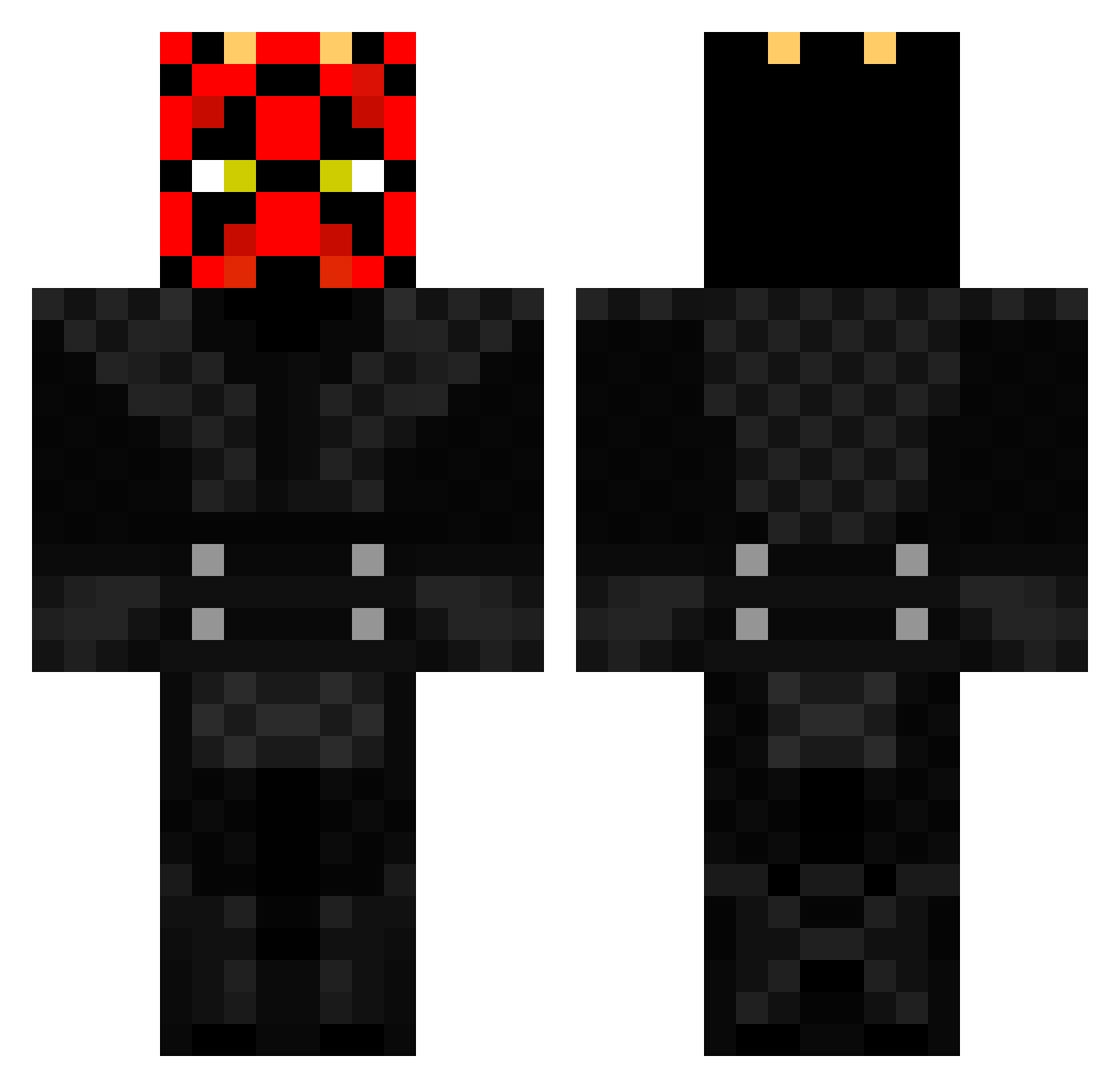
Current Minecraft skin of the player Th3_Maestro, loaded from the official Mojang API. Rotate the 3D model with your mouse or finger, then download the skin as a PNG file and use it in Minecraft: Bedrock Edition or Java Edition for free. When Th3_Maestro changes their skin, this page updates automatically and the old skin stays in the history below.
Other players with this skin (531)
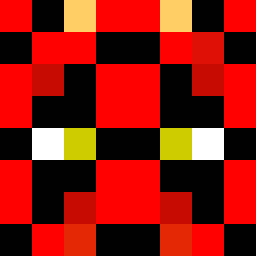
Th3_Maestro was the 498th player we have seen with this skin, first spotted on 12.11.2026. The same skin was seen on these players. Open a nickname to see their current skin and skin history.
 ItsSpires Inferiden 7ethan SMOKINACE49 jackanddad Jagannathbites APack_of_Orphans darthmaulxd amr9992016 XD4rkSh4d0w5X hydraen lord_zion10 1CaptainAmerica1 Doivee EvilJohnPop daner2510 PoonKraft ianotheclown niko_novic CHPaladin Tomsquad69 BloodxDopE JustRodger Olster_Gaming BluestofBs PattyB Robmoru23 markillie10 truffer STOL3Nx nokturn123 zackyvforever Jay_hon JediMaster500 Yaranko Ryno857 James31 _Xieff_ Vuutipoo Guiguietseb apache360 Chaeju Froodman GMM4EVER zacho234 M4cM4T spudsdj ohRadi0 FraserWilliam DARTH_MAUL75 Homemadelava Ju_Lianoo x_monstaz_x azelf39 Almanatorr TheMaulMan MaxiBautSichHoch crazy_squid_ BaxterTheCreator RylanKennon60
More Darth Maul Minecraft skins
How to install the Th3_Maestro skin
- Press the Download button above to save the skin as a PNG file.
- Minecraft: Bedrock Edition (PE): open the Dressing Room from the main menu (or tap your character → Edit Character), go to Classic Skins → Owned, press the + (new skin) button, choose the downloaded PNG and pick the Classic (Steve) model. Works on PC and mobile; consoles cannot import custom skins.
- Minecraft: Java Edition: open the Minecraft Launcher, go to the Skins tab, click New Skin, load the PNG, pick the Classic (Steve) model and press Save & Use. You can also upload it at minecraft.net → Profile → Change Skin.
The skin does not show up after import - what should I do?
Restart Minecraft and open the Dressing Room again - imported skins sometimes appear only after a restart. Also make sure you selected the imported skin and picked the Classic (Steve) model.
Which model should I choose, Classic or Slim?
This skin is designed for the Classic (Steve) model. If you pick the wrong model, the arms of the skin will look stretched or squeezed.
Is the skin of Th3_Maestro free to download?
Yes. Press Download, save the PNG file and use it in Minecraft: Bedrock Edition or Java Edition - no payment or registration needed. The skin also works on multiplayer servers and Realms.
More skins
Looking for more? Go back to all Minecraft skins and check the top skins of the week, month and all time, or find any player's skin by nickname.