
Th3_M4ster - Minecraft Skins & Skin History
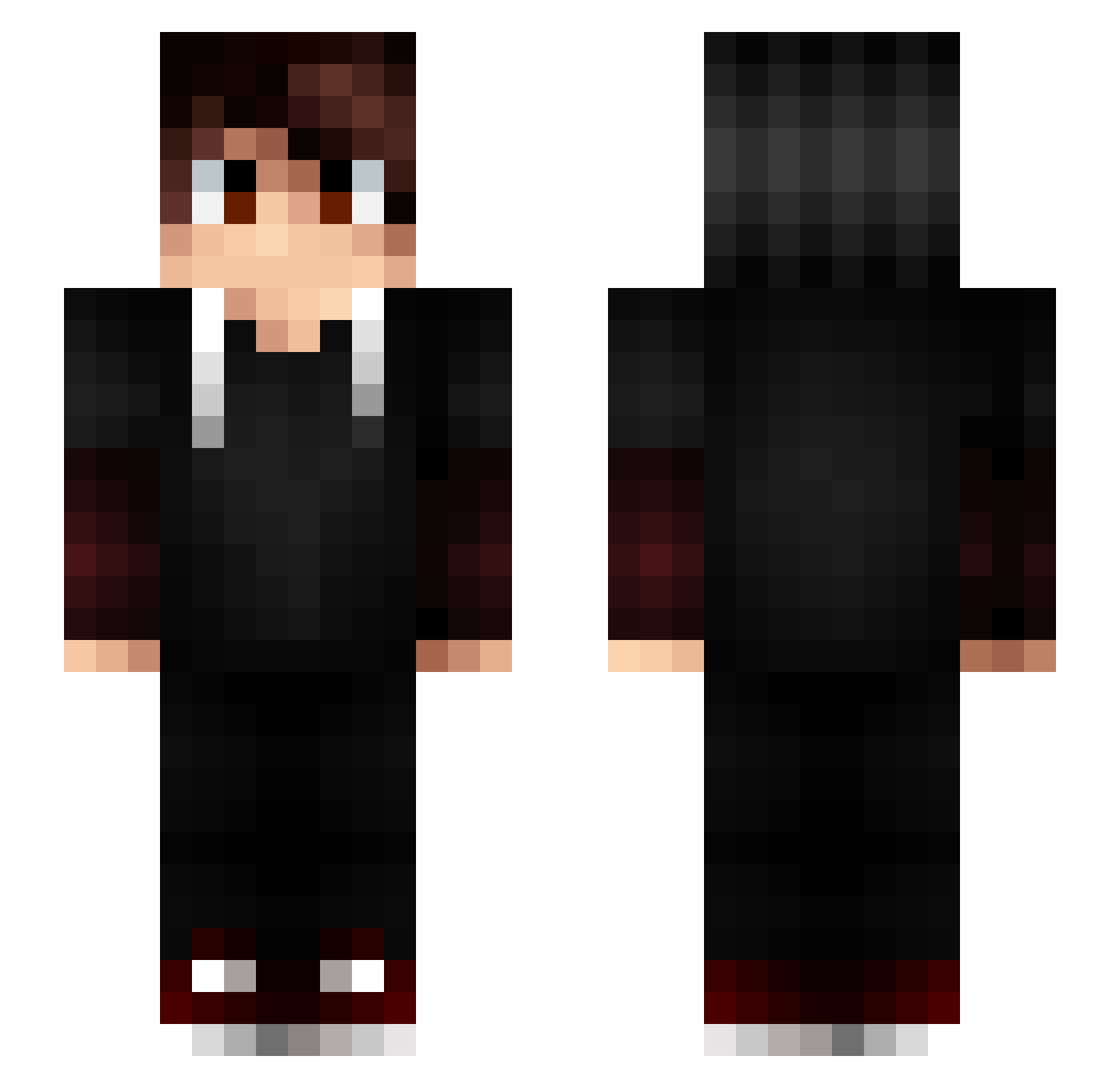
Current Minecraft skin of the player Th3_M4ster, loaded from the official Mojang API. Rotate the 3D model with your mouse or finger, then download the skin as a PNG file and use it in Minecraft: Bedrock Edition or Java Edition for free. When Th3_M4ster changes their skin, this page updates automatically and the old skin stays in the history below.
Other players with this skin (197)
Th3_M4ster was the 162nd player we have seen with this skin, first spotted on 31.10.2026. The same skin was seen on these players. Open a nickname to see their current skin and skin history.
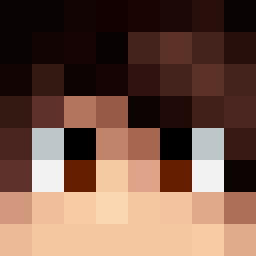 MeinKampf1337 iTzSerk pflimpflim Lostaker MrCirem destroyerlogic Amelki0r Forgottenkohi AkaFumei Enj0ii Vinedo SwaggyMin Vexide santrake Nayllixx Mushiii_ panda0318 Gabraral ghostz9 Arteuty Ulyce80 VilonG_TR Zupson Cubyks DenerNarcizo Sathariel_FR Azebestt YaLesHendeck PhoenicianDlp zozogamer tr4xgaming OverExist Battle_Gamer1887 sirLo94 sHyHaters NNAOY1 FolloW_pvp0088 Gesono upXkilleR XZetox_PvP Dqrky Eryzes Ogabachin peachy_Makos Talla29 Tetoti121 xMarkoMC_ sSwaiz Javagate Melvyn85 KengQQ chevaliertitan76 Polat_YT Hydro08 ThyNyx_ JocularBoy ViveLaVodka_ _Pr0x JessanGria YT_Merka_
More Layered Sleeves Minecraft skins
See all 65 Layered Sleeves skins
How to install the Th3_M4ster skin
- Press the Download button above to save the skin as a PNG file.
- Minecraft: Bedrock Edition (PE): open the Dressing Room from the main menu (or tap your character → Edit Character), go to Classic Skins → Owned, press the + (new skin) button, choose the downloaded PNG and pick the Slim (Alex) model. Works on PC and mobile; consoles cannot import custom skins.
- Minecraft: Java Edition: open the Minecraft Launcher, go to the Skins tab, click New Skin, load the PNG, pick the Slim (Alex) model and press Save & Use. You can also upload it at minecraft.net → Profile → Change Skin.
The skin does not show up after import - what should I do?
Restart Minecraft and open the Dressing Room again - imported skins sometimes appear only after a restart. Also make sure you selected the imported skin and picked the Slim (Alex) model.
Which model should I choose, Classic or Slim?
This skin is designed for the Slim (Alex) model. If you pick the wrong model, the arms of the skin will look stretched or squeezed.
Is the skin of Th3_M4ster free to download?
Yes. Press Download, save the PNG file and use it in Minecraft: Bedrock Edition or Java Edition - no payment or registration needed. The skin also works on multiplayer servers and Realms.
More skins
Looking for more? Go back to all Minecraft skins and check the top skins of the week, month and all time, or find any player's skin by nickname.