
Tenslay - Minecraft Skins & Skin History
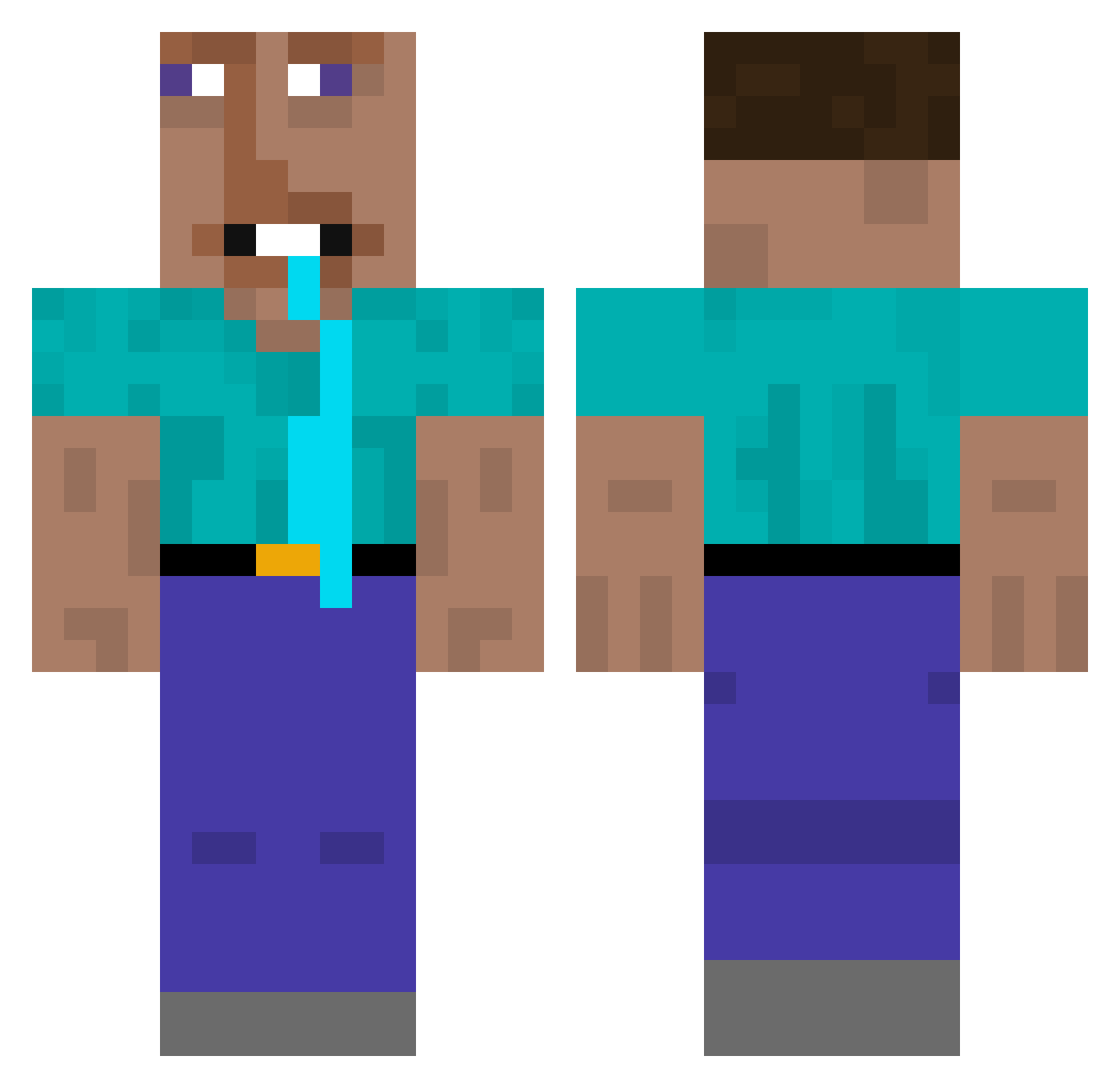
Current Minecraft skin of the player Tenslay, loaded from the official Mojang API. Rotate the 3D model with your mouse or finger, then download the skin as a PNG file and use it in Minecraft: Bedrock Edition or Java Edition for free. When Tenslay changes their skin, this page updates automatically and the old skin stays in the history below.
Other players with this skin (348)
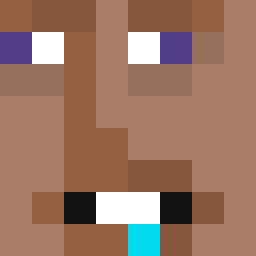
Tenslay was the 293rd player we have seen with this skin, first spotted on 10.10.2026. The same skin was seen on these players. Open a nickname to see their current skin and skin history.
 ohba_ UranusChickies codddur actualTorie supermeme420 TheRoastedGamer AccidentalFarts sparklebut87 BlakeyOwz 4_cyfrowy_nick DonaCyclops Mr_Schnitz Lolipopad lost_man_Help x8m1 eeltoille Sal4m Blockydude97 notfontenot _MacBook luke_023 bubbery Sveqqy_ themoba s1lix Alex34521 Famg0rn Xaelzin Ysakka THExSTOMPADOR FreeVolcano6339 Mr_GeP Noodle_Thing101 raresk0 dashi_mc Do9ag itchybotoo pieczara96 Wan_A_ yamumguns Suhwanta_ skiberdih Olaf2023 Zany_fish2277 W4nderx SpectroBW DoxMantis jing_chong pnypt WeiwenDY KAZAN144 Shiroko1337 Exo64 crispy_turtle Kriper2019 Not_WifiDuck zhiqingSAMA Mc_LiLToe rongrong8072 MiloDotCom
More Drooling Minecraft skins
How to install the Tenslay skin
- Press the Download button above to save the skin as a PNG file.
- Minecraft: Bedrock Edition (PE): open the Dressing Room from the main menu (or tap your character → Edit Character), go to Classic Skins → Owned, press the + (new skin) button, choose the downloaded PNG and pick the Classic (Steve) model. Works on PC and mobile; consoles cannot import custom skins.
- Minecraft: Java Edition: open the Minecraft Launcher, go to the Skins tab, click New Skin, load the PNG, pick the Classic (Steve) model and press Save & Use. You can also upload it at minecraft.net → Profile → Change Skin.
The skin does not show up after import - what should I do?
Restart Minecraft and open the Dressing Room again - imported skins sometimes appear only after a restart. Also make sure you selected the imported skin and picked the Classic (Steve) model.
Which model should I choose, Classic or Slim?
This skin is designed for the Classic (Steve) model. If you pick the wrong model, the arms of the skin will look stretched or squeezed.
Is the skin of Tenslay free to download?
Yes. Press Download, save the PNG file and use it in Minecraft: Bedrock Edition or Java Edition - no payment or registration needed. The skin also works on multiplayer servers and Realms.
More skins
Looking for more? Go back to all Minecraft skins and check the top skins of the week, month and all time, or find any player's skin by nickname.