
TeamVoice - Minecraft Skins & Skin History
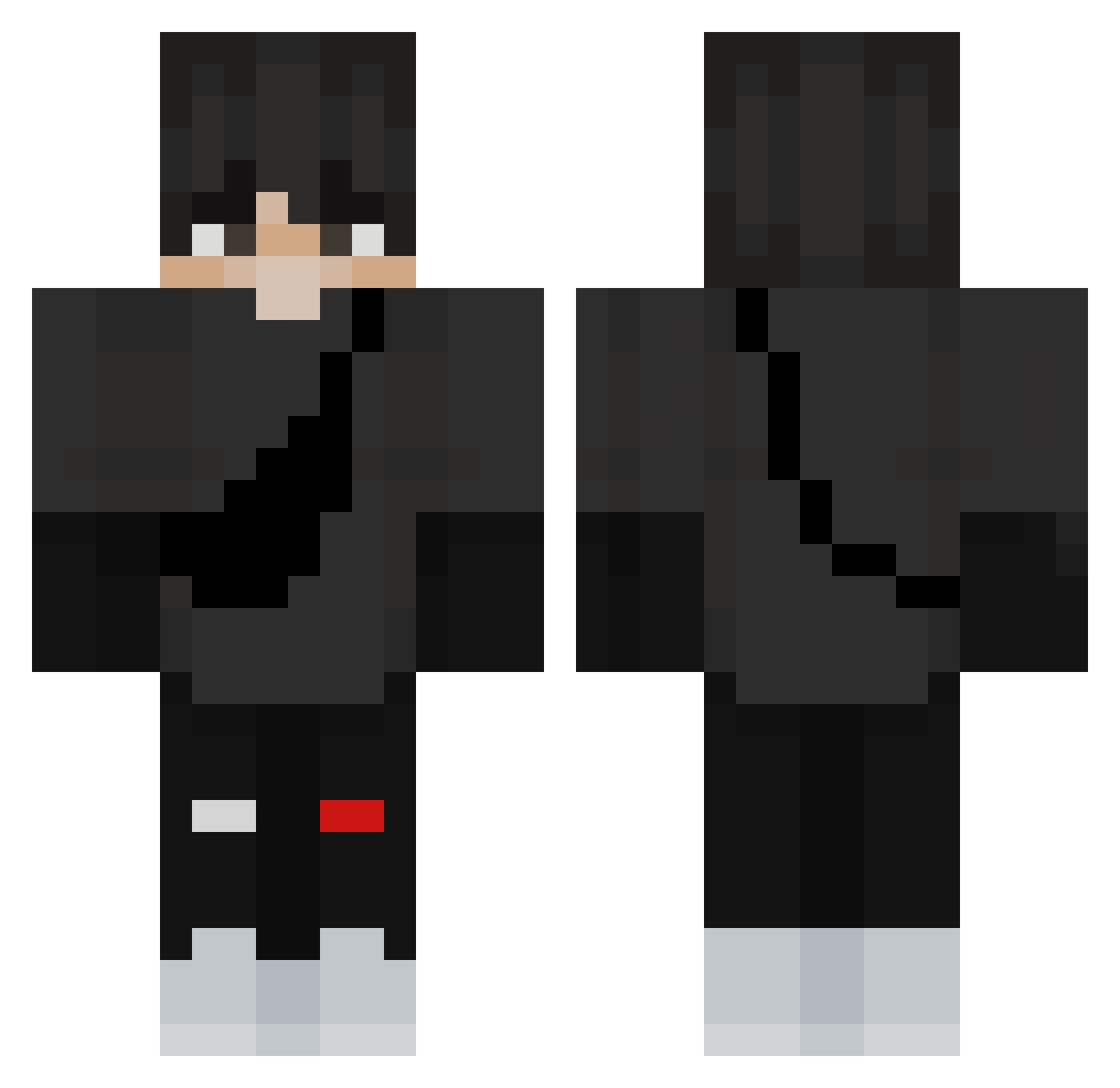
Current Minecraft skin of the player TeamVoice, loaded from the official Mojang API. Rotate the 3D model with your mouse or finger, then download the skin as a PNG file and use it in Minecraft: Bedrock Edition or Java Edition for free. When TeamVoice changes their skin, this page updates automatically and the old skin stays in the history below.
Other players with this skin (360)
TeamVoice was the 31st player we have seen with this skin, first spotted on 04.08.2026. The same skin was seen on these players. Open a nickname to see their current skin and skin history.
 skrgns2 FeiYehuang
 quintenjava kelth2014naruto8 I_swear_she_s_18 ErkBoss Yorbadidi Taouchens_TW jamesiako PrimalElite18 logster69 Wiktr14 Drimken chenxin888 menialDefective chuygm Deviaa Sir_Slax Mzwind bob_dit_lane verten23 DangHo324 Fender20 Brright icantname3 Dylan4041 Mamadou_du_14 tlamsh0318 NeX2078 Cyborgue21 Ghostopie _Thedoor SunnY_GG 4ox4 ThanhDat_Hp sumgui1 FENG1007k_TW Patryk1201 Mcanizal06 TeNneZis XxItsAng3lxX Rattat_Tattar 1Rival
 ivancol6 Honey_sung ilyCuteMory_ Thirsty_Trap Dr3zvex FlashOsos cloksan xorjs0224 kilianog D4RK0N3 Neqm kk_24423 ThekiS Terront21 Crystacpvp PotatusSus Butticus4
More Messenger Bag Minecraft skins
See all 534 Messenger Bag skins
How to install the TeamVoice skin
- Press the Download button above to save the skin as a PNG file.
- Minecraft: Bedrock Edition (PE): open the Dressing Room from the main menu (or tap your character → Edit Character), go to Classic Skins → Owned, press the + (new skin) button, choose the downloaded PNG and pick the Classic (Steve) model. Works on PC and mobile; consoles cannot import custom skins.
- Minecraft: Java Edition: open the Minecraft Launcher, go to the Skins tab, click New Skin, load the PNG, pick the Classic (Steve) model and press Save & Use. You can also upload it at minecraft.net → Profile → Change Skin.
The skin does not show up after import - what should I do?
Restart Minecraft and open the Dressing Room again - imported skins sometimes appear only after a restart. Also make sure you selected the imported skin and picked the Classic (Steve) model.
Which model should I choose, Classic or Slim?
This skin is designed for the Classic (Steve) model. If you pick the wrong model, the arms of the skin will look stretched or squeezed.
Is the skin of TeamVoice free to download?
Yes. Press Download, save the PNG file and use it in Minecraft: Bedrock Edition or Java Edition - no payment or registration needed. The skin also works on multiplayer servers and Realms.
More skins
Looking for more? Go back to all Minecraft skins and check the top skins of the week, month and all time, or find any player's skin by nickname.