
Teahauna - Minecraft Skins & Skin History
Current Minecraft skin of the player Teahauna, loaded from the official Mojang API. Rotate the 3D model with your mouse or finger, then download the skin as a PNG file and use it in Minecraft: Bedrock Edition or Java Edition for free. When Teahauna changes their skin, this page updates automatically and the old skin stays in the history below.
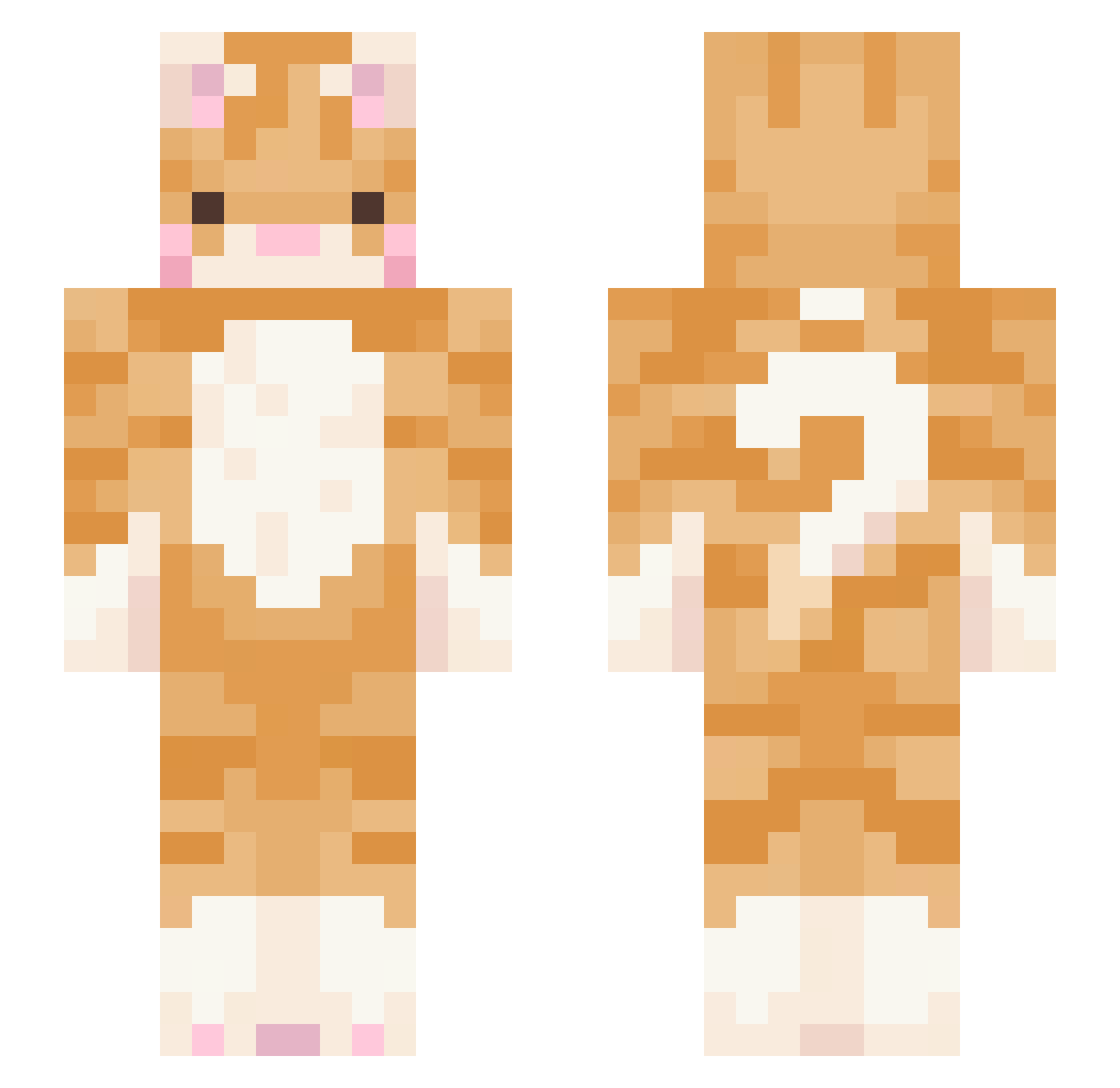
Other players with this skin (504)
Teahauna was the 176th player we have seen with this skin, first spotted on 30.08.2026. The same skin was seen on these players. Open a nickname to see their current skin and skin history.
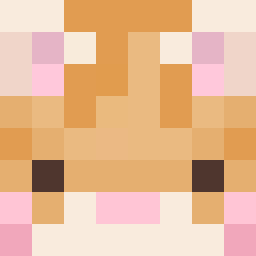 Itz_Teddy seongji_ gatoto_ Kaymumilan Egg_R_ stannss Sunnn_ peso317 imheedong2 curlywurly_ _Mosss videogamewoman patozapato mofunuko N_yychifan haerano parkspark1127 05trg qqalice parkbarkbark rommeii minhykk wika8080 DaddyDayna Kazzaples bignosemonkey MelocotonconMiel aiwainwan BangLady Marforne maplelyse
 uhllana curiouscosmoo planttowne blackcat42 Weasel_Smack chaeyeong0 Hyot_ nexlhada juliang2 Chelsea_D Phocat ivomat23 mooni888 smellyfridge corru meowley9 Magic_Miss Zaidd notsophie99 OTheisO N00BSLAYER699 Tenlie hyumiro LeLa00000 littleglowbug TDP4 Changson_1999 GracieBaby202 Hablet_Romeo
More Ginger Cat Minecraft skins
How to install the Teahauna skin
- Press the Download button above to save the skin as a PNG file.
- Minecraft: Bedrock Edition (PE): open the Dressing Room from the main menu (or tap your character → Edit Character), go to Classic Skins → Owned, press the + (new skin) button, choose the downloaded PNG and pick the Slim (Alex) model. Works on PC and mobile; consoles cannot import custom skins.
- Minecraft: Java Edition: open the Minecraft Launcher, go to the Skins tab, click New Skin, load the PNG, pick the Slim (Alex) model and press Save & Use. You can also upload it at minecraft.net → Profile → Change Skin.
The skin does not show up after import - what should I do?
Restart Minecraft and open the Dressing Room again - imported skins sometimes appear only after a restart. Also make sure you selected the imported skin and picked the Slim (Alex) model.
Which model should I choose, Classic or Slim?
This skin is designed for the Slim (Alex) model. If you pick the wrong model, the arms of the skin will look stretched or squeezed.
Is the skin of Teahauna free to download?
Yes. Press Download, save the PNG file and use it in Minecraft: Bedrock Edition or Java Edition - no payment or registration needed. The skin also works on multiplayer servers and Realms.
More skins
Looking for more? Go back to all Minecraft skins and check the top skins of the week, month and all time, or find any player's skin by nickname.