
Tanjibear - Minecraft Skins & Skin History
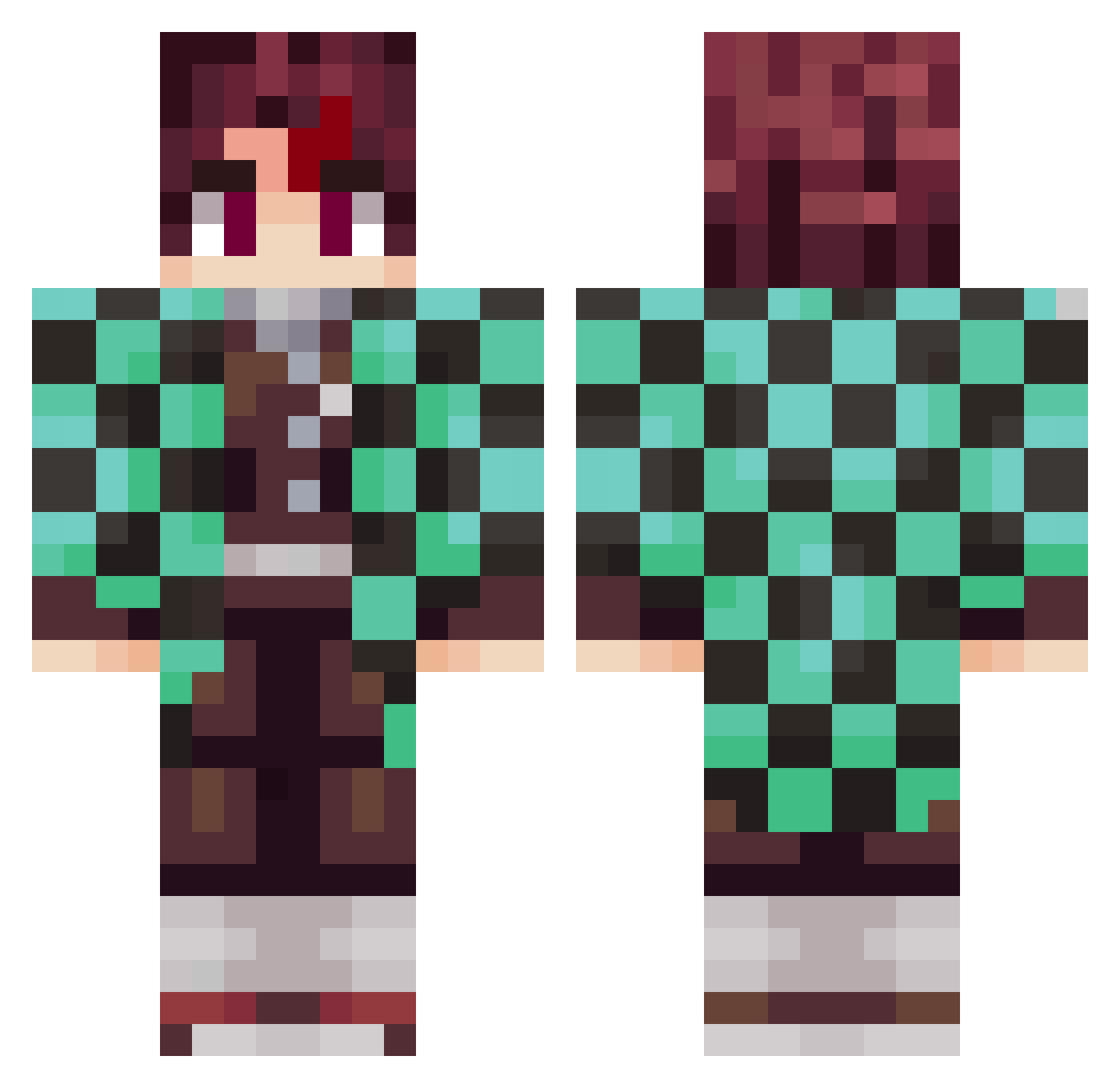
Current Minecraft skin of the player Tanjibear, loaded from the official Mojang API. Rotate the 3D model with your mouse or finger, then download the skin as a PNG file and use it in Minecraft: Bedrock Edition or Java Edition for free. When Tanjibear changes their skin, this page updates automatically and the old skin stays in the history below.
Other players with this skin (797)
Tanjibear was the 244th player we have seen with this skin, first spotted on 24.08.2026. The same skin was seen on these players. Open a nickname to see their current skin and skin history.
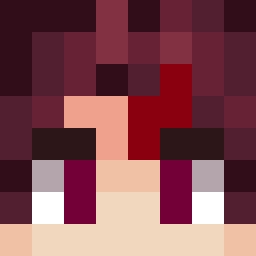 monochromesound gustavorisch Evoya Kirito_XxX
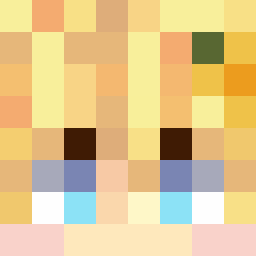 Chrome257 1Kayama S0FTHANDS ZAKONyanchu Chorbo07 ADeviousAlien letsssgoooooo ynldn Kaneypc RaineR420 virgen22 Kacahuetor2 SunnyWYS benedic_0226 Schuback Mrfatfat75 BTW_WATERMAN RedkillSwe DarthPhaeton ItsViperXD 3sasa3
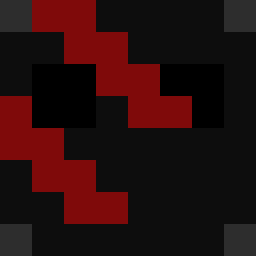 tekno_blade56433 rimaron12 H4ma Spectrouille ProSte96 WeeabooLife Powerpro10 EOLA_12 Sekir22
 Andresref
 ThisBotColtron krisudes12 ffrogayy Jbaxxx buddybray28 KordellG11 Yo_Reflection
 Gbrz13 Ottcu_420 PapiTanjiro pedroger5 jahkiya SharkGamer18 Cuteman35 AYO0325 natsu__345 THEBALBIN CagdasTb SebasFCDB ProtronGamerz Shesed Slimeslattt 5e__ Markus5506 enatsuki94
More Tanjiro Kamado Minecraft skins
See all 388 Tanjiro Kamado skins
How to install the Tanjibear skin
- Press the Download button above to save the skin as a PNG file.
- Minecraft: Bedrock Edition (PE): open the Dressing Room from the main menu (or tap your character → Edit Character), go to Classic Skins → Owned, press the + (new skin) button, choose the downloaded PNG and pick the Classic (Steve) model. Works on PC and mobile; consoles cannot import custom skins.
- Minecraft: Java Edition: open the Minecraft Launcher, go to the Skins tab, click New Skin, load the PNG, pick the Classic (Steve) model and press Save & Use. You can also upload it at minecraft.net → Profile → Change Skin.
The skin does not show up after import - what should I do?
Restart Minecraft and open the Dressing Room again - imported skins sometimes appear only after a restart. Also make sure you selected the imported skin and picked the Classic (Steve) model.
Which model should I choose, Classic or Slim?
This skin is designed for the Classic (Steve) model. If you pick the wrong model, the arms of the skin will look stretched or squeezed.
Is the skin of Tanjibear free to download?
Yes. Press Download, save the PNG file and use it in Minecraft: Bedrock Edition or Java Edition - no payment or registration needed. The skin also works on multiplayer servers and Realms.
More skins
Looking for more? Go back to all Minecraft skins and check the top skins of the week, month and all time, or find any player's skin by nickname.