
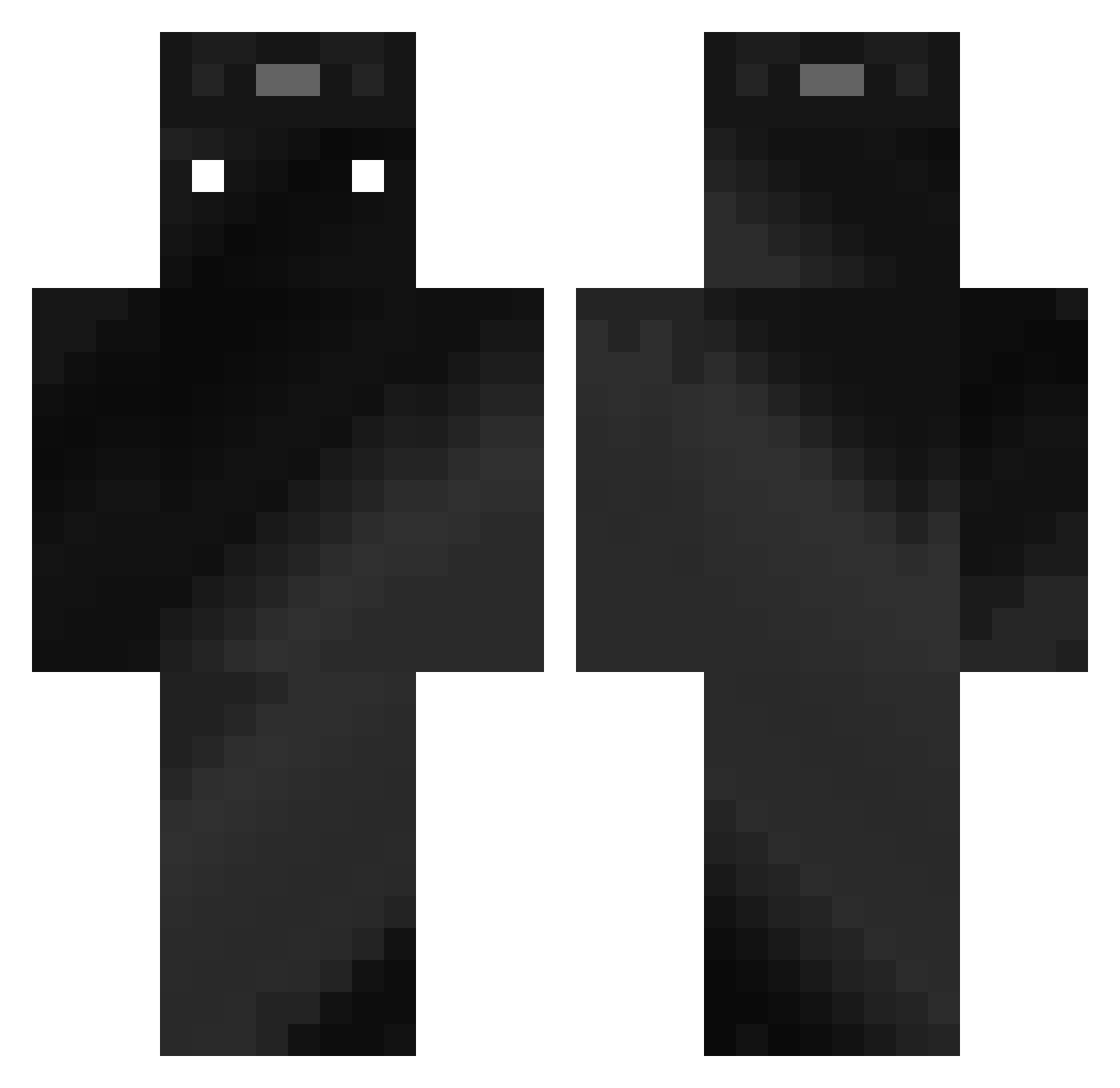
Current Minecraft skin of the player TanZ124, loaded from the official Mojang API. Rotate the 3D model with your mouse or finger, then download the skin as a PNG file and use it in Minecraft: Bedrock Edition or Java Edition for free. When TanZ124 changes their skin, this page updates automatically and the old skin stays in the history below.
Other players with this skin (311)
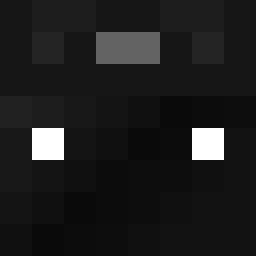
TanZ124 was the 171st player we have seen with this skin, first spotted on 15.09.2026. The same skin was seen on these players. Open a nickname to see their current skin and skin history.
 LTY10 m6757j Obaidita15 R3cklezz Itz_Jim112 denis240615 Jettssy jaaron137 SunnyY70 Quadict CommanderBortus nosoy333 Zywuer Driver_67 JaredRC gusenl ExarRoman SamuelBenji P1T3R__ myselle ThorTheThor Alprensenguun TristanPuskas PsychoThings ndham Daitus Priceyy1 _IamOnur_ Florianos03 Z4ck_x FFMilo GlaGlaGaGa JohanTG0708 ClownLee_ onlyol JJerry2 M0rd_ka GilMC09 6ixedBadoo DarkJokerNL bentley2610 Genius_sxy grasssi jefflee sollua2302 flomirr javs83 DrafT_PhunK Alsoanapple URLOCALHYPERINON kingston1221 _Shiesuta Kuxet _MAFKJ_ arm6088 StarryFoil44751 SteezyMisk Killerhund11 halo7719 SYMKnull
How to install the TanZ124 skin
- Press the Download button above to save the skin as a PNG file.
- Minecraft: Bedrock Edition (PE): open the Dressing Room from the main menu (or tap your character → Edit Character), go to Classic Skins → Owned, press the + (new skin) button, choose the downloaded PNG and pick the Classic (Steve) model. Works on PC and mobile; consoles cannot import custom skins.
- Minecraft: Java Edition: open the Minecraft Launcher, go to the Skins tab, click New Skin, load the PNG, pick the Classic (Steve) model and press Save & Use. You can also upload it at minecraft.net → Profile → Change Skin.
The skin does not show up after import - what should I do?
Restart Minecraft and open the Dressing Room again - imported skins sometimes appear only after a restart. Also make sure you selected the imported skin and picked the Classic (Steve) model.
Which model should I choose, Classic or Slim?
This skin is designed for the Classic (Steve) model. If you pick the wrong model, the arms of the skin will look stretched or squeezed.
Is the skin of TanZ124 free to download?
Yes. Press Download, save the PNG file and use it in Minecraft: Bedrock Edition or Java Edition - no payment or registration needed. The skin also works on multiplayer servers and Realms.
More skins
Looking for more? Go back to all Minecraft skins and check the top skins of the week, month and all time, or find any player's skin by nickname.