
TammenBaum - Minecraft Skins & Skin History
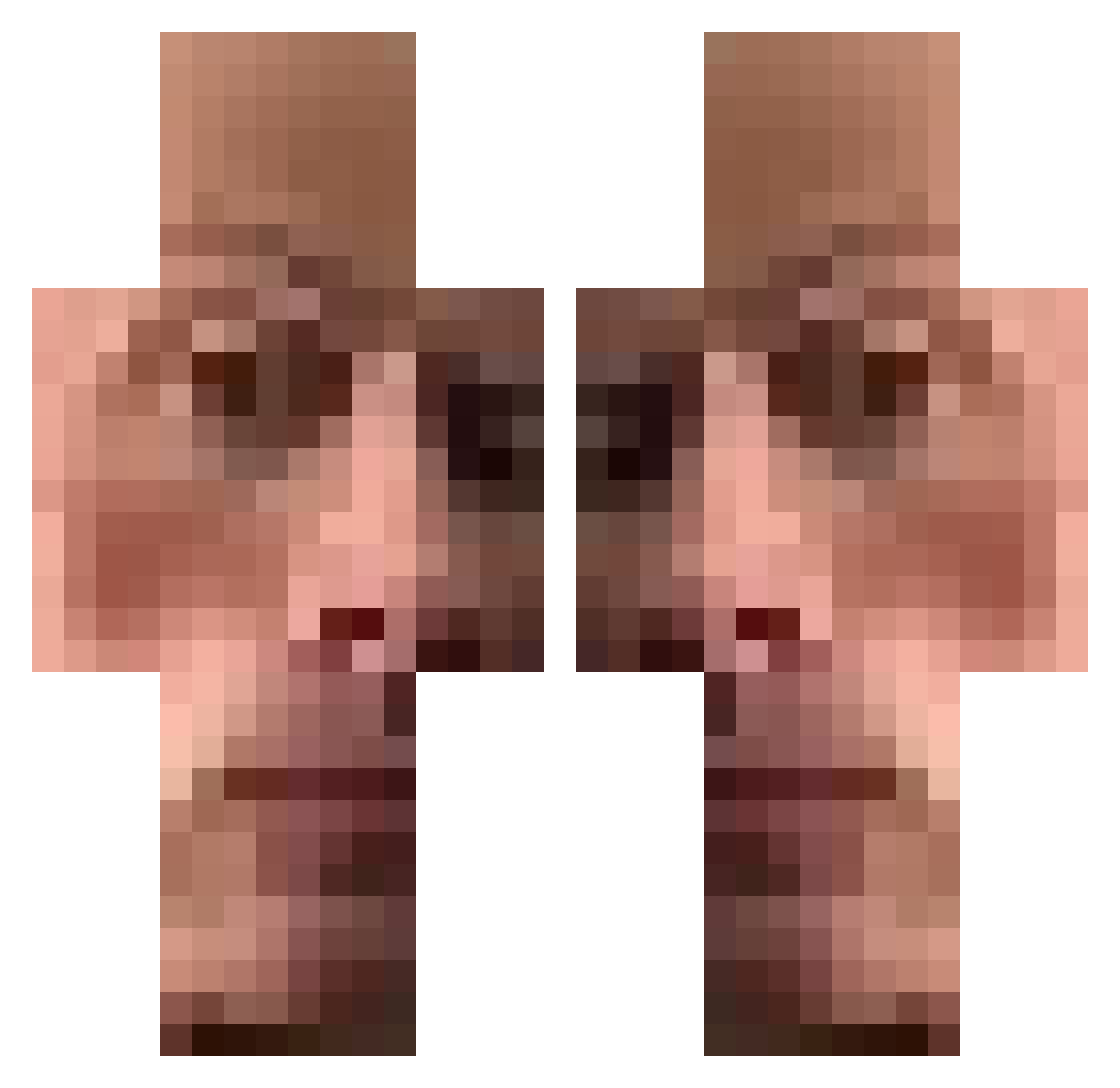
Current Minecraft skin of the player TammenBaum, loaded from the official Mojang API. Rotate the 3D model with your mouse or finger, then download the skin as a PNG file and use it in Minecraft: Bedrock Edition or Java Edition for free. When TammenBaum changes their skin, this page updates automatically and the old skin stays in the history below.
Other players with this skin (442)
TammenBaum was the 407th player we have seen with this skin, first spotted on 23.10.2026. The same skin was seen on these players. Open a nickname to see their current skin and skin history.
 LeanyTT1 DjSiuras Hektor098 YungCrystalMeth mumpig96 AlexKS36 Yago2450 ThinkJacky SrKold zdaxpro Vadillu Darkubik01 TheReaLuca_ ArthurSidrim TaktischerKurde Maulaf1 lowe____ ChazBowkett park_jh1128 Doctorwho42069 SHADOWBLADE2911 Suah1 mippothehippo LUISMIVA08 Holyroadkill NigdrisElba Ilija45 Popochka_3 Kontworm69 Ismaelrc Cornecke daisuki_xu DarkCreeper19 Tulumbaci Yunocchhi geladeira123 Daddycheessse Shovvy RequeiJao21 Scoopyz sAnTi_16 Bazy96 dirrenmedfirren wybooy Alonsonoro xaimegf MIC_wwqpwHX VoldemarH lageneverie ACatOWO ItsInten h3nry07 aloreq stef4nus kemelpinto Diaframma Papunirou_123 janzone thatguy326 skyman1
How to install the TammenBaum skin
- Press the Download button above to save the skin as a PNG file.
- Minecraft: Bedrock Edition (PE): open the Dressing Room from the main menu (or tap your character → Edit Character), go to Classic Skins → Owned, press the + (new skin) button, choose the downloaded PNG and pick the Classic (Steve) model. Works on PC and mobile; consoles cannot import custom skins.
- Minecraft: Java Edition: open the Minecraft Launcher, go to the Skins tab, click New Skin, load the PNG, pick the Classic (Steve) model and press Save & Use. You can also upload it at minecraft.net → Profile → Change Skin.
The skin does not show up after import - what should I do?
Restart Minecraft and open the Dressing Room again - imported skins sometimes appear only after a restart. Also make sure you selected the imported skin and picked the Classic (Steve) model.
Which model should I choose, Classic or Slim?
This skin is designed for the Classic (Steve) model. If you pick the wrong model, the arms of the skin will look stretched or squeezed.
Is the skin of TammenBaum free to download?
Yes. Press Download, save the PNG file and use it in Minecraft: Bedrock Edition or Java Edition - no payment or registration needed. The skin also works on multiplayer servers and Realms.
More skins
Looking for more? Go back to all Minecraft skins and check the top skins of the week, month and all time, or find any player's skin by nickname.