
TakeOut - Minecraft Skins & Skin History
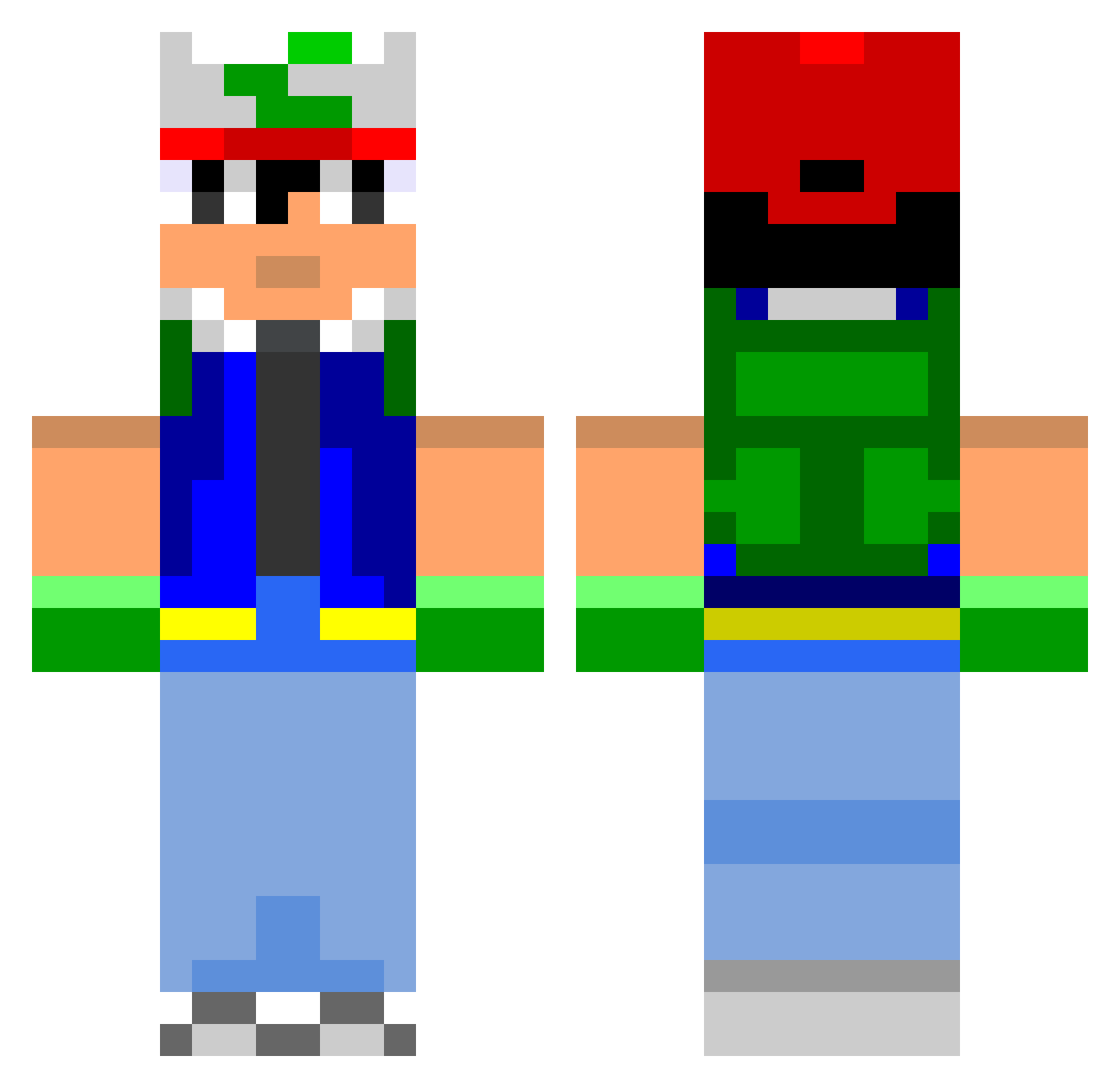
Current Minecraft skin of the player TakeOut, loaded from the official Mojang API. Rotate the 3D model with your mouse or finger, then download the skin as a PNG file and use it in Minecraft: Bedrock Edition or Java Edition for free. When TakeOut changes their skin, this page updates automatically and the old skin stays in the history below.
Other players with this skin (799)
TakeOut was the 401st player we have seen with this skin, first spotted on 22.09.2026. The same skin was seen on these players. Open a nickname to see their current skin and skin history.
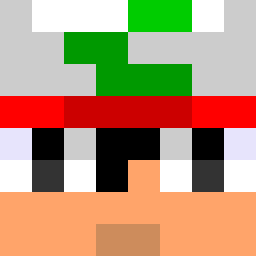 YassQuinn cerebral49 pokemans23 Poppin_Nell CEOMagnon casperdc CollinM222 pim856 txlaser RobinReiner12 _dawgy RKN01 PKRademaofskils Matthiix3 skywork2324 Nath0030 Godforbud isaac332 Cynosure2505 HarmonicAnarchy xFlyingDeathx Paddy7001 bosoxfan15 cenTreize accounter64 shamshell Deltasnail Gomfur Torm3nT SlashSurrender paaazey Thyllium gameTim_ ActualllyUnlucky archangel808 tijo62 Sebastienleroux jordan1494 Mr_Headbang Cole280 ReggaeHipHop3 Julliez Eddiecoolkid MickVoorhees Klaesson97 Lycraft powerminer152 jsteele2324 GodLands mr_happs Gabeplays_MC nolangreenberg Saosinner superdum0805 mooseboy13 MrBobcatMatt dietketchup Ashriogaia AlrightGamer Ajiia
More Ash Ketchum Minecraft skins
How to install the TakeOut skin
- Press the Download button above to save the skin as a PNG file.
- Minecraft: Bedrock Edition (PE): open the Dressing Room from the main menu (or tap your character → Edit Character), go to Classic Skins → Owned, press the + (new skin) button, choose the downloaded PNG and pick the Classic (Steve) model. Works on PC and mobile; consoles cannot import custom skins.
- Minecraft: Java Edition: open the Minecraft Launcher, go to the Skins tab, click New Skin, load the PNG, pick the Classic (Steve) model and press Save & Use. You can also upload it at minecraft.net → Profile → Change Skin.
The skin does not show up after import - what should I do?
Restart Minecraft and open the Dressing Room again - imported skins sometimes appear only after a restart. Also make sure you selected the imported skin and picked the Classic (Steve) model.
Which model should I choose, Classic or Slim?
This skin is designed for the Classic (Steve) model. If you pick the wrong model, the arms of the skin will look stretched or squeezed.
Is the skin of TakeOut free to download?
Yes. Press Download, save the PNG file and use it in Minecraft: Bedrock Edition or Java Edition - no payment or registration needed. The skin also works on multiplayer servers and Realms.
More skins
Looking for more? Go back to all Minecraft skins and check the top skins of the week, month and all time, or find any player's skin by nickname.