
Taeyang - Minecraft Skins & Skin History
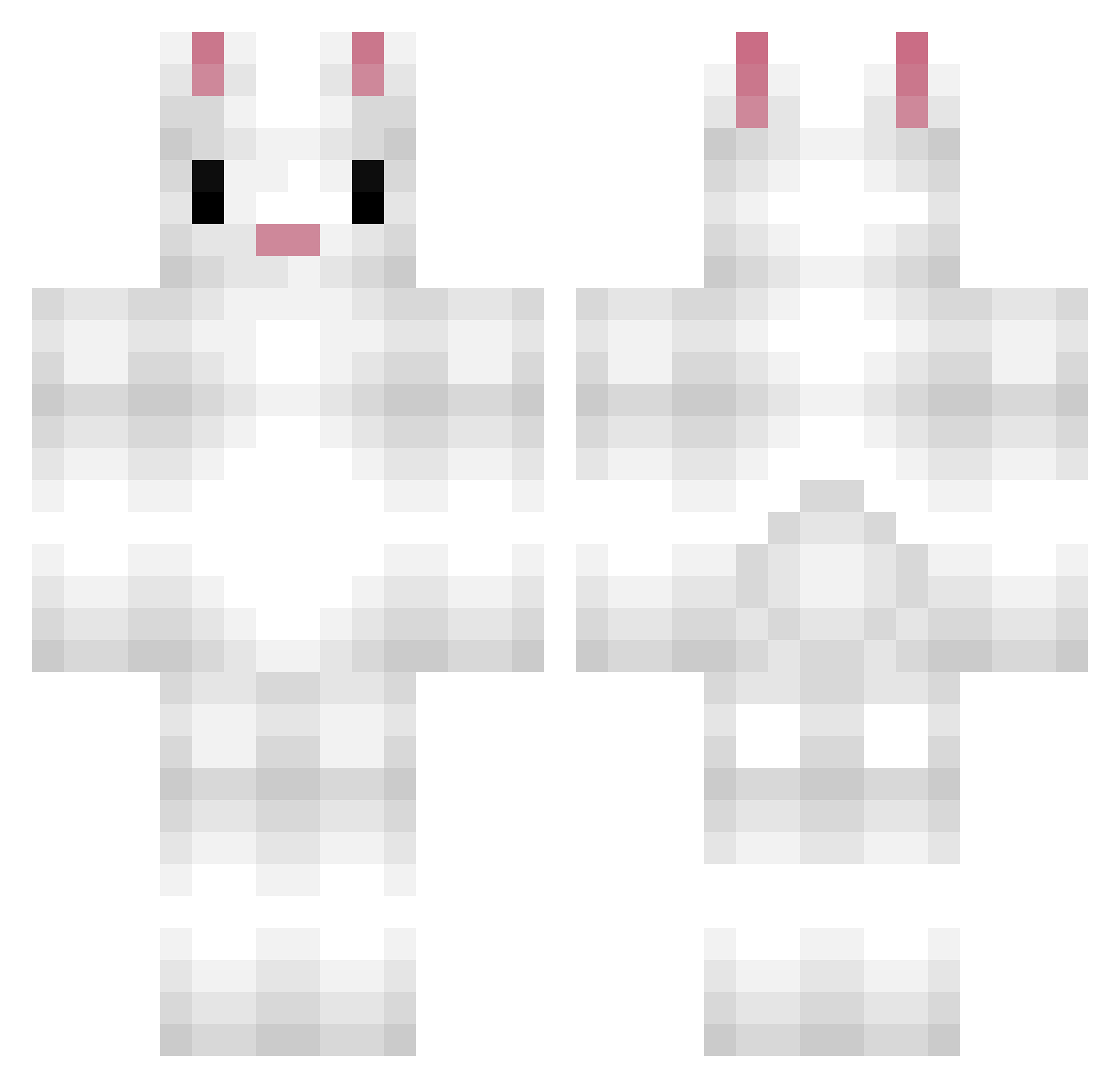
Current Minecraft skin of the player Taeyang, loaded from the official Mojang API. Rotate the 3D model with your mouse or finger, then download the skin as a PNG file and use it in Minecraft: Bedrock Edition or Java Edition for free. When Taeyang changes their skin, this page updates automatically and the old skin stays in the history below.
Other players with this skin (228)
Taeyang was the 227th player we have seen with this skin, first spotted on 18.11.2026. The same skin was seen on these players. Open a nickname to see their current skin and skin history.
 cook47007 hawkhunter99 maximillian123 JimBob9968 MondopiaCreative LapisxChicken MasterGipsy GeniusInReD thmoose_GAMEZ honeyb10 dekadenZZZ MackenzieBender Defendore Bleachings Bunnyminer82 Purinpompomm LilyMine lapinoufou12 bestpilot444 cocoshoo Akreles LordLapinouvert Sohothin4 Banksy36 Iemum Dark_Sackboy231 Morisan Ssuh Guetoss greatdanexx JacobDavis 0ceanfloor Astronaut_9 Zerizzy honeyMan13 hottytoddy1023 Peento2013 YouAreEzPz_ JulieH25 YanYee SakuraOkami Amlou Abragail Byullu iDjango__ Vanillahop _you_ni_ Miccaster Callummmm Flanpin xMajesticBacon26 lulu50005 js94567 CheeseCake315425 soooDonut yeony0212 Bsspencer s_mey rurire idas12345
More Rabbit Minecraft skins
How to install the Taeyang skin
- Press the Download button above to save the skin as a PNG file.
- Minecraft: Bedrock Edition (PE): open the Dressing Room from the main menu (or tap your character → Edit Character), go to Classic Skins → Owned, press the + (new skin) button, choose the downloaded PNG and pick the Classic (Steve) model. Works on PC and mobile; consoles cannot import custom skins.
- Minecraft: Java Edition: open the Minecraft Launcher, go to the Skins tab, click New Skin, load the PNG, pick the Classic (Steve) model and press Save & Use. You can also upload it at minecraft.net → Profile → Change Skin.
The skin does not show up after import - what should I do?
Restart Minecraft and open the Dressing Room again - imported skins sometimes appear only after a restart. Also make sure you selected the imported skin and picked the Classic (Steve) model.
Which model should I choose, Classic or Slim?
This skin is designed for the Classic (Steve) model. If you pick the wrong model, the arms of the skin will look stretched or squeezed.
Is the skin of Taeyang free to download?
Yes. Press Download, save the PNG file and use it in Minecraft: Bedrock Edition or Java Edition - no payment or registration needed. The skin also works on multiplayer servers and Realms.
More skins
Looking for more? Go back to all Minecraft skins and check the top skins of the week, month and all time, or find any player's skin by nickname.