
TWOLIGHT2 - Minecraft Skins & Skin History
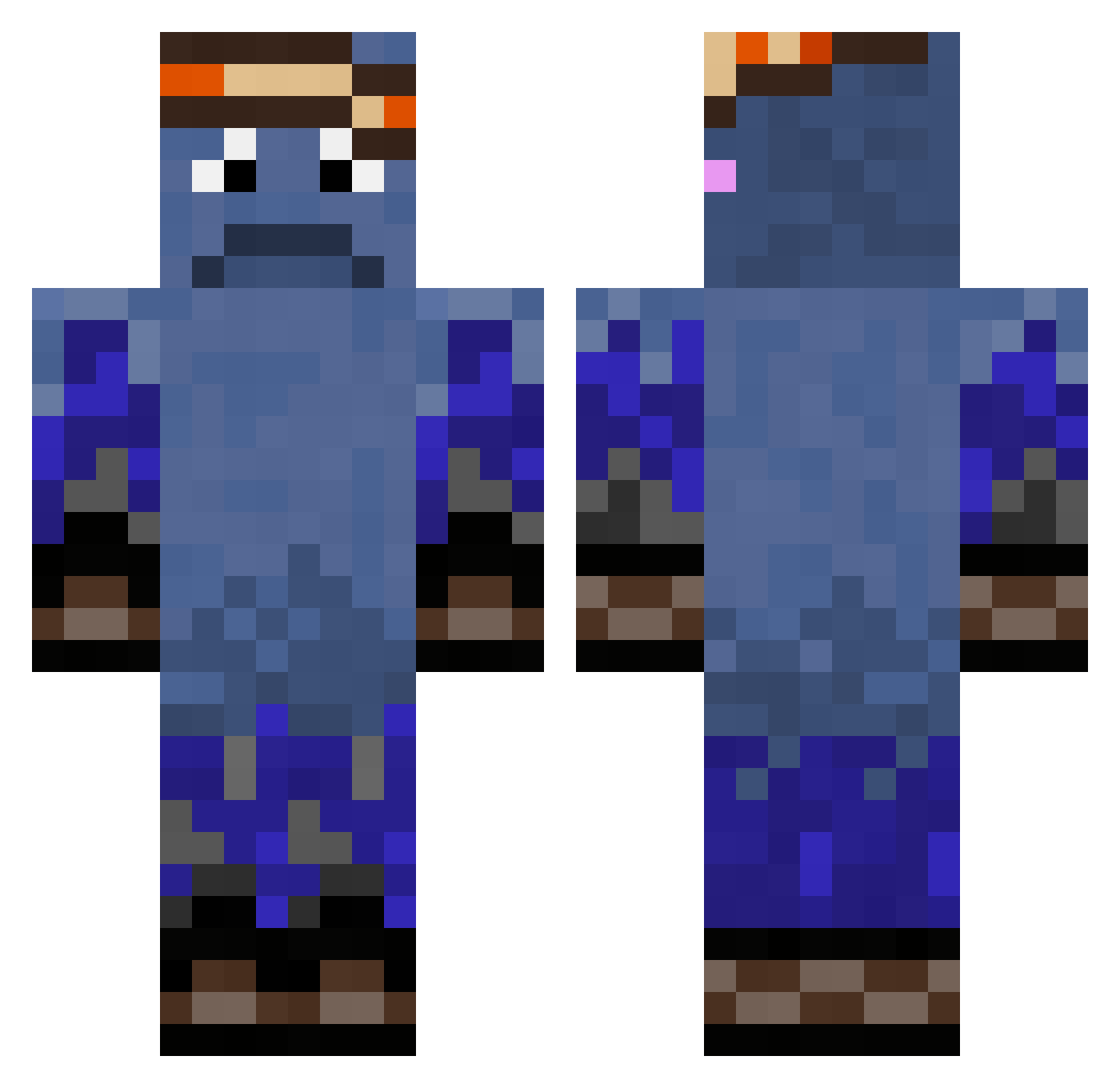
Current Minecraft skin of the player TWOLIGHT2, loaded from the official Mojang API. Rotate the 3D model with your mouse or finger, then download the skin as a PNG file and use it in Minecraft: Bedrock Edition or Java Edition for free. When TWOLIGHT2 changes their skin, this page updates automatically and the old skin stays in the history below.
Other players with this skin (324)
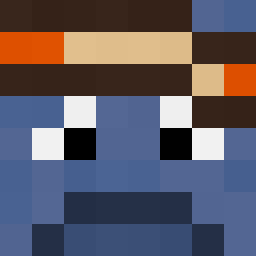
TWOLIGHT2 was the 200th player we have seen with this skin, first spotted on 28.09.2026. The same skin was seen on these players. Open a nickname to see their current skin and skin history.
 SparkPlugFighter dxnielr23 JOJOYOUCHAN Bababoey_ Cloud_Walker1 EkelhafterElch sophia981212 UwUEMLady Clooudstrike ___Chihiro__ Inruth CS2463 Lilay_00 Jossi7096 SleepiyJoe125062 ImKiqe AppleCircle HeldOpSlippers mrBA_SAR Funkyihdd Ivan_Zolo_2004 zetzel ScoobysDoobies D3S1REDP cammm777 WifiDisciple shedletskey mokkaa_on Kariiizma Holundersirup1 Aruveth STARKANE AdlerRush nklz00 6ixB MinecraftTNT173 alt_tab704 Mattia7347 emil361 whereisjaxon McGoblin99 RusTik17 OrtizTrucker Levasho_ Ada_Monster Harapiplo475 lyndonnn Blackkayz92 Luccrew GoneRetaker Vlad_65 NaRcii iamacarwasher PandaAwesome123 toastbrot9990238 0syfa prakaliukas dysonpro5678 Axe1nity theson21
How to install the TWOLIGHT2 skin
- Press the Download button above to save the skin as a PNG file.
- Minecraft: Bedrock Edition (PE): open the Dressing Room from the main menu (or tap your character → Edit Character), go to Classic Skins → Owned, press the + (new skin) button, choose the downloaded PNG and pick the Classic (Steve) model. Works on PC and mobile; consoles cannot import custom skins.
- Minecraft: Java Edition: open the Minecraft Launcher, go to the Skins tab, click New Skin, load the PNG, pick the Classic (Steve) model and press Save & Use. You can also upload it at minecraft.net → Profile → Change Skin.
The skin does not show up after import - what should I do?
Restart Minecraft and open the Dressing Room again - imported skins sometimes appear only after a restart. Also make sure you selected the imported skin and picked the Classic (Steve) model.
Which model should I choose, Classic or Slim?
This skin is designed for the Classic (Steve) model. If you pick the wrong model, the arms of the skin will look stretched or squeezed.
Is the skin of TWOLIGHT2 free to download?
Yes. Press Download, save the PNG file and use it in Minecraft: Bedrock Edition or Java Edition - no payment or registration needed. The skin also works on multiplayer servers and Realms.
More skins
Looking for more? Go back to all Minecraft skins and check the top skins of the week, month and all time, or find any player's skin by nickname.