
TTvZeleph - Minecraft Skins & Skin History
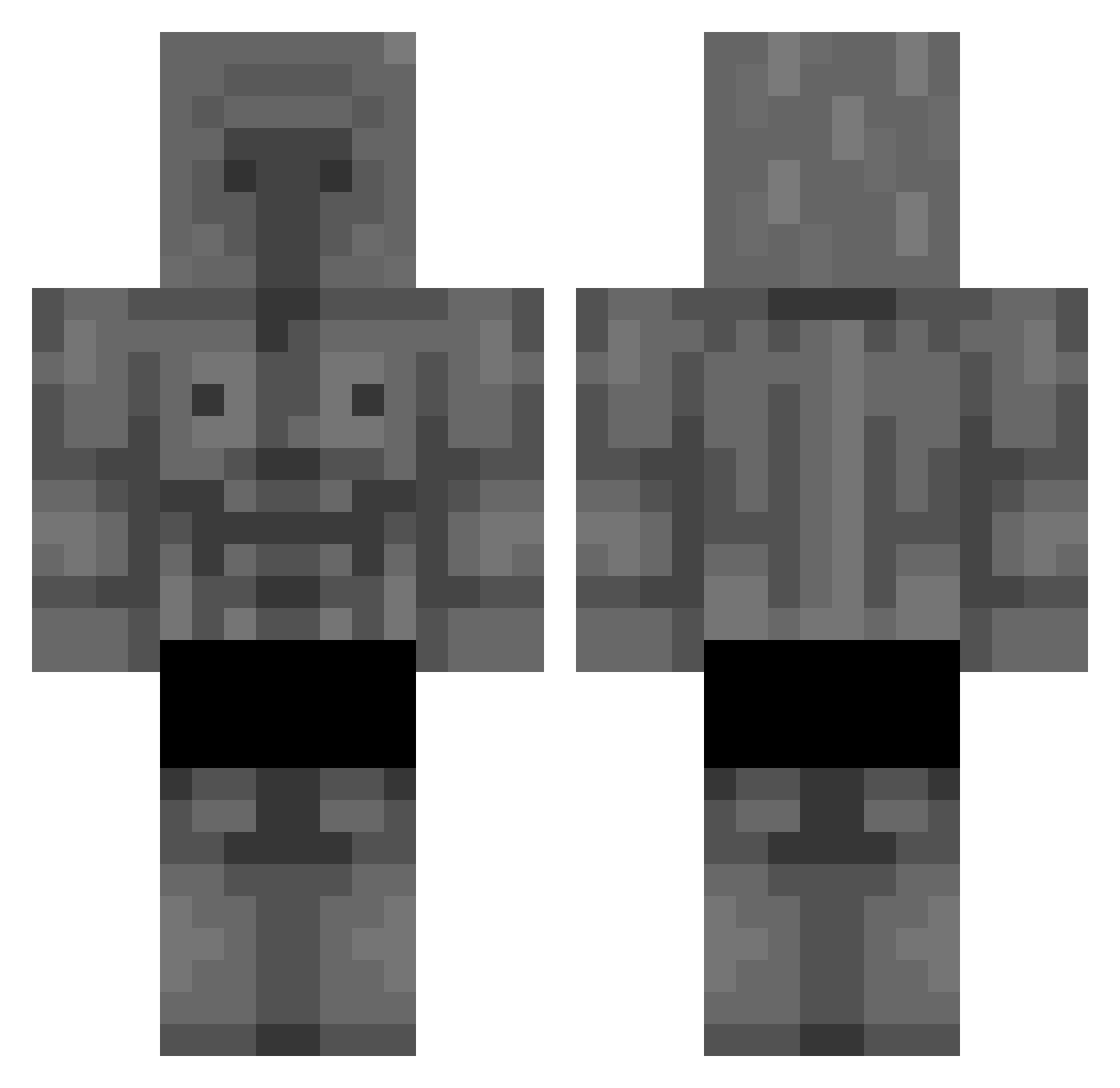
Current Minecraft skin of the player TTvZeleph, loaded from the official Mojang API. Rotate the 3D model with your mouse or finger, then download the skin as a PNG file and use it in Minecraft: Bedrock Edition or Java Edition for free. When TTvZeleph changes their skin, this page updates automatically and the old skin stays in the history below.
Other players with this skin (294)
TTvZeleph was the 221st player we have seen with this skin, first spotted on 15.10.2026. The same skin was seen on these players. Open a nickname to see their current skin and skin history.
 Diegalloh 0zkuz L_Inosuke_l 1_2_1_1_1 CZZTO Aldresco Meguw123 Jiniu C4_Creator dchop ZePiriquito Peazy_E Sigmabara WadWill J0mpp3 JEMCON xXWOLFX Chrixs77 KingCapybara777 stealthNerd applesomehow dabloxxx Chinnchiira LuckyDucker leetfeet ColdBoi3070 sqiqs AcePeter3 pak231 AlexLePepito Usoap RowdyHickory Codrut2 RhoRho1717 joseharo2468 Capybaro4ka228 Dugwu QiritoQ GlobalLaxer kapibara222 _Croow_ Capybr Dragonpower2013 Epoc_Dude Marcrack56 blackpanther3727 takoyakikum Kyntoshi Lirr1 XiaoBikkieTW Bam_bo Cristo_Rey106 AbdulGigaChad bigchesy Black999O SwagonBallZ Savedan Mauczi ItsNycxo SuperSonic228
More Stone Golem Minecraft skins
How to install the TTvZeleph skin
- Press the Download button above to save the skin as a PNG file.
- Minecraft: Bedrock Edition (PE): open the Dressing Room from the main menu (or tap your character → Edit Character), go to Classic Skins → Owned, press the + (new skin) button, choose the downloaded PNG and pick the Classic (Steve) model. Works on PC and mobile; consoles cannot import custom skins.
- Minecraft: Java Edition: open the Minecraft Launcher, go to the Skins tab, click New Skin, load the PNG, pick the Classic (Steve) model and press Save & Use. You can also upload it at minecraft.net → Profile → Change Skin.
The skin does not show up after import - what should I do?
Restart Minecraft and open the Dressing Room again - imported skins sometimes appear only after a restart. Also make sure you selected the imported skin and picked the Classic (Steve) model.
Which model should I choose, Classic or Slim?
This skin is designed for the Classic (Steve) model. If you pick the wrong model, the arms of the skin will look stretched or squeezed.
Is the skin of TTvZeleph free to download?
Yes. Press Download, save the PNG file and use it in Minecraft: Bedrock Edition or Java Edition - no payment or registration needed. The skin also works on multiplayer servers and Realms.
More skins
Looking for more? Go back to all Minecraft skins and check the top skins of the week, month and all time, or find any player's skin by nickname.