
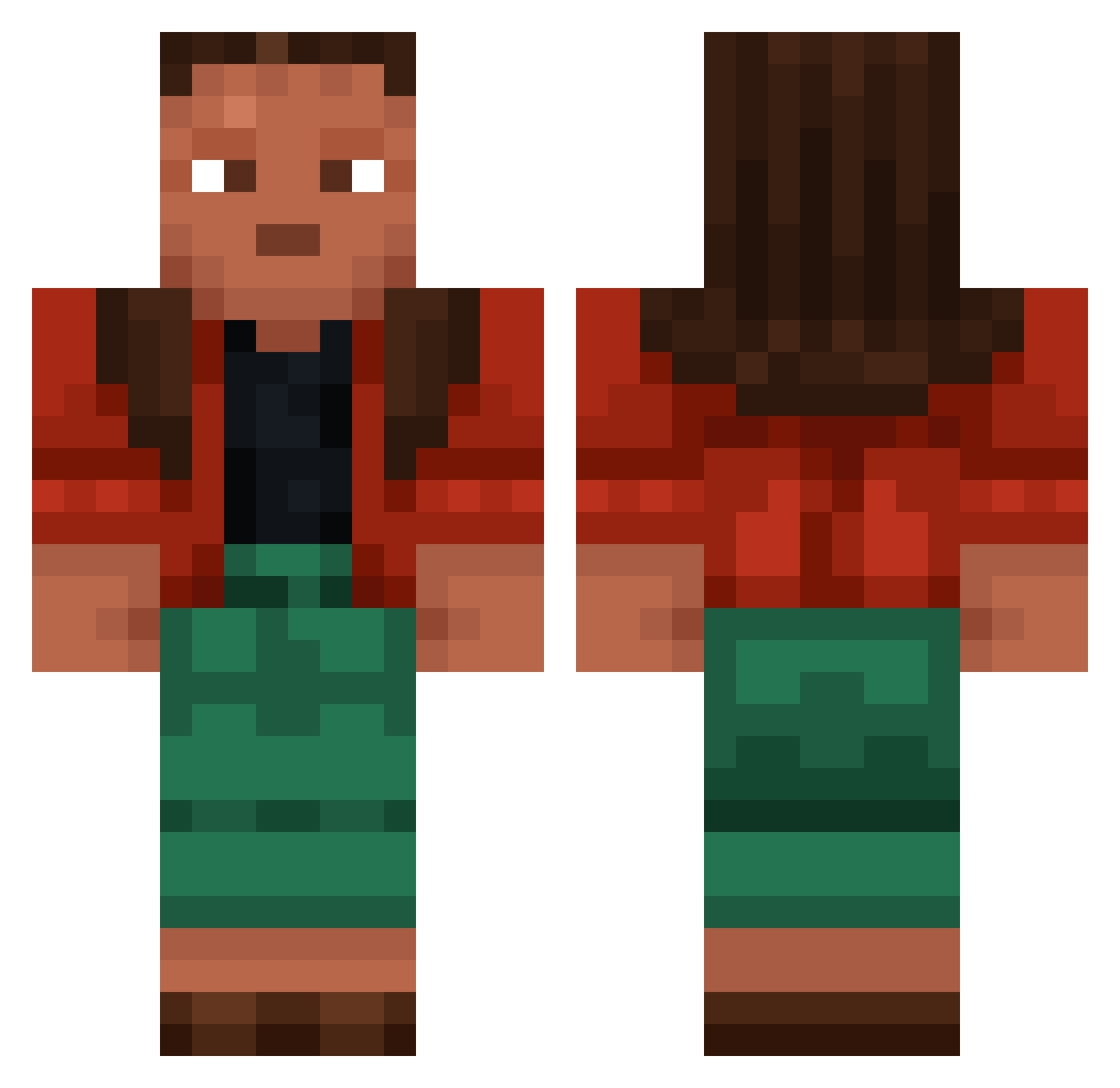
Current Minecraft skin of the player TIMAWA, loaded from the official Mojang API. Rotate the 3D model with your mouse or finger, then download the skin as a PNG file and use it in Minecraft: Bedrock Edition or Java Edition for free. When TIMAWA changes their skin, this page updates automatically and the old skin stays in the history below.
Other players with this skin (765)
TIMAWA was the 41st player we have seen with this skin, first spotted on 27.07.2026. The same skin was seen on these players. Open a nickname to see their current skin and skin history.
 TheDutchBlockGuy rebinds meat Crosscuts jul79 Impactful Finicky Mallows ar41js Emunctory HardHeaded Simsek_Eren WildRabbit203 Graders adeep Dzo UnFishable Mataco x_Wingman AkameSaoFt Bracked Ulsterman Dozing zark100 Deliquesced
 Frazzle201 Beeez Buzzyboy072 Refigure Pincpinc libertine ginglymus Creatinin Encephalon Gemels Karsha Vaulter urkonomato Intimacy KAPH UnStripped Fopped thtbluem3 CuzImFix WhiteG MistermacmanX2 _ab Joshhka styles_k letyecia PAEDIATRICIAN
 doughlike Thilly Amazer laudes dictatory zogang1010 Risko829 NeoCubist snowcrows
More Moana Minecraft skins
How to install the TIMAWA skin
- Press the Download button above to save the skin as a PNG file.
- Minecraft: Bedrock Edition (PE): open the Dressing Room from the main menu (or tap your character → Edit Character), go to Classic Skins → Owned, press the + (new skin) button, choose the downloaded PNG and pick the Classic (Steve) model. Works on PC and mobile; consoles cannot import custom skins.
- Minecraft: Java Edition: open the Minecraft Launcher, go to the Skins tab, click New Skin, load the PNG, pick the Classic (Steve) model and press Save & Use. You can also upload it at minecraft.net → Profile → Change Skin.
The skin does not show up after import - what should I do?
Restart Minecraft and open the Dressing Room again - imported skins sometimes appear only after a restart. Also make sure you selected the imported skin and picked the Classic (Steve) model.
Which model should I choose, Classic or Slim?
This skin is designed for the Classic (Steve) model. If you pick the wrong model, the arms of the skin will look stretched or squeezed.
Is the skin of TIMAWA free to download?
Yes. Press Download, save the PNG file and use it in Minecraft: Bedrock Edition or Java Edition - no payment or registration needed. The skin also works on multiplayer servers and Realms.
More skins
Looking for more? Go back to all Minecraft skins and check the top skins of the week, month and all time, or find any player's skin by nickname.