
Sv1nec - Minecraft Skins & Skin History
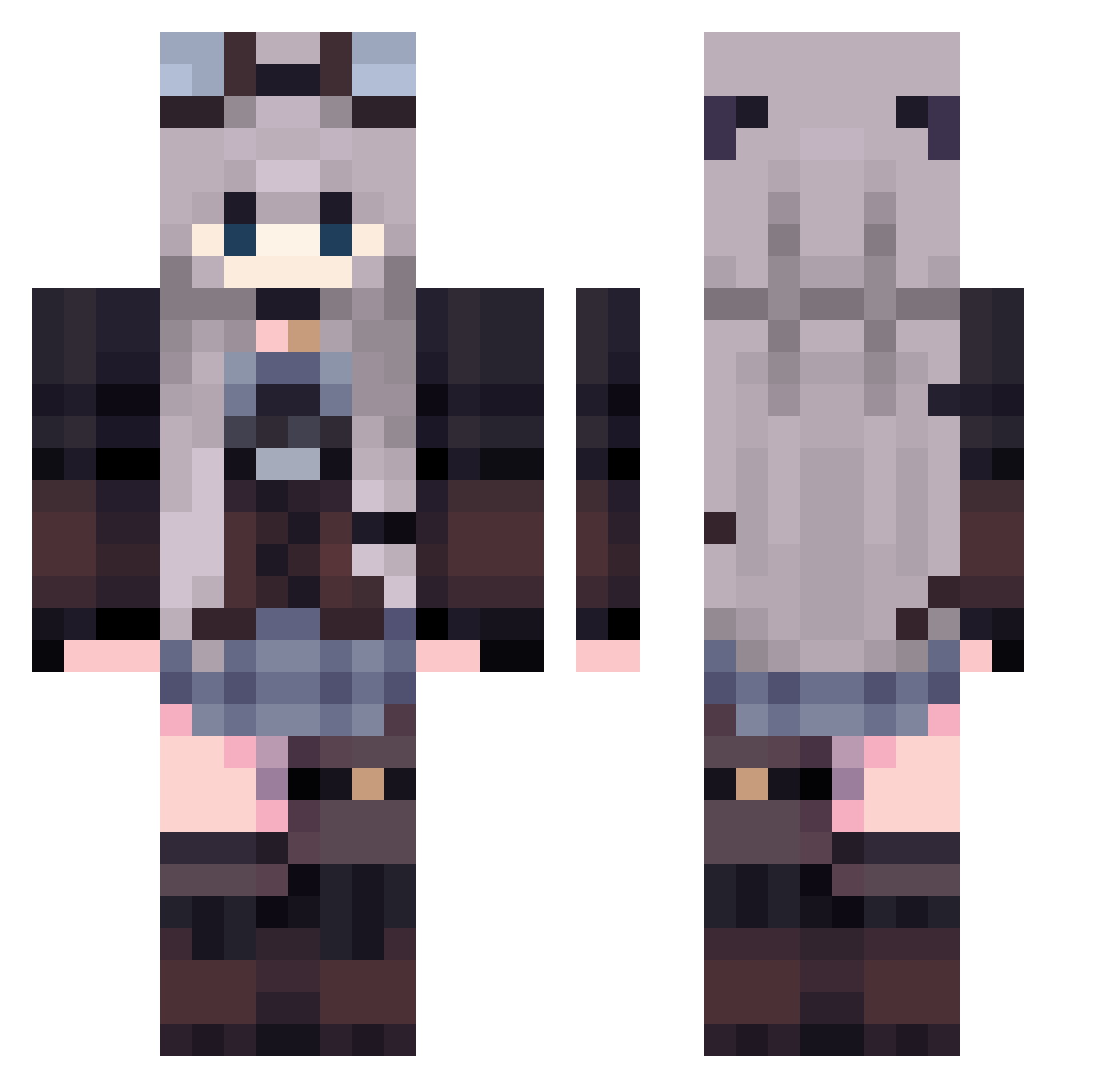
Current Minecraft skin of the player Sv1nec, loaded from the official Mojang API. Rotate the 3D model with your mouse or finger, then download the skin as a PNG file and use it in Minecraft: Bedrock Edition or Java Edition for free. When Sv1nec changes their skin, this page updates automatically and the old skin stays in the history below.
Other players with this skin (419)
Sv1nec was the 361st player we have seen with this skin, first spotted on 19.10.2026. The same skin was seen on these players. Open a nickname to see their current skin and skin history.
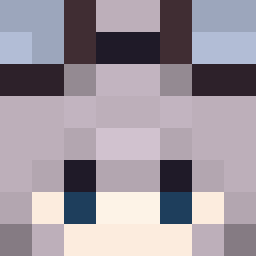 NhoaLegal aqua0303 Nanananomi Asuk1_ xsy2005 Saviour085 jkalma Yuna1742 Avothic uu07 Poneking aaaa0 Dalila_22 Jm236951 onigiridayo001 Eeveeknight5134 kotatuF91 xiuzhu11 ssing_01 cinnablank ObeLynx SEVEN6604 Pijamers p1kme Lily_ily yongverse Menshu nimowu08 M4nd4rinka Crxe Mikudesuwa Nyxi_oliv MidnightMinerva SINORIMI RoseliarR XxCrystalxX1 skyfly6666 Blackberry_841 ZCY121 p3nci1 Miillu EXMMX MCCaitlyn_ Lanlan2008 Nari0714 Zhiiwan Sunfir3 GYYJ Demezel _N40 liqianqu Puffy_Bee restylemon Wacko9031 Noctis_Fenris thyra27 esnous Hibriss123 _Collei moonlight_1031
More Steampunk Minecraft skins
How to install the Sv1nec skin
- Press the Download button above to save the skin as a PNG file.
- Minecraft: Bedrock Edition (PE): open the Dressing Room from the main menu (or tap your character → Edit Character), go to Classic Skins → Owned, press the + (new skin) button, choose the downloaded PNG and pick the Classic (Steve) model. Works on PC and mobile; consoles cannot import custom skins.
- Minecraft: Java Edition: open the Minecraft Launcher, go to the Skins tab, click New Skin, load the PNG, pick the Classic (Steve) model and press Save & Use. You can also upload it at minecraft.net → Profile → Change Skin.
The skin does not show up after import - what should I do?
Restart Minecraft and open the Dressing Room again - imported skins sometimes appear only after a restart. Also make sure you selected the imported skin and picked the Classic (Steve) model.
Which model should I choose, Classic or Slim?
This skin is designed for the Classic (Steve) model. If you pick the wrong model, the arms of the skin will look stretched or squeezed.
Is the skin of Sv1nec free to download?
Yes. Press Download, save the PNG file and use it in Minecraft: Bedrock Edition or Java Edition - no payment or registration needed. The skin also works on multiplayer servers and Realms.
More skins
Looking for more? Go back to all Minecraft skins and check the top skins of the week, month and all time, or find any player's skin by nickname.