
Step_Uncle - Minecraft Skins & Skin History
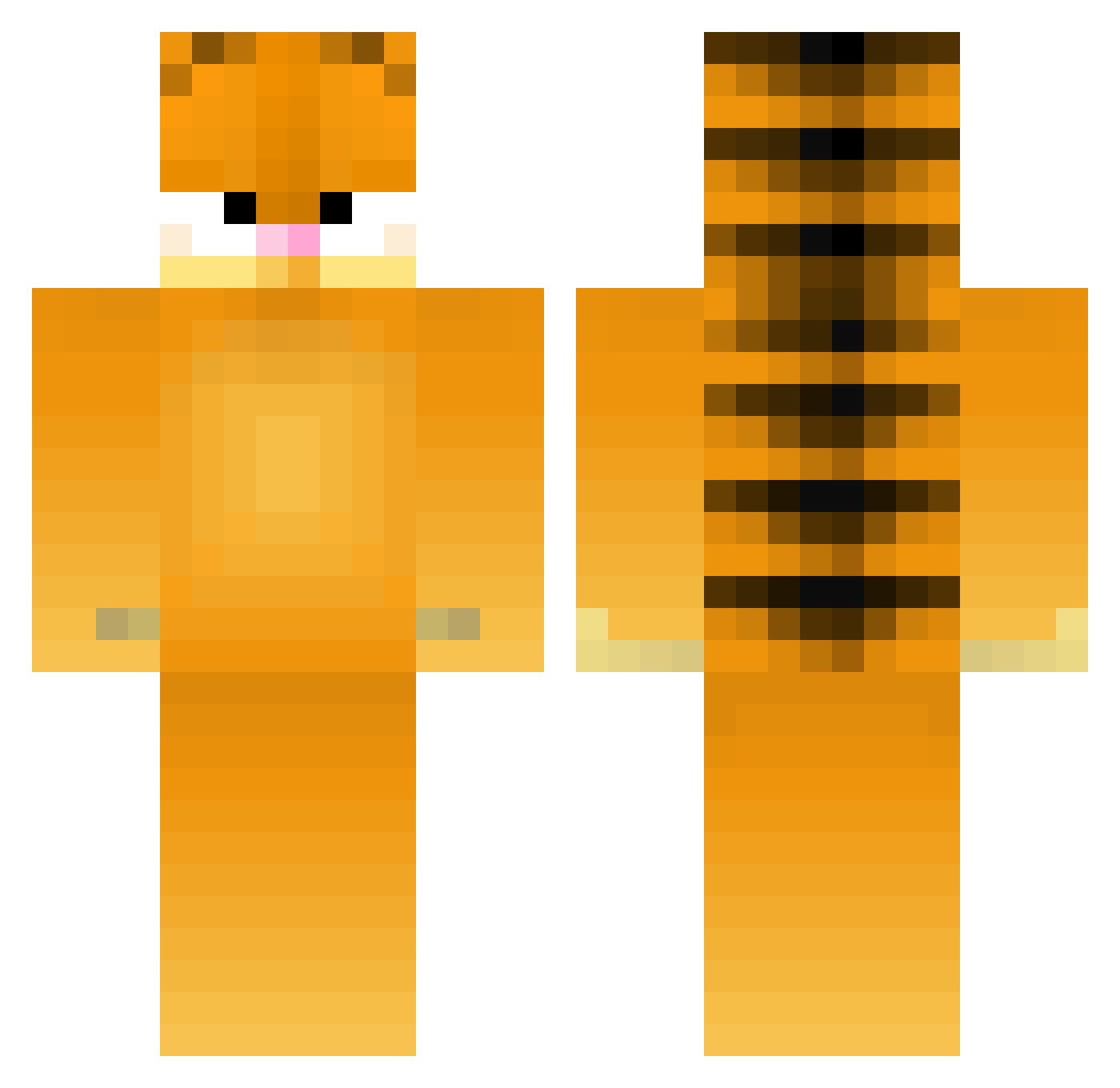
Current Minecraft skin of the player Step_Uncle, loaded from the official Mojang API. Rotate the 3D model with your mouse or finger, then download the skin as a PNG file and use it in Minecraft: Bedrock Edition or Java Edition for free. When Step_Uncle changes their skin, this page updates automatically and the old skin stays in the history below.
Other players with this skin (394)
Step_Uncle was the 115th player we have seen with this skin, first spotted on 29.08.2026. The same skin was seen on these players. Open a nickname to see their current skin and skin history.
 Claymoose Deswoo DamiDoodles pnties tttcc09 GuuG MTey rubyonly233 Demcheese69 mutterbutterkiwi ppotui SharksPJ Tajmon12 shortyxvibes drunkfunk01 swift_sword Coleslaw69 PiotrBerkoski3G Agoni_tears Sharkalone aprilm20 sukki1820 Rapidshottz duck_merchant quojas Halloween_BeAr obxcs motou_bimotu 420Garfield belengarrido CHAENNY_ eggsovereasy1 Malibu_Panda PatCatStar Shyguy71 DubyDuby Jdurs PsychWolf78 ByeBowie Spatula5505 Rizadon_Rekkuza bigbopper9 Treebur predax_mega megegegan Large_Lad_ aislingnx Reilwen zhuge1 akara92 caballerov Joeiiii1 Tastypuff fufuzoo _Linkc VortexCookie6 PhantomGamer1001 Gipson Aster86 Joooony
More Garfield Minecraft skins
How to install the Step_Uncle skin
- Press the Download button above to save the skin as a PNG file.
- Minecraft: Bedrock Edition (PE): open the Dressing Room from the main menu (or tap your character → Edit Character), go to Classic Skins → Owned, press the + (new skin) button, choose the downloaded PNG and pick the Classic (Steve) model. Works on PC and mobile; consoles cannot import custom skins.
- Minecraft: Java Edition: open the Minecraft Launcher, go to the Skins tab, click New Skin, load the PNG, pick the Classic (Steve) model and press Save & Use. You can also upload it at minecraft.net → Profile → Change Skin.
The skin does not show up after import - what should I do?
Restart Minecraft and open the Dressing Room again - imported skins sometimes appear only after a restart. Also make sure you selected the imported skin and picked the Classic (Steve) model.
Which model should I choose, Classic or Slim?
This skin is designed for the Classic (Steve) model. If you pick the wrong model, the arms of the skin will look stretched or squeezed.
Is the skin of Step_Uncle free to download?
Yes. Press Download, save the PNG file and use it in Minecraft: Bedrock Edition or Java Edition - no payment or registration needed. The skin also works on multiplayer servers and Realms.
More skins
Looking for more? Go back to all Minecraft skins and check the top skins of the week, month and all time, or find any player's skin by nickname.