
StarJun_ - Minecraft Skins & Skin History
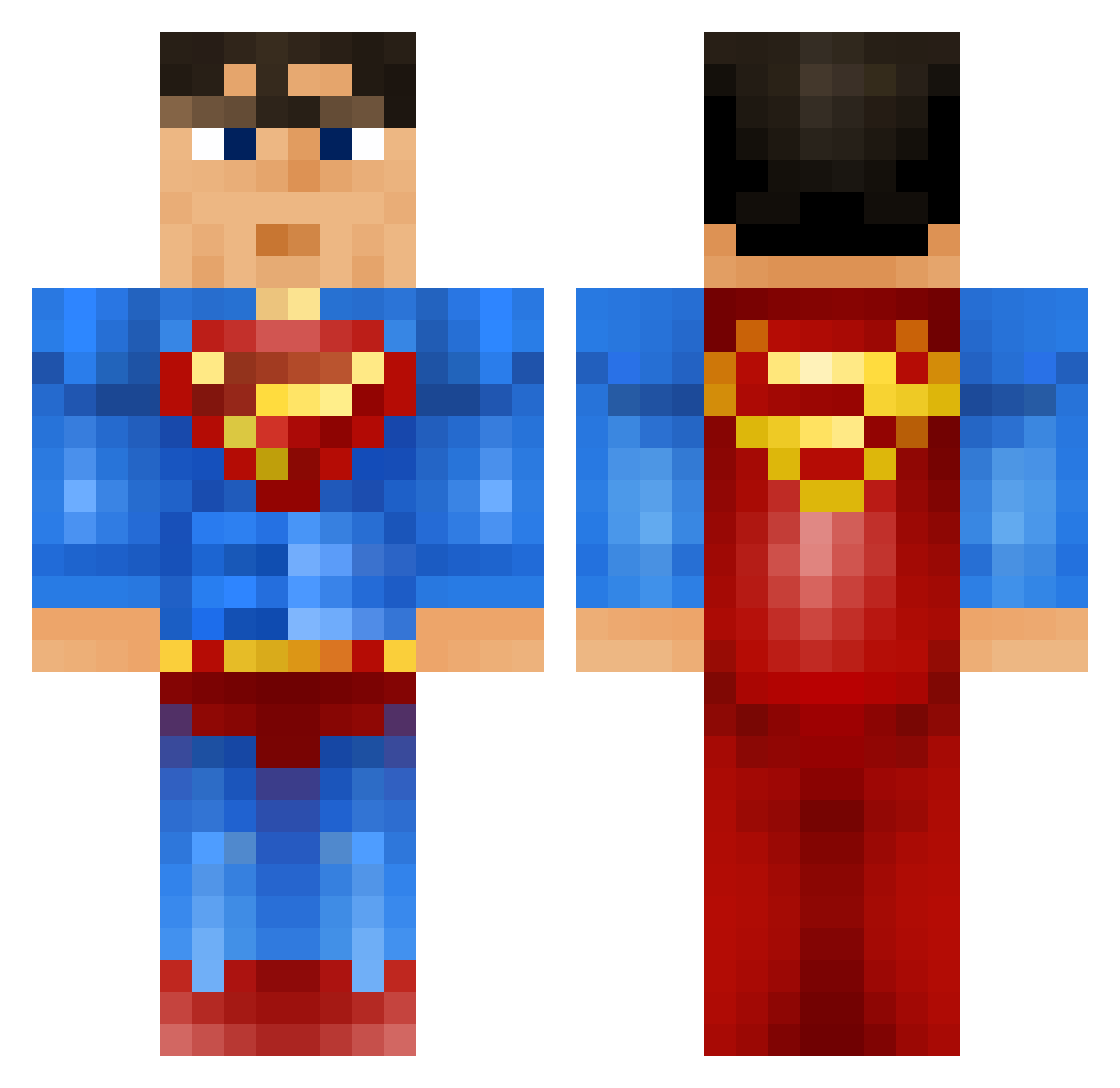
Current Minecraft skin of the player StarJun_, loaded from the official Mojang API. Rotate the 3D model with your mouse or finger, then download the skin as a PNG file and use it in Minecraft: Bedrock Edition or Java Edition for free. When StarJun_ changes their skin, this page updates automatically and the old skin stays in the history below.
Other players with this skin (919)
StarJun_ was the 500th player we have seen with this skin, first spotted on 24.09.2026. The same skin was seen on these players. Open a nickname to see their current skin and skin history.
 SuperiorP lassi_FINx asraiguy Sonnyweston Hemelhornet Gisinalol camister2003 99_Storm Gangrag Goodman5413 Azza2005 MattBean Mandrew82 HEROICNOBLE Dado67 MBosch1984 Williamleo27 JamieDodger3000 TomCrafter6180 soccerbeast33 Maxime14Oscar Sunshined77 fsugio JesusVarFralsare ag3ag3 marvls superthompson777 loumcg Svelbeard jcsong mekker123 hawaiicrazed MrJMe AwYeahMax Koolguy443 GreesekCZ Shvtz Ryujin333 angrygamer4151 MCEjner PhilipLukas123 Super_Tom jensenwong Martinmart12 polarbearjon1 Cohen26 Dinga99 elisabeth1910 opticeye2002 Steelers2243 trombonehero IceyLuke Heyyysimon kevin0004 captoll12 Mrpacman2636 Simonsen10 DCPhil72 10Bball shayamarika
More Superman Minecraft skins
How to install the StarJun_ skin
- Press the Download button above to save the skin as a PNG file.
- Minecraft: Bedrock Edition (PE): open the Dressing Room from the main menu (or tap your character → Edit Character), go to Classic Skins → Owned, press the + (new skin) button, choose the downloaded PNG and pick the Classic (Steve) model. Works on PC and mobile; consoles cannot import custom skins.
- Minecraft: Java Edition: open the Minecraft Launcher, go to the Skins tab, click New Skin, load the PNG, pick the Classic (Steve) model and press Save & Use. You can also upload it at minecraft.net → Profile → Change Skin.
The skin does not show up after import - what should I do?
Restart Minecraft and open the Dressing Room again - imported skins sometimes appear only after a restart. Also make sure you selected the imported skin and picked the Classic (Steve) model.
Which model should I choose, Classic or Slim?
This skin is designed for the Classic (Steve) model. If you pick the wrong model, the arms of the skin will look stretched or squeezed.
Is the skin of StarJun_ free to download?
Yes. Press Download, save the PNG file and use it in Minecraft: Bedrock Edition or Java Edition - no payment or registration needed. The skin also works on multiplayer servers and Realms.
More skins
Looking for more? Go back to all Minecraft skins and check the top skins of the week, month and all time, or find any player's skin by nickname.