
Current Minecraft skin of the player SrJeeffBR, loaded from the official Mojang API. Rotate the 3D model with your mouse or finger, then download the skin as a PNG file and use it in Minecraft: Bedrock Edition or Java Edition for free. When SrJeeffBR changes their skin, this page updates automatically and the old skin stays in the history below.
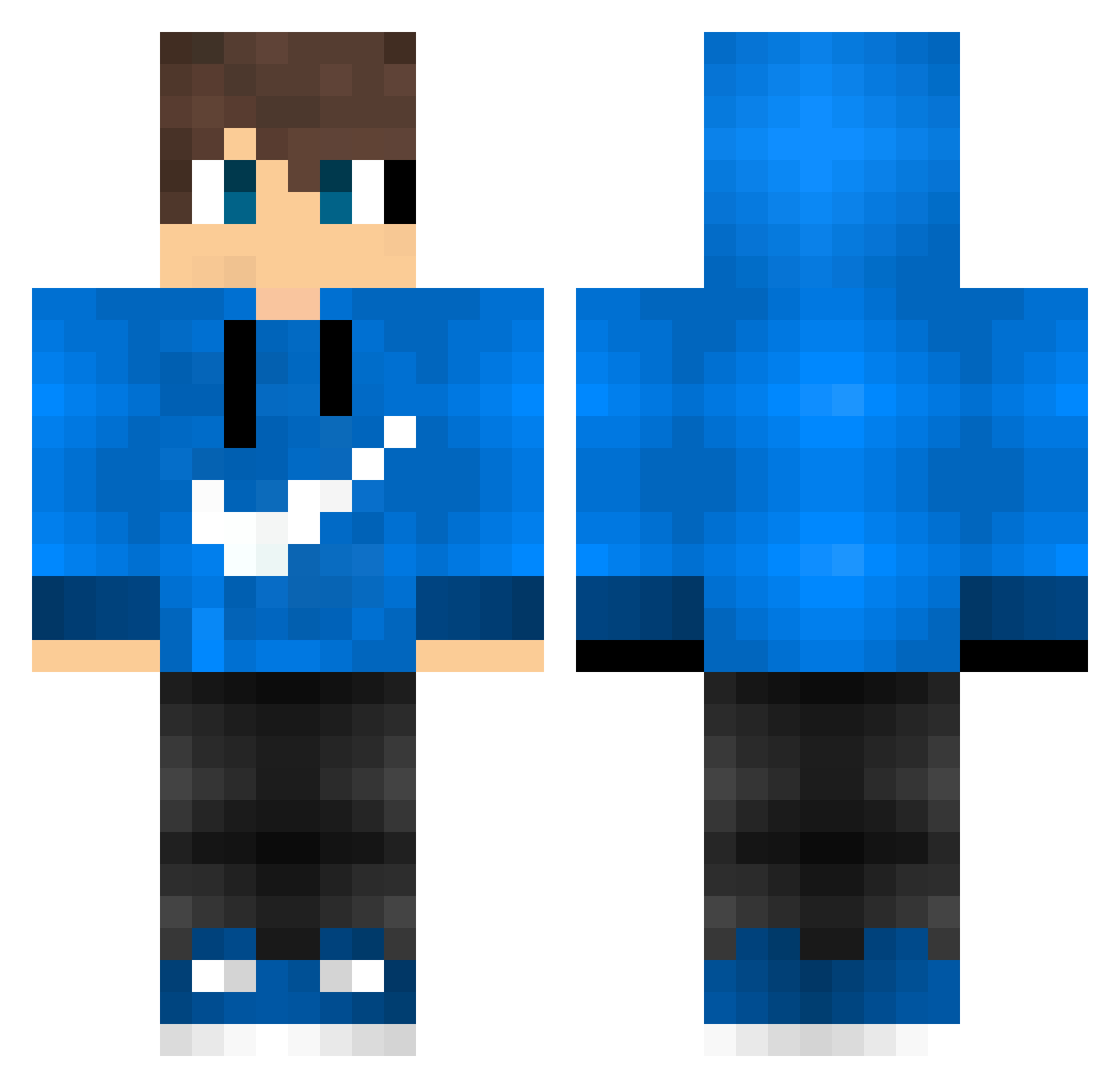
Other players with this skin (188)
The same skin was seen on these players. Open a nickname to see their current skin and skin history.
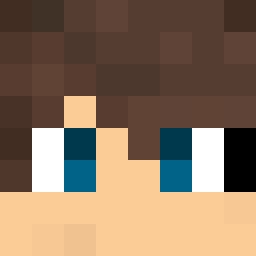 Dark_Knight250 BJK_1903_BJK WillyTheNOOB Paeppchen007 Kubix_112 REALYER JordiMora_ gatorboy0218 ArthurGamerr Eriktop3 maxodeusd Snoqiz Avenuc spearedpit LuckyGamerYT11 atomick_block CiaoBest HazyRedDragon noeyedeer30 AlipPatur ZJsnowwind igixMC KBenike Emirk4 flixcsbuilds Blockda JustinDerKrieger Alejo377 splawpolice Irsquinnn iangameplays_ lilpiccolo Patr1ck26 sososi Slokiller_x3 Intells Wichan0205 IgorMs27 urbxn_ Ariely10 Muhammed4242 Machcio LuL_KappA danitbfv DarkyBoode32 Louieo1965 syunnao daz211213 vonquiqui03 Nkddr SVJ_55 ka_sta vybeontop Silverseat HaloKade BumperSubset705 GamerBassie TorradaPlays mox123 maximum65
How to install the SrJeeffBR skin
- Press the Download button above to save the skin as a PNG file.
- Minecraft: Bedrock Edition (PE): open the Dressing Room from the main menu (or tap your character → Edit Character), go to Classic Skins → Owned, press the + (new skin) button, choose the downloaded PNG and pick the Classic (Steve) model. Works on PC and mobile; consoles cannot import custom skins.
- Minecraft: Java Edition: open the Minecraft Launcher, go to the Skins tab, click New Skin, load the PNG, pick the Classic (Steve) model and press Save & Use. You can also upload it at minecraft.net → Profile → Change Skin.
The skin does not show up after import - what should I do?
Restart Minecraft and open the Dressing Room again - imported skins sometimes appear only after a restart. Also make sure you selected the imported skin and picked the Classic (Steve) model.
Which model should I choose, Classic or Slim?
This skin is designed for the Classic (Steve) model. If you pick the wrong model, the arms of the skin will look stretched or squeezed.
Is the skin of SrJeeffBR free to download?
Yes. Press Download, save the PNG file and use it in Minecraft: Bedrock Edition or Java Edition - no payment or registration needed. The skin also works on multiplayer servers and Realms.
More skins
Looking for more? Go back to all Minecraft skins and check the top skins of the week, month and all time, or find any player's skin by nickname.