
Spudnificent - Minecraft Skins & Skin History
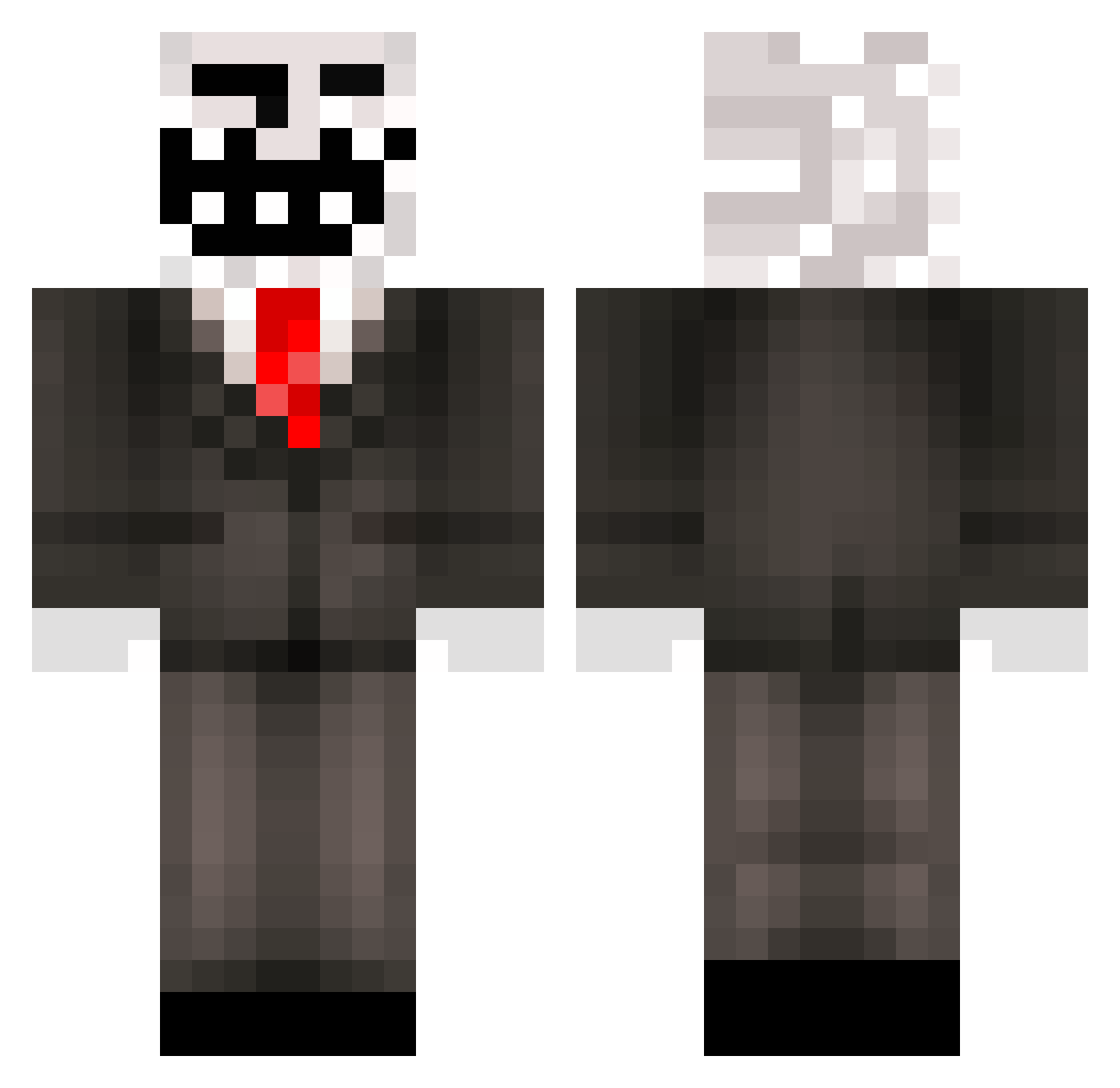
Current Minecraft skin of the player Spudnificent, loaded from the official Mojang API. Rotate the 3D model with your mouse or finger, then download the skin as a PNG file and use it in Minecraft: Bedrock Edition or Java Edition for free. When Spudnificent changes their skin, this page updates automatically and the old skin stays in the history below.
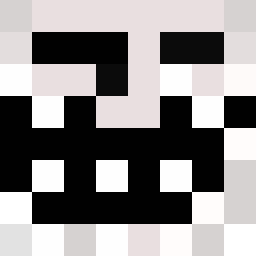
Other players with this skin (445)
Spudnificent was the 350th player we have seen with this skin, first spotted on 10.10.2026. The same skin was seen on these players. Open a nickname to see their current skin and skin history.
 PanBedroku omote9 Sneakyb27_ Religion0112 IMP_NEON qazplmko4 donaldes ImpreCationn Murrims Punisherrr_21 rutincapa callek TristezaExtrema Yeetziz loandu74 Moonlighttilt Ernji TrexSezai stefjek Kermenidhs Cats9Lives Shizou1 hyperboreanxd Cinwood TogaedSphere956 yaru1 InfernoHazard AuriAnarchy giovabos1_1 Orkunisitmak MothMan05 TheStray9 quandaliedingal Hayan_xd pittos Chevapi_Meastro leBIGTROLL _o_Phill_o_ Bribuggs08 Syinthe Brian3308 Omelegg mochassanaya godhead000 Mr__GaMinG m4mK4c4 fpxyavuz Boulbi_ Lil_Darius dbossishere Sour_PatchKid02 glubd ClussyClapper prulo SmokeyStryker GLORY_TO_KAJ kRRxken Cami2460 Obama68 VanhaRotta
More Trollface Minecraft skins
How to install the Spudnificent skin
- Press the Download button above to save the skin as a PNG file.
- Minecraft: Bedrock Edition (PE): open the Dressing Room from the main menu (or tap your character → Edit Character), go to Classic Skins → Owned, press the + (new skin) button, choose the downloaded PNG and pick the Classic (Steve) model. Works on PC and mobile; consoles cannot import custom skins.
- Minecraft: Java Edition: open the Minecraft Launcher, go to the Skins tab, click New Skin, load the PNG, pick the Classic (Steve) model and press Save & Use. You can also upload it at minecraft.net → Profile → Change Skin.
The skin does not show up after import - what should I do?
Restart Minecraft and open the Dressing Room again - imported skins sometimes appear only after a restart. Also make sure you selected the imported skin and picked the Classic (Steve) model.
Which model should I choose, Classic or Slim?
This skin is designed for the Classic (Steve) model. If you pick the wrong model, the arms of the skin will look stretched or squeezed.
Is the skin of Spudnificent free to download?
Yes. Press Download, save the PNG file and use it in Minecraft: Bedrock Edition or Java Edition - no payment or registration needed. The skin also works on multiplayer servers and Realms.
More skins
Looking for more? Go back to all Minecraft skins and check the top skins of the week, month and all time, or find any player's skin by nickname.