
Sntn_End - Minecraft Skins & Skin History
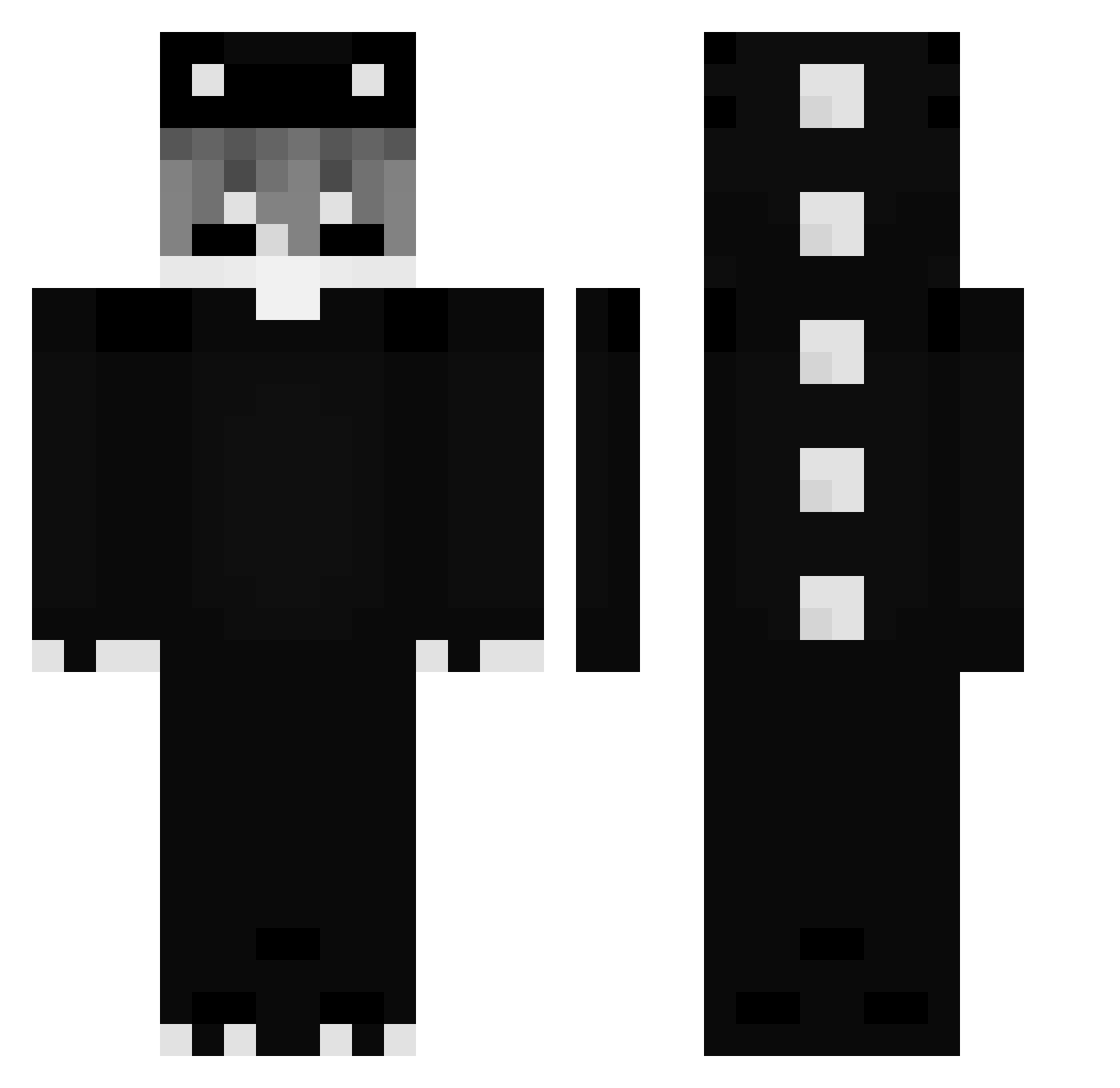
Current Minecraft skin of the player Sntn_End, loaded from the official Mojang API. Rotate the 3D model with your mouse or finger, then download the skin as a PNG file and use it in Minecraft: Bedrock Edition or Java Edition for free. When Sntn_End changes their skin, this page updates automatically and the old skin stays in the history below.
Other players with this skin (271)
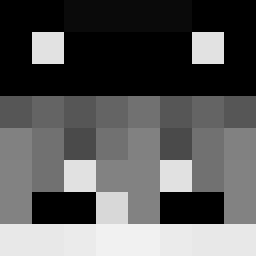
Sntn_End was the 236th player we have seen with this skin, first spotted on 20.10.2026. The same skin was seen on these players. Open a nickname to see their current skin and skin history.
 __Cappucino__ kpaladin1 Repent___ hubert3357 MasterNinjajj 2killz LechugaLoca32 LinhBoltqxvUwU BeingSpecky M1RUz ItzRealBolinha Luigi2014 MrShriyanshhh 1KTS Dr3xon_YT0 Basi161107 thsizu popo427 stazlzx strenghte 1itspooky OzBoz789 Mohammed_MGO SoupLord mocarela12 Morones7 MistrzSzymoniks Innocenceeeee LuckyRay0717 JokezStar23 emorene alighttt Dark1514 Klonek_Gaming IshiKami _1kira CantingNine1113 PanCarry chanilp Paulin271 falharei Conenemy Cremonia s1qzxc Laol77jer Mayu_Cayu Z3DYX Gerticekk taemin_p Gary_Argentina_ MCATUSI SilverPeak740 tryh4rdd44y6k AbdouGD mikacyo0416 Marcello026 basckoo followthefate IwaoKung Lowkey2killz
More Dinosaur Minecraft skins
How to install the Sntn_End skin
- Press the Download button above to save the skin as a PNG file.
- Minecraft: Bedrock Edition (PE): open the Dressing Room from the main menu (or tap your character → Edit Character), go to Classic Skins → Owned, press the + (new skin) button, choose the downloaded PNG and pick the Classic (Steve) model. Works on PC and mobile; consoles cannot import custom skins.
- Minecraft: Java Edition: open the Minecraft Launcher, go to the Skins tab, click New Skin, load the PNG, pick the Classic (Steve) model and press Save & Use. You can also upload it at minecraft.net → Profile → Change Skin.
The skin does not show up after import - what should I do?
Restart Minecraft and open the Dressing Room again - imported skins sometimes appear only after a restart. Also make sure you selected the imported skin and picked the Classic (Steve) model.
Which model should I choose, Classic or Slim?
This skin is designed for the Classic (Steve) model. If you pick the wrong model, the arms of the skin will look stretched or squeezed.
Is the skin of Sntn_End free to download?
Yes. Press Download, save the PNG file and use it in Minecraft: Bedrock Edition or Java Edition - no payment or registration needed. The skin also works on multiplayer servers and Realms.
More skins
Looking for more? Go back to all Minecraft skins and check the top skins of the week, month and all time, or find any player's skin by nickname.