
Sludder - Minecraft Skins & Skin History
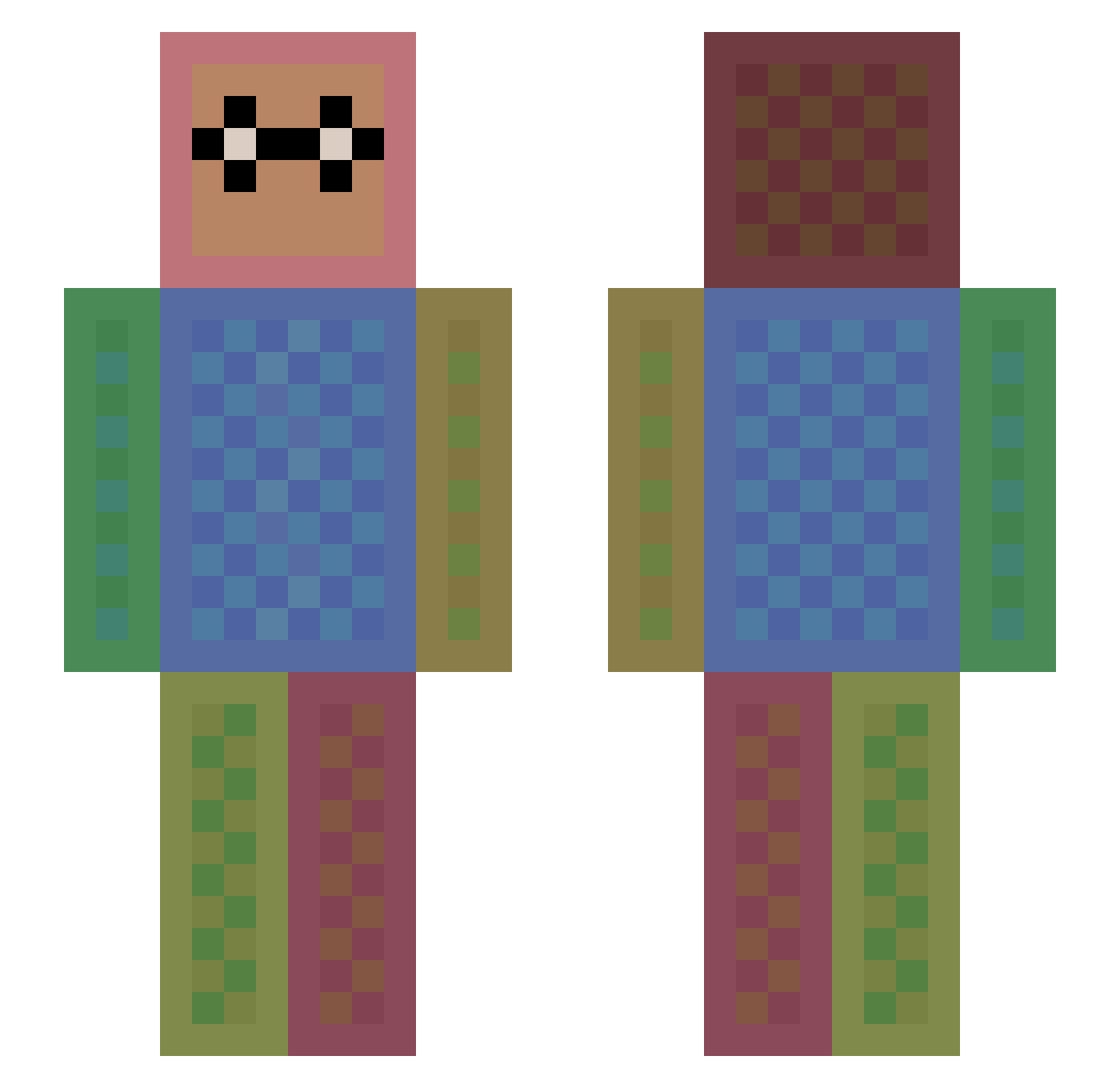
Current Minecraft skin of the player Sludder, loaded from the official Mojang API. Rotate the 3D model with your mouse or finger, then download the skin as a PNG file and use it in Minecraft: Bedrock Edition or Java Edition for free. When Sludder changes their skin, this page updates automatically and the old skin stays in the history below.
Other players with this skin (1113)
Sludder was the 385th player we have seen with this skin, first spotted on 25.08.2026. The same skin was seen on these players. Open a nickname to see their current skin and skin history.
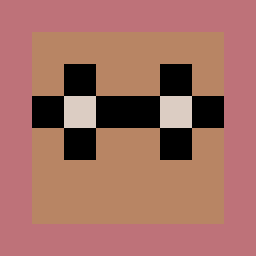 Minecrafter2_ mxnet13 Dasso3000 littlesoybean p3rkus CannasGui stonehell_2003 Robine2003 Owen_Krahwinkel installinwindows Kaylababe Mikacurdrew oldratsab Candido_04 mannyman1122 Djizeus69 LeCochonRose Jugi1599 DeGraffenator IRONRAY nick66870 prevolution897 AxessTV AdriMin hcdtheswede Nesselde nikoloko2298 GamingPrime101 Hannah0205 Evie12 JakeDSnake319 un_comy Ge0rgeeB danyoung ELfoFAlaz casampey oliverfun AppleWhite_ym danielhougthon24 timo_2211 DaemonHeathen jobcool zypherNz Buller2007 chococra Famished Dinnerboner Libellaluna eggsman17 Babadoo Picklefist Kronixclan Thisisannoying Alfredblixten Lets_David Takoyaki_jack spionjustin joeylokuta37 Hracho lasbest037
How to install the Sludder skin
- Press the Download button above to save the skin as a PNG file.
- Minecraft: Bedrock Edition (PE): open the Dressing Room from the main menu (or tap your character → Edit Character), go to Classic Skins → Owned, press the + (new skin) button, choose the downloaded PNG and pick the Slim (Alex) model. Works on PC and mobile; consoles cannot import custom skins.
- Minecraft: Java Edition: open the Minecraft Launcher, go to the Skins tab, click New Skin, load the PNG, pick the Slim (Alex) model and press Save & Use. You can also upload it at minecraft.net → Profile → Change Skin.
The skin does not show up after import - what should I do?
Restart Minecraft and open the Dressing Room again - imported skins sometimes appear only after a restart. Also make sure you selected the imported skin and picked the Slim (Alex) model.
Which model should I choose, Classic or Slim?
This skin is designed for the Slim (Alex) model. If you pick the wrong model, the arms of the skin will look stretched or squeezed.
Is the skin of Sludder free to download?
Yes. Press Download, save the PNG file and use it in Minecraft: Bedrock Edition or Java Edition - no payment or registration needed. The skin also works on multiplayer servers and Realms.
More skins
Looking for more? Go back to all Minecraft skins and check the top skins of the week, month and all time, or find any player's skin by nickname.