
SleepyFloofx - Minecraft Skins & Skin History
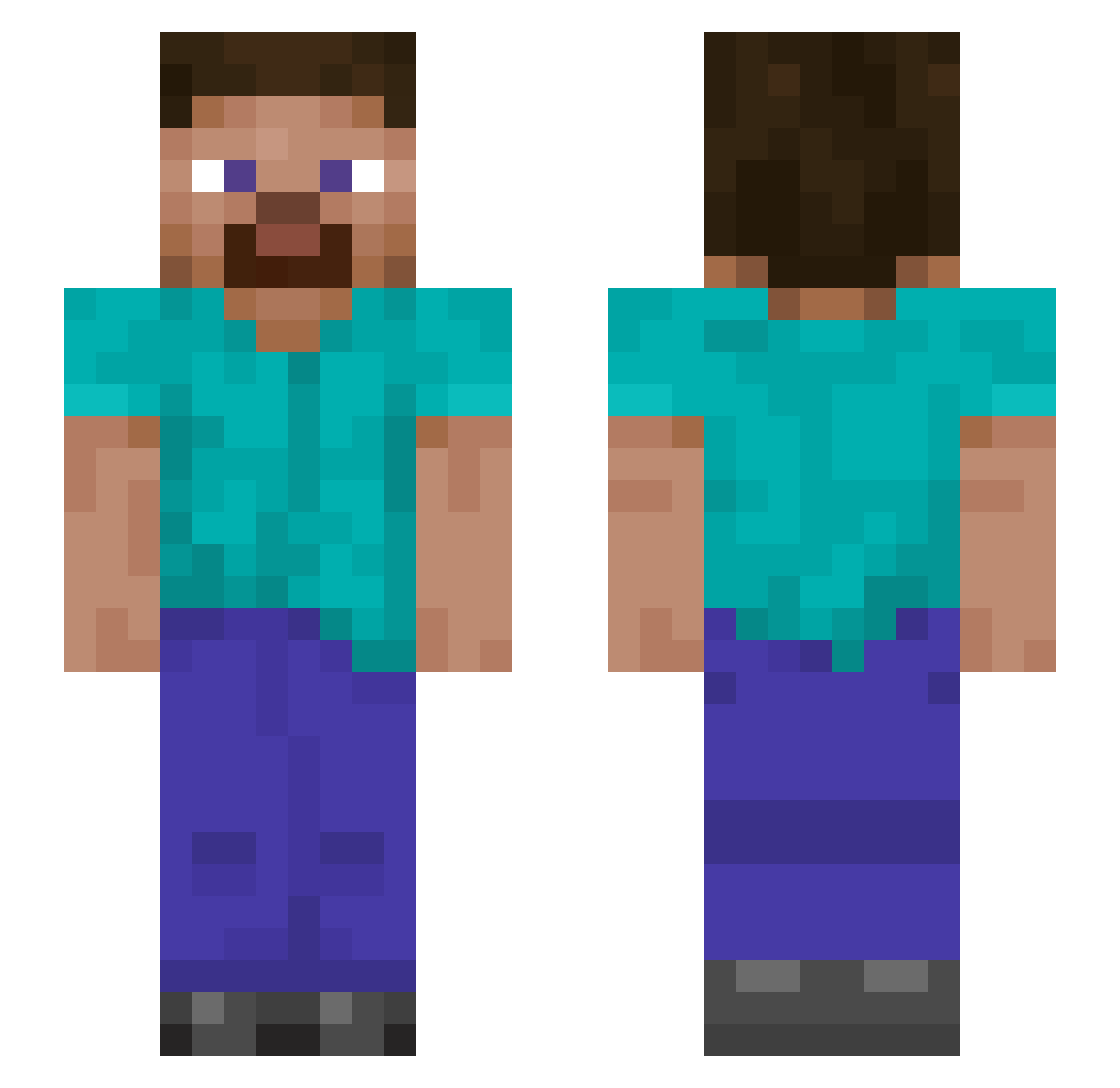
Current Minecraft skin of the player SleepyFloofx, loaded from the official Mojang API. Rotate the 3D model with your mouse or finger, then download the skin as a PNG file and use it in Minecraft: Bedrock Edition or Java Edition for free. When SleepyFloofx changes their skin, this page updates automatically and the old skin stays in the history below.
Other players with this skin (897)
SleepyFloofx was the 437th player we have seen with this skin, first spotted on 10.09.2026. The same skin was seen on these players. Open a nickname to see their current skin and skin history.
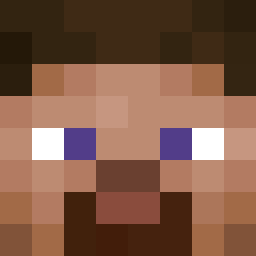 MecashOG edumueller kenziehowell Alkaza1996 OldTermit Darfonix Conner00 Specialkid12776 Gambisk Eod219 codnjs1129 WENJIE77777 Redhedd2011 GStormcrow Jeemusudesu DaviBoss97 QAOO 89y89q Hopechan3150 Lilsteven2017 meavolo Quinten644 ElFerxas chcken1505 persereikaaa cutterman5 Darth_Bubbler Legoshi_22 Angosling Torben4530 Werd69420 AlphaMail8887 McPickle242 DarkJimenez Blooodydragon akidark245 OMjomNOM Calrornds MineCrafterxX WinningCards Ashified blur1324 greymood781 froggyboy89 soon_ho Curi0sE ismaavazquez RacingBanana11 AusDosh Helen_Keller15 tjhop1123 0kai0629 FreakGuy Thegr8Fabs slimjoel14 l2625 Sterblich_e GinMod ItsDTree PikerLMD03
How to install the SleepyFloofx skin
- Press the Download button above to save the skin as a PNG file.
- Minecraft: Bedrock Edition (PE): open the Dressing Room from the main menu (or tap your character → Edit Character), go to Classic Skins → Owned, press the + (new skin) button, choose the downloaded PNG and pick the Slim (Alex) model. Works on PC and mobile; consoles cannot import custom skins.
- Minecraft: Java Edition: open the Minecraft Launcher, go to the Skins tab, click New Skin, load the PNG, pick the Slim (Alex) model and press Save & Use. You can also upload it at minecraft.net → Profile → Change Skin.
The skin does not show up after import - what should I do?
Restart Minecraft and open the Dressing Room again - imported skins sometimes appear only after a restart. Also make sure you selected the imported skin and picked the Slim (Alex) model.
Which model should I choose, Classic or Slim?
This skin is designed for the Slim (Alex) model. If you pick the wrong model, the arms of the skin will look stretched or squeezed.
Is the skin of SleepyFloofx free to download?
Yes. Press Download, save the PNG file and use it in Minecraft: Bedrock Edition or Java Edition - no payment or registration needed. The skin also works on multiplayer servers and Realms.
More skins
Looking for more? Go back to all Minecraft skins and check the top skins of the week, month and all time, or find any player's skin by nickname.