
SlappeLulFan - Minecraft Skins & Skin History
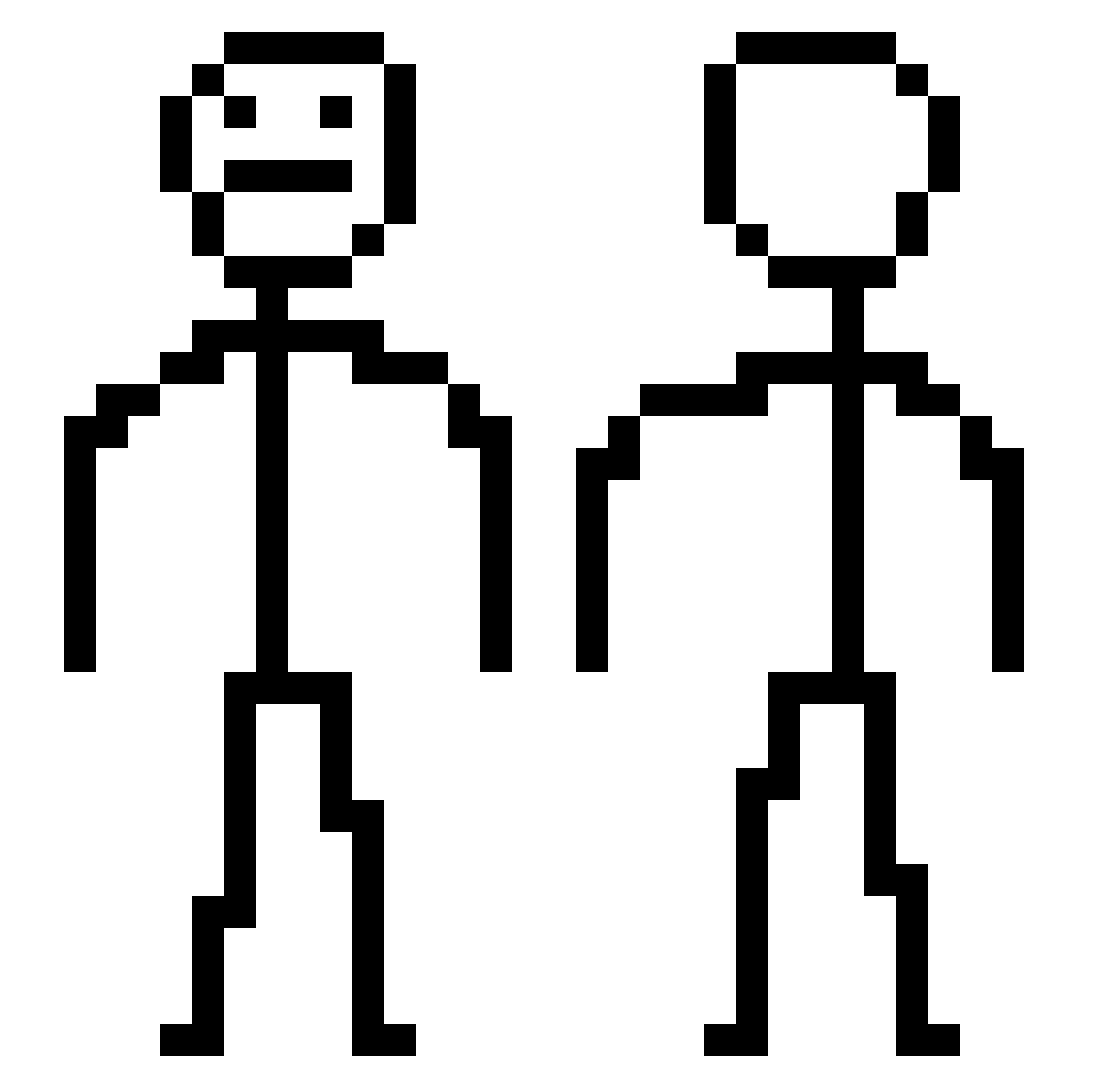
Current Minecraft skin of the player SlappeLulFan, loaded from the official Mojang API. Rotate the 3D model with your mouse or finger, then download the skin as a PNG file and use it in Minecraft: Bedrock Edition or Java Edition for free. When SlappeLulFan changes their skin, this page updates automatically and the old skin stays in the history below.
Other players with this skin (438)
SlappeLulFan was the 412th player we have seen with this skin, first spotted on 28.10.2026. The same skin was seen on these players. Open a nickname to see their current skin and skin history.
 ILCLOUD zware Jewbacca261 LewisBadminton CaduGamer989 qseawdr HangryLeopard Errday_ Literally_LOL antiiXD kovalski173 General_Koala imapieces xGluckv y2813330 ppho1218 NetrouUhq EFire36 Slimey_TNT xUwUXX kimtaewoo11 BORYNEK m3tamorphosise ZEROSAN_ muelmds clayboi GehnEtiik petikaczka Alexstef83 stuu32 WolfGamer102YT Mr_nugget31 StankoGonsienica Areuthur oryad2323 Rookkie poduck7 IgoJaro19 Makiflai Spoody_Mann sanderbl3 Lazerpanda25703 Oedipus0204 420budi ChanD2 Dabrowskii asland7 Tikkaq asmr2509 667pepito _Bong_Gu GTPLAYER24 Barzilairl eorjs_eorjs 0MARINI0 berrak27 AurumDiei AnthoPRK Szaffir ellabroshoe
How to install the SlappeLulFan skin
- Press the Download button above to save the skin as a PNG file.
- Minecraft: Bedrock Edition (PE): open the Dressing Room from the main menu (or tap your character → Edit Character), go to Classic Skins → Owned, press the + (new skin) button, choose the downloaded PNG and pick the Classic (Steve) model. Works on PC and mobile; consoles cannot import custom skins.
- Minecraft: Java Edition: open the Minecraft Launcher, go to the Skins tab, click New Skin, load the PNG, pick the Classic (Steve) model and press Save & Use. You can also upload it at minecraft.net → Profile → Change Skin.
The skin does not show up after import - what should I do?
Restart Minecraft and open the Dressing Room again - imported skins sometimes appear only after a restart. Also make sure you selected the imported skin and picked the Classic (Steve) model.
Which model should I choose, Classic or Slim?
This skin is designed for the Classic (Steve) model. If you pick the wrong model, the arms of the skin will look stretched or squeezed.
Is the skin of SlappeLulFan free to download?
Yes. Press Download, save the PNG file and use it in Minecraft: Bedrock Edition or Java Edition - no payment or registration needed. The skin also works on multiplayer servers and Realms.
More skins
Looking for more? Go back to all Minecraft skins and check the top skins of the week, month and all time, or find any player's skin by nickname.