
Skyliighter - Minecraft Skins & Skin History
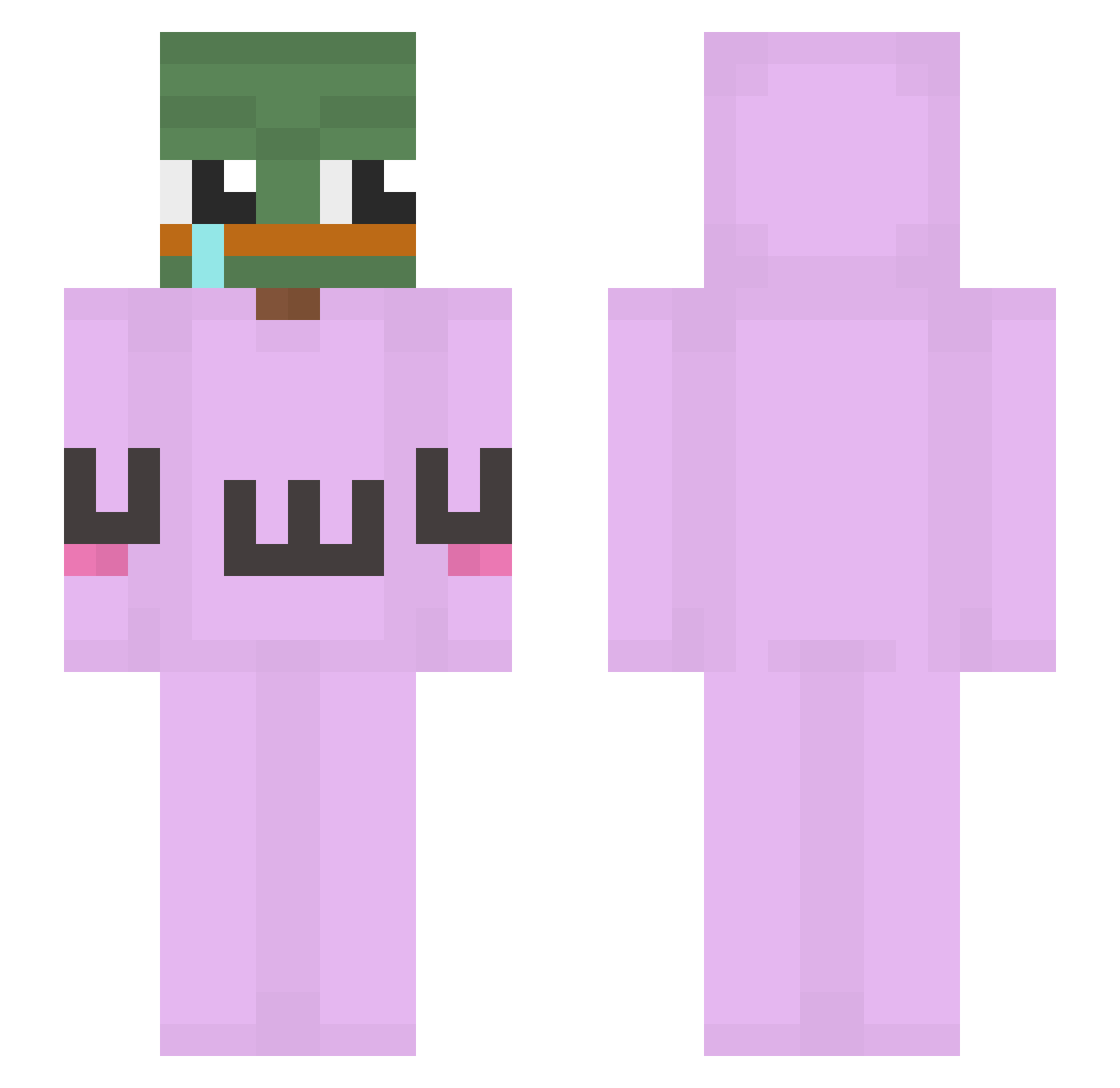
Current Minecraft skin of the player Skyliighter, loaded from the official Mojang API. Rotate the 3D model with your mouse or finger, then download the skin as a PNG file and use it in Minecraft: Bedrock Edition or Java Edition for free. When Skyliighter changes their skin, this page updates automatically and the old skin stays in the history below.
Other players with this skin (280)
Skyliighter was the 232nd player we have seen with this skin, first spotted on 30.10.2026. The same skin was seen on these players. Open a nickname to see their current skin and skin history.
 taehwan0521 sinb2 MrObesity _lookbroon_ Namtiddies_69 dgcnsonmez Siakin JGH06 Netflixol FartedInHerMouth moodn1ce Joshi__ floppycerberus_ StopAbusingPls han050103 LeVapeDeHalibaba Rataupe got_dem_beans Gurkie the1walker body2541 asfgwgfwefg Suga_Bled limsongjun WildeCardz Nue0204 JBung775 Tewyaaa Jaba_Oaoas unoWish adastajemniczy Smoerenson RBLemgo NukaColaCherry mango_20 C0RE357 crazybobcat77 Liquixx Fine2015 BTS_Sunny BOMZZANG_ Riolest23 BadVib3sF0rever NovaIkrIns 7unho LazzCraft Tycklez ReapersOnTop RusIBlE_oYunDa keemp0 mint7777 SwitLord_ JACKPOTBERRY diiadia123 Ba1abol PoorChilBok Godbiid hajashiko Owlishy Wolfgang_Ahn
More Uwu Minecraft skins
How to install the Skyliighter skin
- Press the Download button above to save the skin as a PNG file.
- Minecraft: Bedrock Edition (PE): open the Dressing Room from the main menu (or tap your character → Edit Character), go to Classic Skins → Owned, press the + (new skin) button, choose the downloaded PNG and pick the Slim (Alex) model. Works on PC and mobile; consoles cannot import custom skins.
- Minecraft: Java Edition: open the Minecraft Launcher, go to the Skins tab, click New Skin, load the PNG, pick the Slim (Alex) model and press Save & Use. You can also upload it at minecraft.net → Profile → Change Skin.
The skin does not show up after import - what should I do?
Restart Minecraft and open the Dressing Room again - imported skins sometimes appear only after a restart. Also make sure you selected the imported skin and picked the Slim (Alex) model.
Which model should I choose, Classic or Slim?
This skin is designed for the Slim (Alex) model. If you pick the wrong model, the arms of the skin will look stretched or squeezed.
Is the skin of Skyliighter free to download?
Yes. Press Download, save the PNG file and use it in Minecraft: Bedrock Edition or Java Edition - no payment or registration needed. The skin also works on multiplayer servers and Realms.
More skins
Looking for more? Go back to all Minecraft skins and check the top skins of the week, month and all time, or find any player's skin by nickname.