
SkoodaS - Minecraft Skins & Skin History
Current Minecraft skin of the player SkoodaS, loaded from the official Mojang API. Rotate the 3D model with your mouse or finger, then download the skin as a PNG file and use it in Minecraft: Bedrock Edition or Java Edition for free. When SkoodaS changes their skin, this page updates automatically and the old skin stays in the history below.
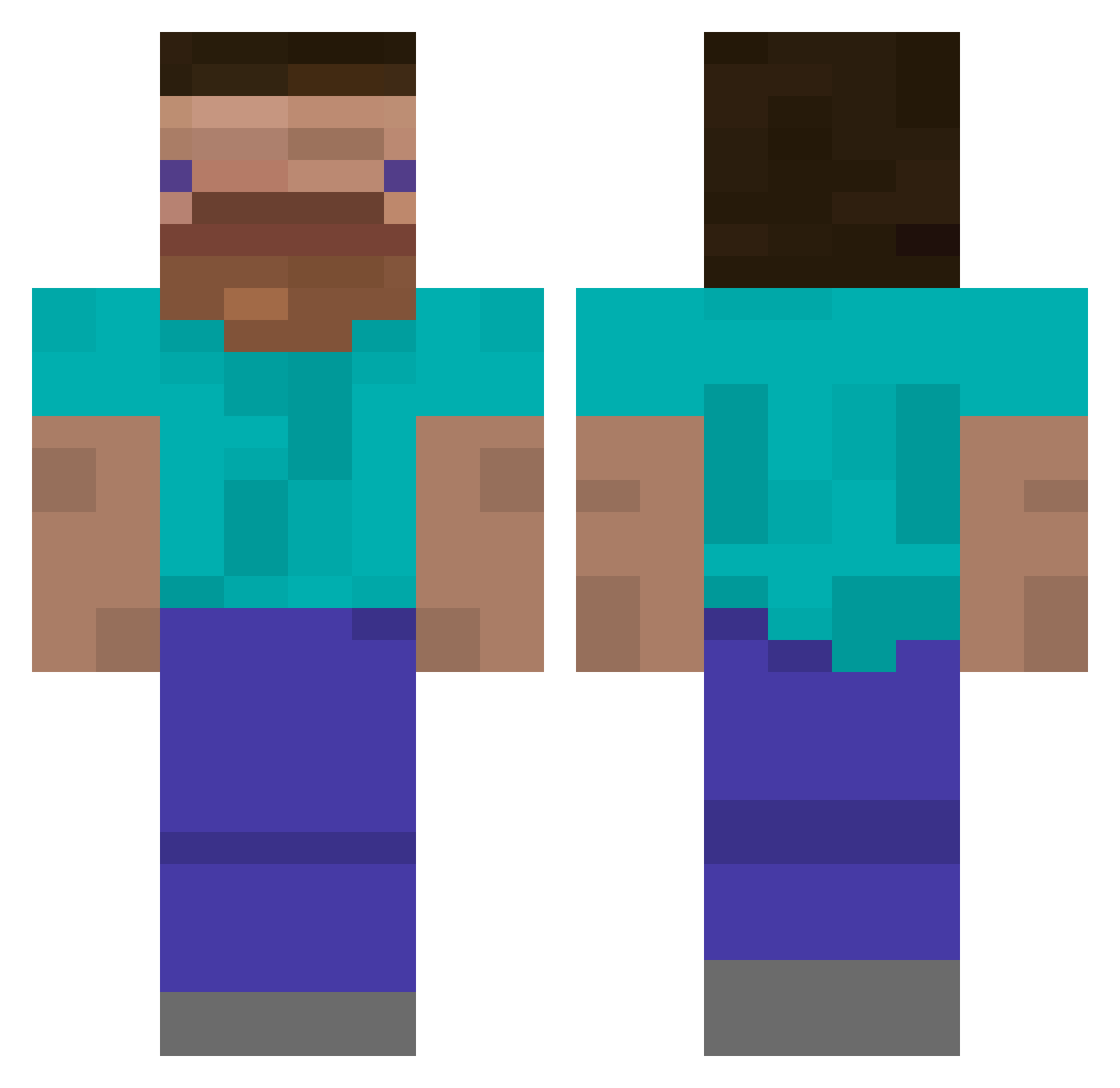
Other players with this skin (550)
SkoodaS was the 495th player we have seen with this skin, first spotted on 11.11.2026. The same skin was seen on these players. Open a nickname to see their current skin and skin history.
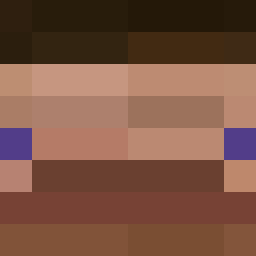 DucktorStrange ElMatro TYPICALORCA4723 Hatxe Derpy_420 Bigbbang_D MinESiaR MagmaCore5656 schlonca sir_moha JayDeePea Tazz420 HeliocentricHarv Ceadran xRyyee deivinchi ZOMBY3 SaniaTas H000000000000000 powercrashes zondas FourCrits Random1041748 lllllIIIllI saewoogang n0ski_23 tftrcdzs carldaboss scooterfarts A9452 LACUZ zzdoesgaming SkiziOn___ Elokiyo FreeBoothsPie cocacolafun Sweetgmarsh16 BenedictumXX MasterTev SoupChunk1 agtwall DODOOGI Stupid_FOLK tablac zSomeone14 pecesvoladores ouipern SimonAndCooper F4zie me1004 XZXSHADOWXZX questionman2468 PiXeLMT iiiiiooiiii Zen_Kuti Raviannn Death6655 Jae022111 Jupiter505 DMDominator
How to install the SkoodaS skin
- Press the Download button above to save the skin as a PNG file.
- Minecraft: Bedrock Edition (PE): open the Dressing Room from the main menu (or tap your character → Edit Character), go to Classic Skins → Owned, press the + (new skin) button, choose the downloaded PNG and pick the Classic (Steve) model. Works on PC and mobile; consoles cannot import custom skins.
- Minecraft: Java Edition: open the Minecraft Launcher, go to the Skins tab, click New Skin, load the PNG, pick the Classic (Steve) model and press Save & Use. You can also upload it at minecraft.net → Profile → Change Skin.
The skin does not show up after import - what should I do?
Restart Minecraft and open the Dressing Room again - imported skins sometimes appear only after a restart. Also make sure you selected the imported skin and picked the Classic (Steve) model.
Which model should I choose, Classic or Slim?
This skin is designed for the Classic (Steve) model. If you pick the wrong model, the arms of the skin will look stretched or squeezed.
Is the skin of SkoodaS free to download?
Yes. Press Download, save the PNG file and use it in Minecraft: Bedrock Edition or Java Edition - no payment or registration needed. The skin also works on multiplayer servers and Realms.
More skins
Looking for more? Go back to all Minecraft skins and check the top skins of the week, month and all time, or find any player's skin by nickname.