
Skogstjuven - Minecraft Skins & Skin History
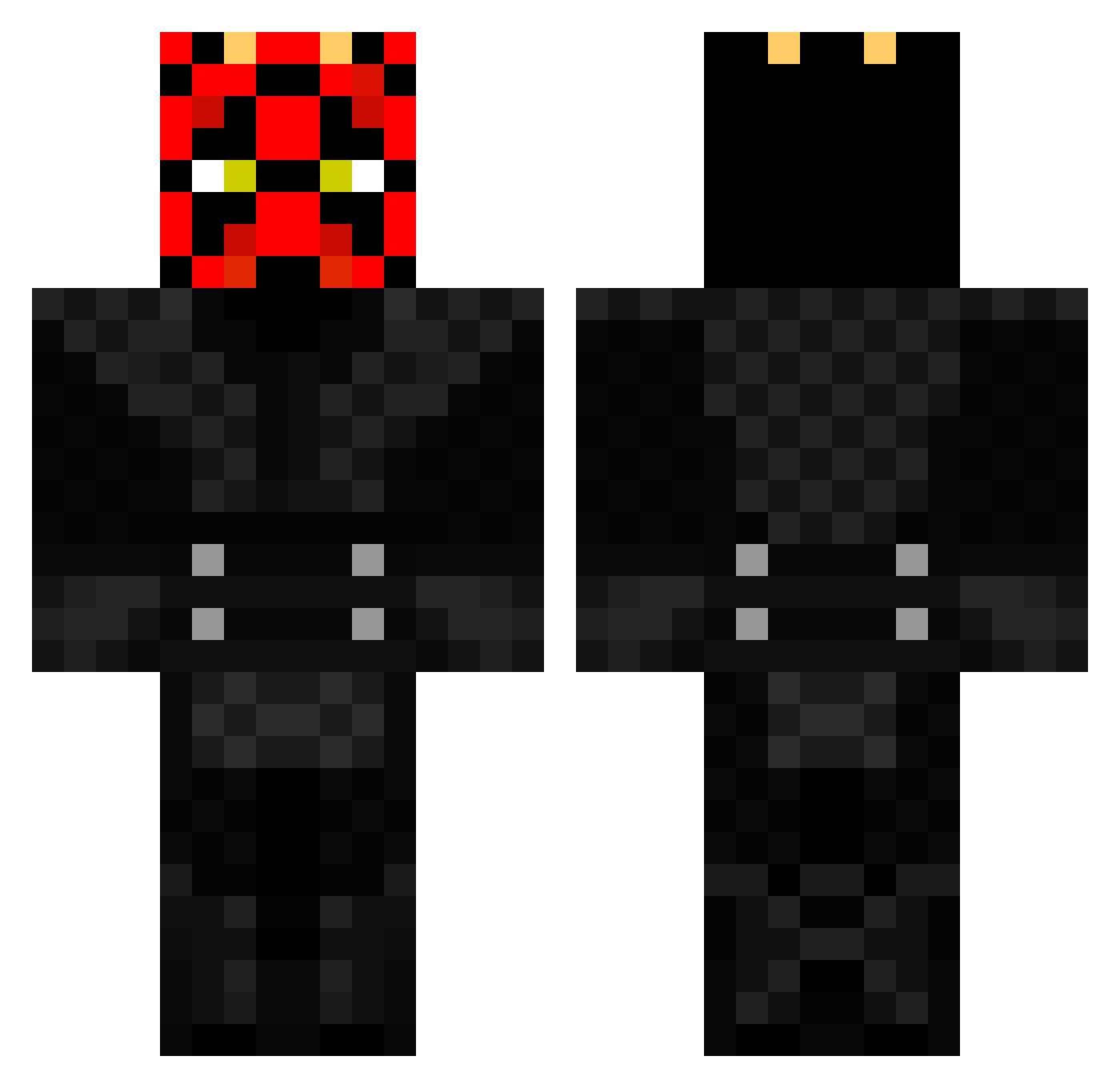
Current Minecraft skin of the player Skogstjuven, loaded from the official Mojang API. Rotate the 3D model with your mouse or finger, then download the skin as a PNG file and use it in Minecraft: Bedrock Edition or Java Edition for free. When Skogstjuven changes their skin, this page updates automatically and the old skin stays in the history below.
Other players with this skin (370)
Skogstjuven was the 38th player we have seen with this skin, first spotted on 05.08.2026. The same skin was seen on these players. Open a nickname to see their current skin and skin history.
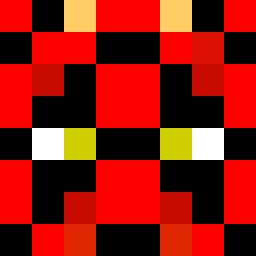 saab_story kdsmash1 pippin201 rampage28 bonu LTurbos spacedog510 Mac_Grover sid315 Ulfberht1 MrEpicScumbag slocx DarthVader711 danbert151 Warriors3355 PapiPanda yoloTACO MidnightEye136 Basebaldude FFXColl polegar22 JHunterzZ 123ryoma12 Ritterstern123 iProCoMbAtZz hausschwein1 Andrewmods96 welford2000 Simon_Yost SuitableJack YinWraith1 mitchell_lange kevinpeclat montyzuma OBJ_xiii Wil37 veryscaryfairy qwerty885 JediMaster10_ robbinvh RNGeebus Farwrath Ratman_03 DaFastMan Bonsaininja2001 Rehroch SethuskLT Minesenberg DylanZuraff King_Koffi Bla66a TrowaPX sashaale The13thVampire simonbsk Esmere_Ven mba6 zwafke HenningTheBadass Zonk3di
More Darth Maul Minecraft skins
How to install the Skogstjuven skin
- Press the Download button above to save the skin as a PNG file.
- Minecraft: Bedrock Edition (PE): open the Dressing Room from the main menu (or tap your character → Edit Character), go to Classic Skins → Owned, press the + (new skin) button, choose the downloaded PNG and pick the Classic (Steve) model. Works on PC and mobile; consoles cannot import custom skins.
- Minecraft: Java Edition: open the Minecraft Launcher, go to the Skins tab, click New Skin, load the PNG, pick the Classic (Steve) model and press Save & Use. You can also upload it at minecraft.net → Profile → Change Skin.
The skin does not show up after import - what should I do?
Restart Minecraft and open the Dressing Room again - imported skins sometimes appear only after a restart. Also make sure you selected the imported skin and picked the Classic (Steve) model.
Which model should I choose, Classic or Slim?
This skin is designed for the Classic (Steve) model. If you pick the wrong model, the arms of the skin will look stretched or squeezed.
Is the skin of Skogstjuven free to download?
Yes. Press Download, save the PNG file and use it in Minecraft: Bedrock Edition or Java Edition - no payment or registration needed. The skin also works on multiplayer servers and Realms.
More skins
Looking for more? Go back to all Minecraft skins and check the top skins of the week, month and all time, or find any player's skin by nickname.