
SkinnyPimpT - Minecraft Skins & Skin History
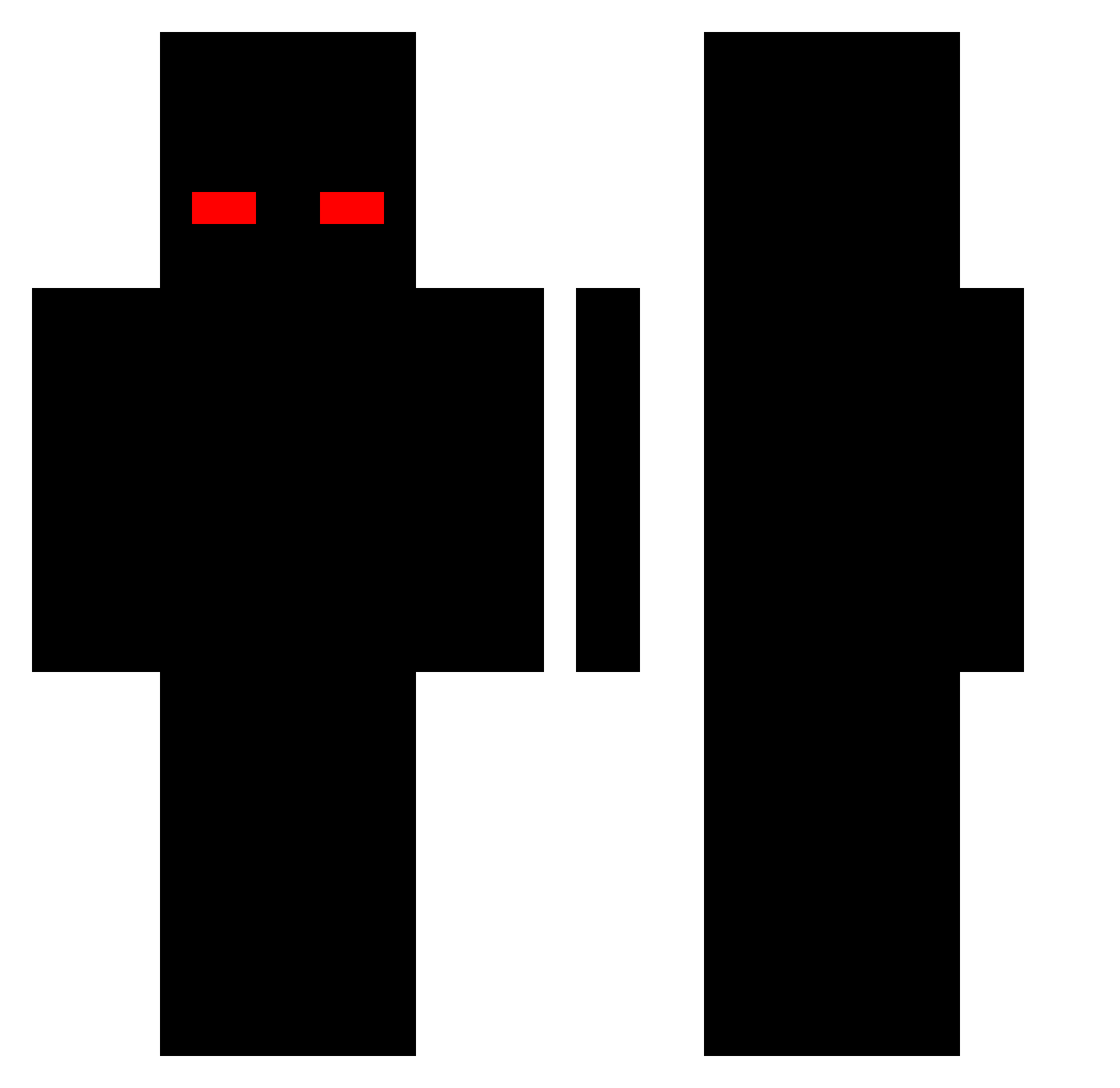
Current Minecraft skin of the player SkinnyPimpT, loaded from the official Mojang API. Rotate the 3D model with your mouse or finger, then download the skin as a PNG file and use it in Minecraft: Bedrock Edition or Java Edition for free. When SkinnyPimpT changes their skin, this page updates automatically and the old skin stays in the history below.
Other players with this skin (240)
SkinnyPimpT was the 59th player we have seen with this skin, first spotted on 22.08.2026. The same skin was seen on these players. Open a nickname to see their current skin and skin history.
 Evil_PVP Ryan_TB Razmus2007 Katzbergerbua hallen DOMINICANBOY777 Zay2Fastt heyitsmekenny azertyazerty4321 elgorreadojulio SCHNUFFELMUCKI SmoothVEEP Fewen_ DarkLight17 lamachoir coleonpsjuan Kenji_2077 DeniPlays Destroyed_L GENJUTO Triple_Islee _Winko_ liljaimy Aspectt7 McTillo xtrox190 FOREVERz_ TW_URK HENESI22 ix305 XxKennyTheKillxX THEPLUGBROKER roflando Sadmon_ Lucky6ix GODguiador Just__Theo Edward1272 MirroxD Mowgli955 alexni Thorimix vemiza lostdoes miato 8p87u ioton XReFoliX_ k0dar0 kossXD y8wsass seungbinjjang9 massej Bzinn_ip ShoXx107 skidq cxdeinewizrd CleanJoni Pouc Forblade13
How to install the SkinnyPimpT skin
- Press the Download button above to save the skin as a PNG file.
- Minecraft: Bedrock Edition (PE): open the Dressing Room from the main menu (or tap your character → Edit Character), go to Classic Skins → Owned, press the + (new skin) button, choose the downloaded PNG and pick the Classic (Steve) model. Works on PC and mobile; consoles cannot import custom skins.
- Minecraft: Java Edition: open the Minecraft Launcher, go to the Skins tab, click New Skin, load the PNG, pick the Classic (Steve) model and press Save & Use. You can also upload it at minecraft.net → Profile → Change Skin.
The skin does not show up after import - what should I do?
Restart Minecraft and open the Dressing Room again - imported skins sometimes appear only after a restart. Also make sure you selected the imported skin and picked the Classic (Steve) model.
Which model should I choose, Classic or Slim?
This skin is designed for the Classic (Steve) model. If you pick the wrong model, the arms of the skin will look stretched or squeezed.
Is the skin of SkinnyPimpT free to download?
Yes. Press Download, save the PNG file and use it in Minecraft: Bedrock Edition or Java Edition - no payment or registration needed. The skin also works on multiplayer servers and Realms.
More skins
Looking for more? Go back to all Minecraft skins and check the top skins of the week, month and all time, or find any player's skin by nickname.