
Skat3210 - Minecraft Skins & Skin History
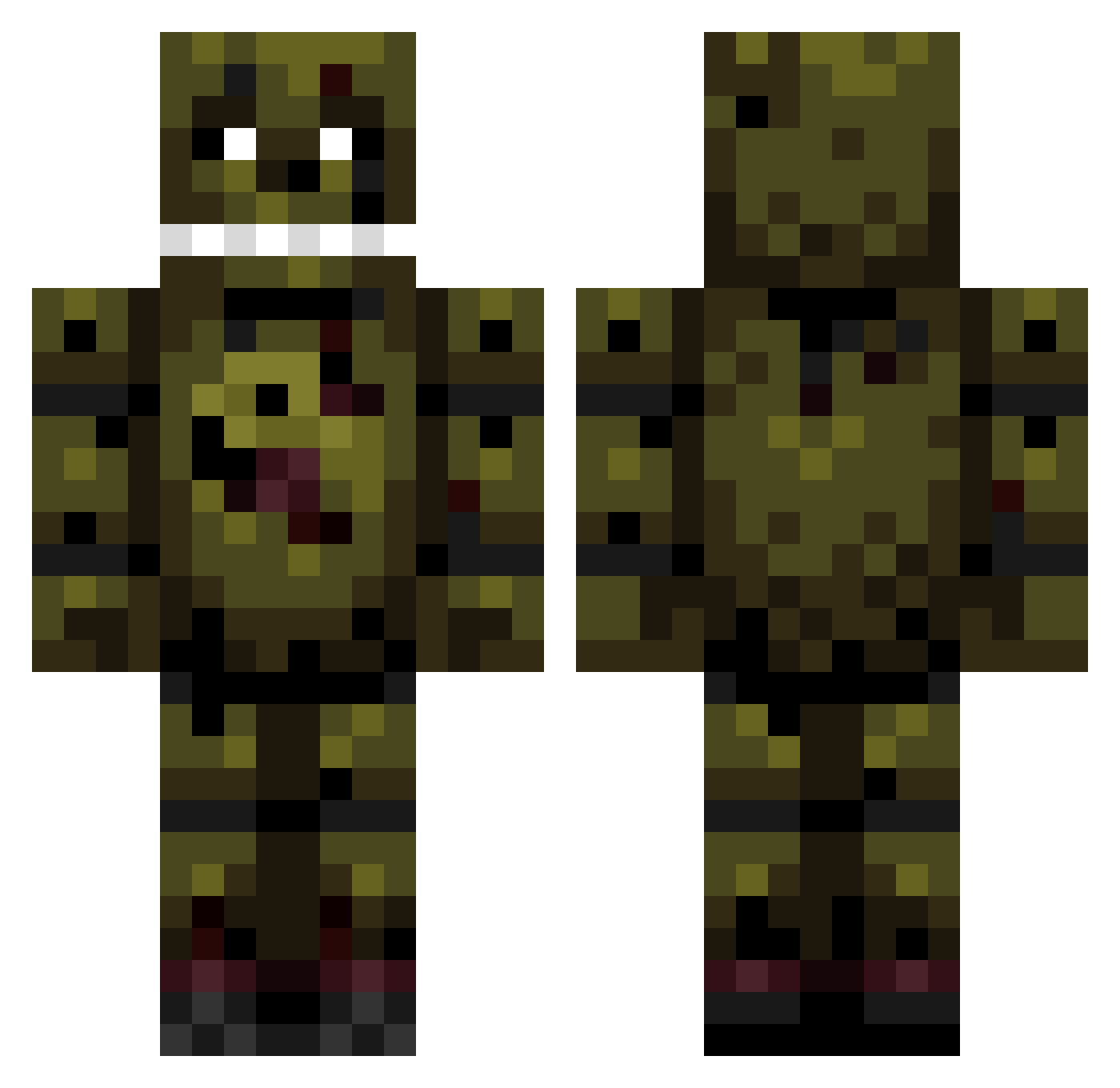
Current Minecraft skin of the player Skat3210, loaded from the official Mojang API. Rotate the 3D model with your mouse or finger, then download the skin as a PNG file and use it in Minecraft: Bedrock Edition or Java Edition for free. When Skat3210 changes their skin, this page updates automatically and the old skin stays in the history below.
Other players with this skin (194)
Skat3210 was the 79th player we have seen with this skin, first spotted on 01.09.2026. The same skin was seen on these players. Open a nickname to see their current skin and skin history.
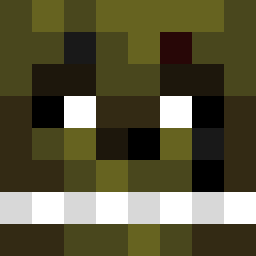 rocketracoon63 HOSTILExNINJA GipsyDanger9 Jedifive Dr_Googlyeye xXxSpringtrapxXx lyricalhosmay280 Baasjejo jetter45 Liipalaapa djspringtrap princessisyss trem_or kwiebus kieran53 hilts88 langseandreas Awesomeness1645 NebelNicolee Juli9595 djcolin14 Fayak1989 herosub12 RaptorTrainer feco2007 TrzePs captinkermit Springtrapic NatedogBrine AzzAMadz94 FireFlame8292 Shrizza17 20000629 Nerdy202 Monster_Nils sakka97 Bibbybobjonesjr2 yeetrandy norge246 stompyshortfeet GoToSprint_ Gamewinners jaxindabox BessererColt ltx06 Cliff28 Mimauke iPenguinOS okluigi Soldiervdbmaikel Rocks2007 RipperRM ApolloMan13 mikemarte007 DragonPirat3 repsej100 jpaddyk2004 xianbuss Deathwing_34 NinjaGavin05
More Springtrap Minecraft skins
How to install the Skat3210 skin
- Press the Download button above to save the skin as a PNG file.
- Minecraft: Bedrock Edition (PE): open the Dressing Room from the main menu (or tap your character → Edit Character), go to Classic Skins → Owned, press the + (new skin) button, choose the downloaded PNG and pick the Classic (Steve) model. Works on PC and mobile; consoles cannot import custom skins.
- Minecraft: Java Edition: open the Minecraft Launcher, go to the Skins tab, click New Skin, load the PNG, pick the Classic (Steve) model and press Save & Use. You can also upload it at minecraft.net → Profile → Change Skin.
The skin does not show up after import - what should I do?
Restart Minecraft and open the Dressing Room again - imported skins sometimes appear only after a restart. Also make sure you selected the imported skin and picked the Classic (Steve) model.
Which model should I choose, Classic or Slim?
This skin is designed for the Classic (Steve) model. If you pick the wrong model, the arms of the skin will look stretched or squeezed.
Is the skin of Skat3210 free to download?
Yes. Press Download, save the PNG file and use it in Minecraft: Bedrock Edition or Java Edition - no payment or registration needed. The skin also works on multiplayer servers and Realms.
More skins
Looking for more? Go back to all Minecraft skins and check the top skins of the week, month and all time, or find any player's skin by nickname.