
SkarpTyren - Minecraft Skins & Skin History
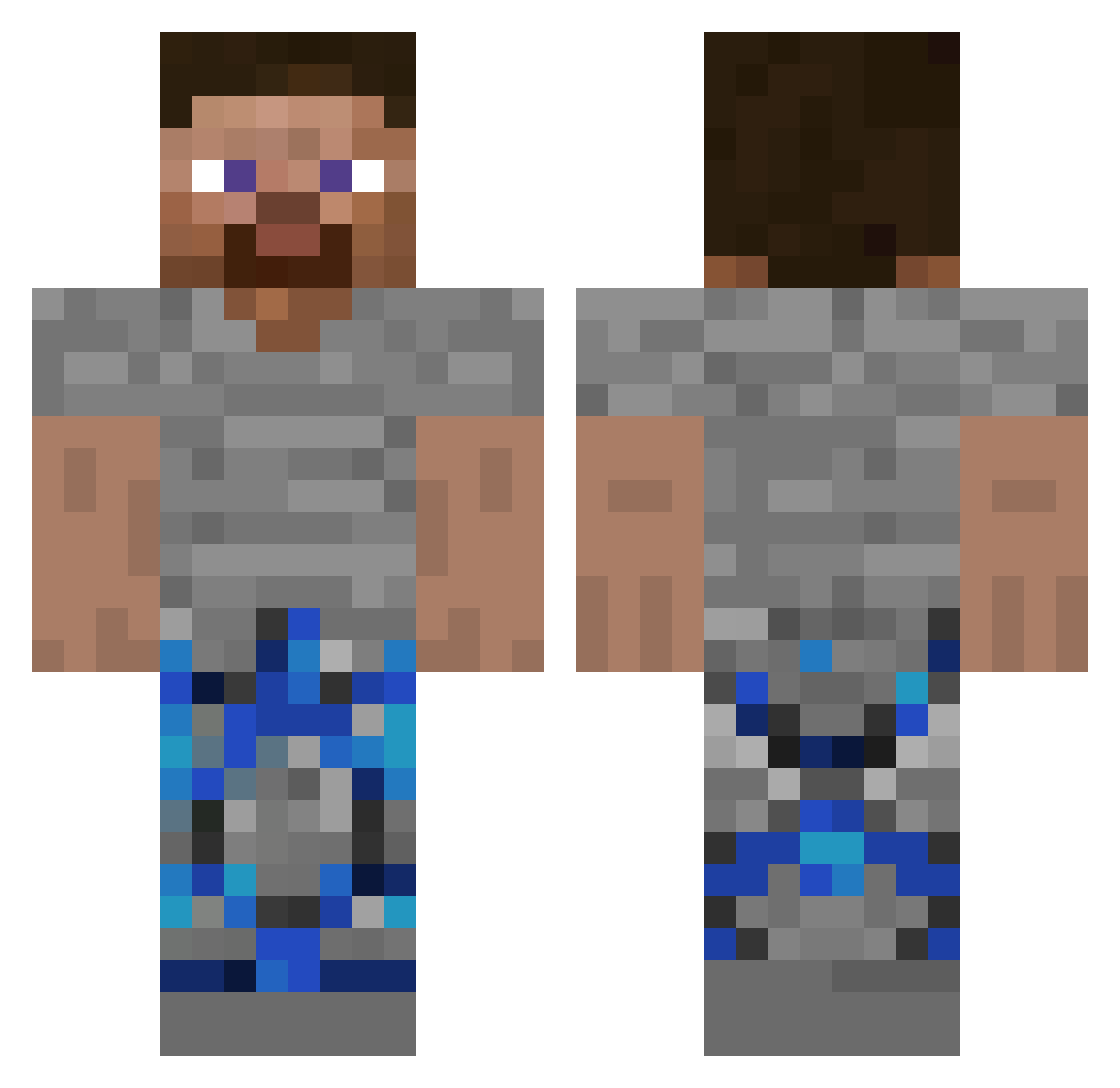
Current Minecraft skin of the player SkarpTyren, loaded from the official Mojang API. Rotate the 3D model with your mouse or finger, then download the skin as a PNG file and use it in Minecraft: Bedrock Edition or Java Edition for free. When SkarpTyren changes their skin, this page updates automatically and the old skin stays in the history below.
Other players with this skin (286)
SkarpTyren was the 133rd player we have seen with this skin, first spotted on 09.09.2026. The same skin was seen on these players. Open a nickname to see their current skin and skin history.
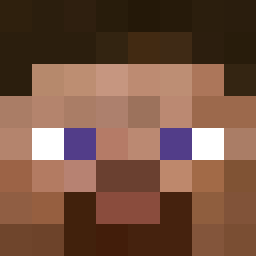 skwarekzgniatacz mirac_er1212 Manipulantka Niki23062 SixlessYT drrdoonnutt_ malmstedtt CPFREAK420 javaboycool Eiltetapper MINEarbeit ripalfie clipsthekid Apoxcnr Mucus_1 einari67 IloveDonutSMP 2x8v Rapidsss GiggyCaskade12 syxzyxz zKiroCHamaXD3243
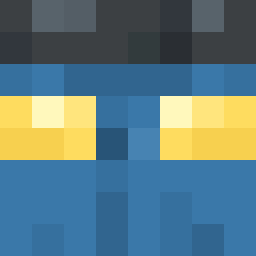 TwoClose
 dino_nugget001
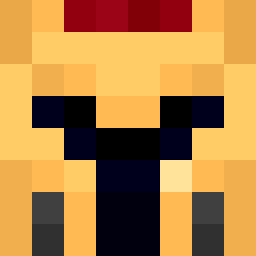 Entity604 ARENA20135 Jesticc6 untestedlt5 DrDonutCameraman Dugstah mogalts_90jyh G0LDALTS_GGMYhb Big_Monkey_Butts biggchris23 ash_r6_main Sprcheetos_ voozer sonnywarriors HT2__ mrdeyreal Flotar28 jhiever MattedSlinky sikkoadam3456 Cerealmage49904 PurpleHead999 qlf6 RandomCoords hieumccc Oscarbus100 EasyMoney0802 lamamadenks ditmemaynub daniwithad Phugar Ailraremann LaserLutscher100 1demo_ PrimisMO badboy12332
How to install the SkarpTyren skin
- Press the Download button above to save the skin as a PNG file.
- Minecraft: Bedrock Edition (PE): open the Dressing Room from the main menu (or tap your character → Edit Character), go to Classic Skins → Owned, press the + (new skin) button, choose the downloaded PNG and pick the Classic (Steve) model. Works on PC and mobile; consoles cannot import custom skins.
- Minecraft: Java Edition: open the Minecraft Launcher, go to the Skins tab, click New Skin, load the PNG, pick the Classic (Steve) model and press Save & Use. You can also upload it at minecraft.net → Profile → Change Skin.
The skin does not show up after import - what should I do?
Restart Minecraft and open the Dressing Room again - imported skins sometimes appear only after a restart. Also make sure you selected the imported skin and picked the Classic (Steve) model.
Which model should I choose, Classic or Slim?
This skin is designed for the Classic (Steve) model. If you pick the wrong model, the arms of the skin will look stretched or squeezed.
Is the skin of SkarpTyren free to download?
Yes. Press Download, save the PNG file and use it in Minecraft: Bedrock Edition or Java Edition - no payment or registration needed. The skin also works on multiplayer servers and Realms.
More skins
Looking for more? Go back to all Minecraft skins and check the top skins of the week, month and all time, or find any player's skin by nickname.