
Skadoooshh - Minecraft Skins & Skin History
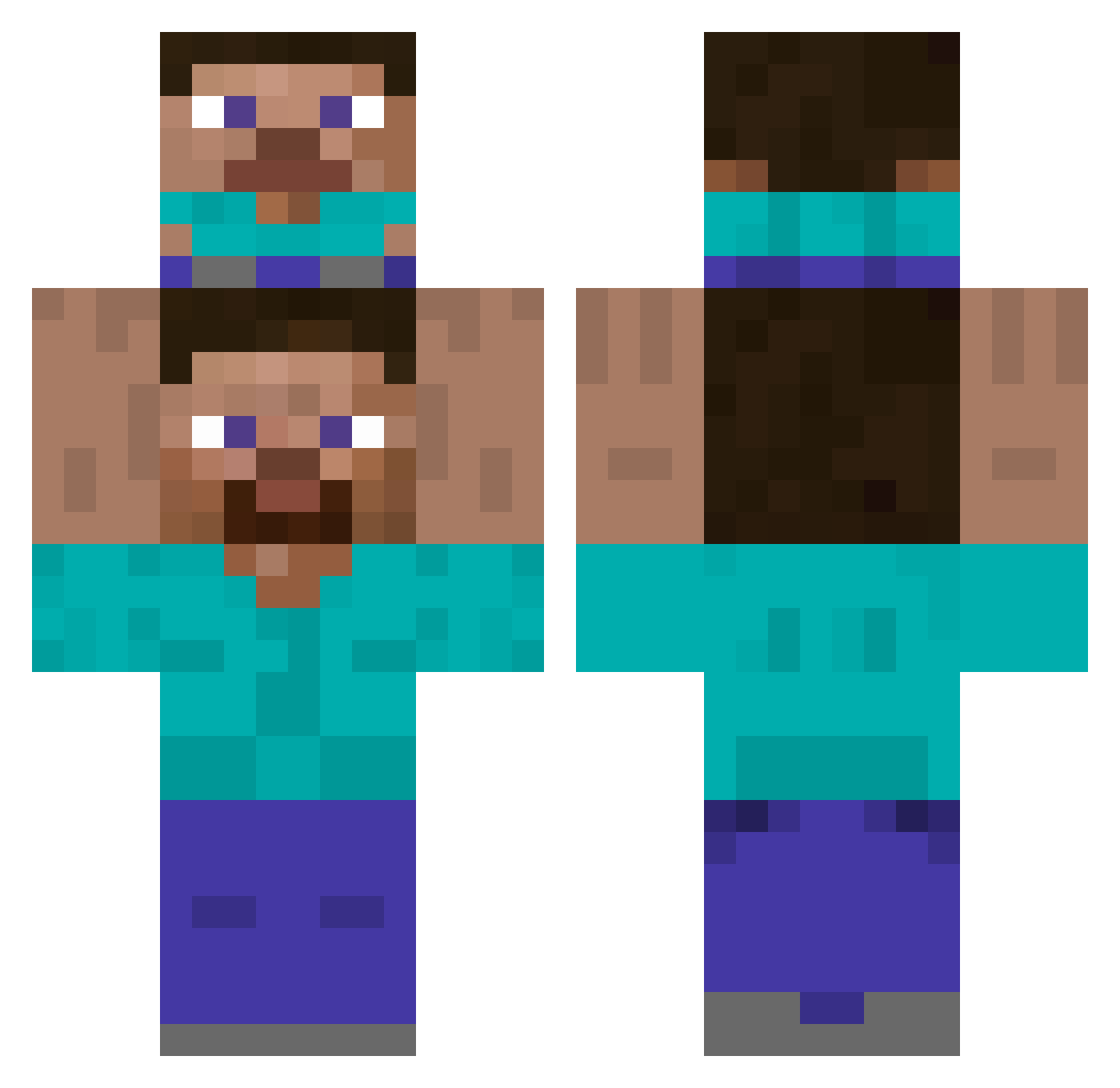
Current Minecraft skin of the player Skadoooshh, loaded from the official Mojang API. Rotate the 3D model with your mouse or finger, then download the skin as a PNG file and use it in Minecraft: Bedrock Edition or Java Edition for free. When Skadoooshh changes their skin, this page updates automatically and the old skin stays in the history below.
Other players with this skin (360)
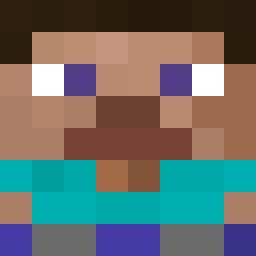
Skadoooshh was the 122nd player we have seen with this skin, first spotted on 27.08.2026. The same skin was seen on these players. Open a nickname to see their current skin and skin history.
 salm0nkhan Juh_20 Dakkyan DeadFLP blkbeanquesarito LiproLP Kwerzz Rekste molero0 IchHeisseLennert nimso6974 jackschmidt Jsjspap eithereither gakgos s_bni802084 nanosaur2 Subwoofer04 sneackshot don1907884 Scooberdoober35 DrStrange_c OhJase DS_OPPA endman145 CoinStar3 shanethehippo Fayrus lightoverjoyed14 James266 Gh0ulileel KontKuesh aking1119 SirScrubLord dcommo NutellaMan69 kilovaa Trymegirl Necra__ Used_NoteBook b1loody Rdn_86 slayermelvin dream_of_sky LiterallyDio gameronice Dr_Kingglib RichRuiz1 BluTallulah RyderXRoad Masterzchicken deyreek reximu Kimpal YOUBA_ H4rel_08 Bones_Not_Needed Dardivol360 SkipyPotoeHead33 rhyannn
How to install the Skadoooshh skin
- Press the Download button above to save the skin as a PNG file.
- Minecraft: Bedrock Edition (PE): open the Dressing Room from the main menu (or tap your character → Edit Character), go to Classic Skins → Owned, press the + (new skin) button, choose the downloaded PNG and pick the Classic (Steve) model. Works on PC and mobile; consoles cannot import custom skins.
- Minecraft: Java Edition: open the Minecraft Launcher, go to the Skins tab, click New Skin, load the PNG, pick the Classic (Steve) model and press Save & Use. You can also upload it at minecraft.net → Profile → Change Skin.
The skin does not show up after import - what should I do?
Restart Minecraft and open the Dressing Room again - imported skins sometimes appear only after a restart. Also make sure you selected the imported skin and picked the Classic (Steve) model.
Which model should I choose, Classic or Slim?
This skin is designed for the Classic (Steve) model. If you pick the wrong model, the arms of the skin will look stretched or squeezed.
Is the skin of Skadoooshh free to download?
Yes. Press Download, save the PNG file and use it in Minecraft: Bedrock Edition or Java Edition - no payment or registration needed. The skin also works on multiplayer servers and Realms.
More skins
Looking for more? Go back to all Minecraft skins and check the top skins of the week, month and all time, or find any player's skin by nickname.