
Siurek0 - Minecraft Skins & Skin History
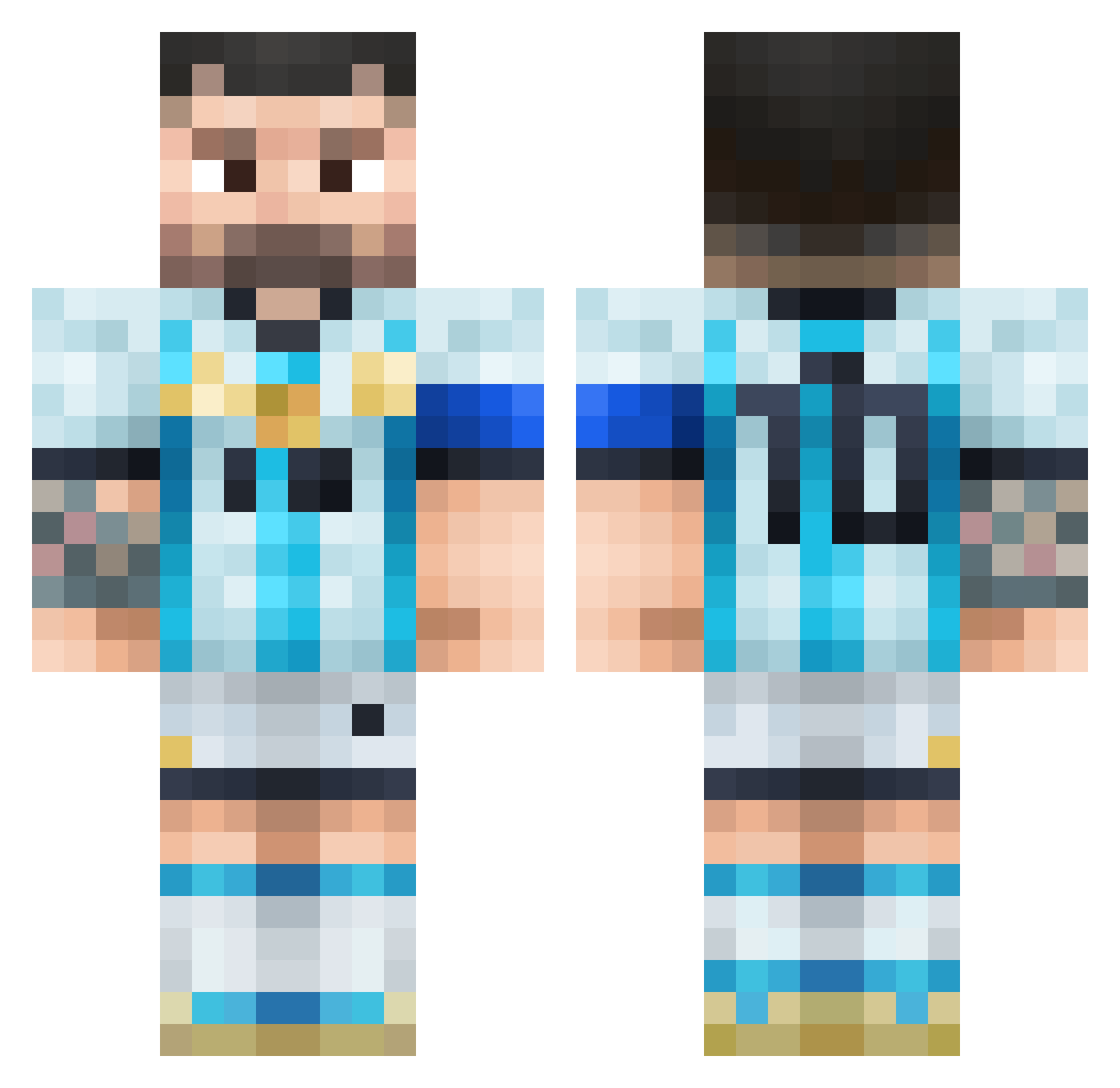
Current Minecraft skin of the player Siurek0, loaded from the official Mojang API. Rotate the 3D model with your mouse or finger, then download the skin as a PNG file and use it in Minecraft: Bedrock Edition or Java Edition for free. When Siurek0 changes their skin, this page updates automatically and the old skin stays in the history below.
Other players with this skin (84)
Siurek0 was the 25th player we have seen with this skin, first spotted on 25.08.2026. The same skin was seen on these players. Open a nickname to see their current skin and skin history.
 _x_Kami_x_
 kas1367 byFloriiian
 Karpiej messifan911 Zaddywady1234 Jayden_Trill MainDew henrylick_dury Alyssa_Miner17 wiktorjez Pinpointwolf173 Basil37 Vazquez12 RobertoXD123456 ChicknJockyCreep horogium AkirGGz GraapeFishe Mario3103
 Armadalo Vicenteeeeeeeeee ELTINCHOJUEGOS marcENP Sr_Jeremias FloRX_san yazedlasher Ble1ns maslia_h BlomstMaster Nejzi__ Shy_Babamba aura_nico_paz wCat_ Endderboy
 croxlyy pandaboy_gamer8 BraulioFull Yhelm
 dragon71414
 Erik6874 nigro7 alejogame33 relmmz VALORANT_NeonPRO Waytoxy MipsanSpacial Elkauskas diegoofl
 Jur1x_ jackmackwacksack Saletia bobothehobox zntIronuejpkn river_is_big FantazY_00 okericmladji Atyd__ SrKazuto _Michaleq_
More Argentina Minecraft skins
How to install the Siurek0 skin
- Press the Download button above to save the skin as a PNG file.
- Minecraft: Bedrock Edition (PE): open the Dressing Room from the main menu (or tap your character → Edit Character), go to Classic Skins → Owned, press the + (new skin) button, choose the downloaded PNG and pick the Classic (Steve) model. Works on PC and mobile; consoles cannot import custom skins.
- Minecraft: Java Edition: open the Minecraft Launcher, go to the Skins tab, click New Skin, load the PNG, pick the Classic (Steve) model and press Save & Use. You can also upload it at minecraft.net → Profile → Change Skin.
The skin does not show up after import - what should I do?
Restart Minecraft and open the Dressing Room again - imported skins sometimes appear only after a restart. Also make sure you selected the imported skin and picked the Classic (Steve) model.
Which model should I choose, Classic or Slim?
This skin is designed for the Classic (Steve) model. If you pick the wrong model, the arms of the skin will look stretched or squeezed.
Is the skin of Siurek0 free to download?
Yes. Press Download, save the PNG file and use it in Minecraft: Bedrock Edition or Java Edition - no payment or registration needed. The skin also works on multiplayer servers and Realms.
More skins
Looking for more? Go back to all Minecraft skins and check the top skins of the week, month and all time, or find any player's skin by nickname.