
SisiBean - Minecraft Skins & Skin History
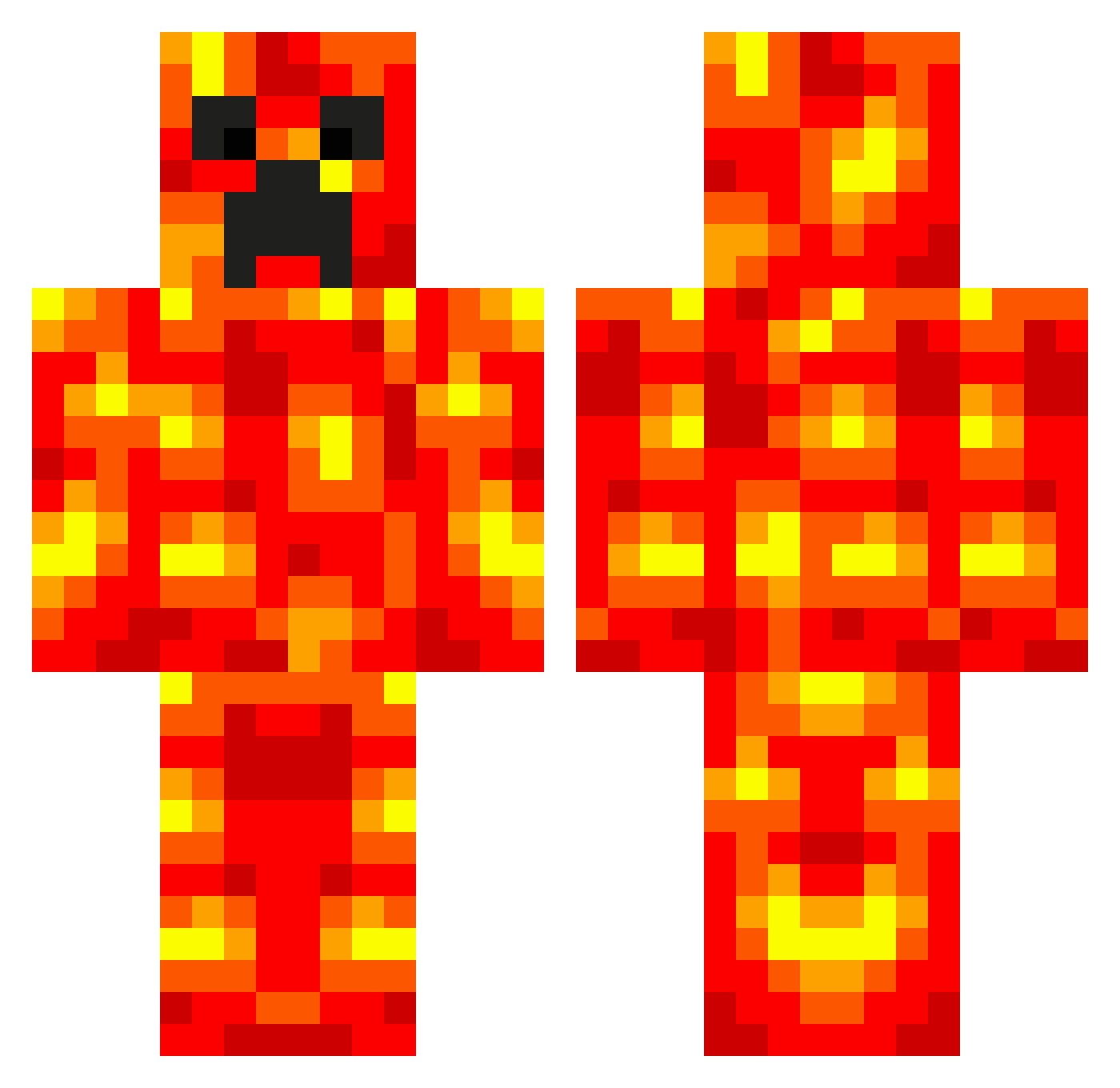
Current Minecraft skin of the player SisiBean, loaded from the official Mojang API. Rotate the 3D model with your mouse or finger, then download the skin as a PNG file and use it in Minecraft: Bedrock Edition or Java Edition for free. When SisiBean changes their skin, this page updates automatically and the old skin stays in the history below.
Other players with this skin (707)
SisiBean was the 533rd player we have seen with this skin, first spotted on 20.10.2026. The same skin was seen on these players. Open a nickname to see their current skin and skin history.
 ThatMuslimGuy RichyyRichh chickenlover44 HUGHAARON DjNero dylanlopez11 Taner12345 xoviox sebat13 snagge334 LiadGuttman piglet094 pushithard churchman20 velocityup Blaze_Michael sjkur084 quirkyz TobySand Tobiashoo domino458 rstewa GoldGamingGG Buster1145 iarebugatti RedBolt Snoepkous123 samantha923 Lancier maxwichert77 G_G_Noke maddygirl03 patrikannas joesmad12345 HisNoodleness Jamesharris02 kenken1234 IvoryR83 wgraysmith creeperking138 Liddall92 jpzzy123 BastFlor Mansikki3100 conkiller1432 iballisticbat auroragirl17 Antithetik H00P1A Morgonika akbc PsychoBun Matsius Y0uSt0lemyname jjminecraft900 Jeidaro STEAKOB KRBOXER12 mcpc23 parra_09
More Magma Minecraft skins
How to install the SisiBean skin
- Press the Download button above to save the skin as a PNG file.
- Minecraft: Bedrock Edition (PE): open the Dressing Room from the main menu (or tap your character → Edit Character), go to Classic Skins → Owned, press the + (new skin) button, choose the downloaded PNG and pick the Classic (Steve) model. Works on PC and mobile; consoles cannot import custom skins.
- Minecraft: Java Edition: open the Minecraft Launcher, go to the Skins tab, click New Skin, load the PNG, pick the Classic (Steve) model and press Save & Use. You can also upload it at minecraft.net → Profile → Change Skin.
The skin does not show up after import - what should I do?
Restart Minecraft and open the Dressing Room again - imported skins sometimes appear only after a restart. Also make sure you selected the imported skin and picked the Classic (Steve) model.
Which model should I choose, Classic or Slim?
This skin is designed for the Classic (Steve) model. If you pick the wrong model, the arms of the skin will look stretched or squeezed.
Is the skin of SisiBean free to download?
Yes. Press Download, save the PNG file and use it in Minecraft: Bedrock Edition or Java Edition - no payment or registration needed. The skin also works on multiplayer servers and Realms.
More skins
Looking for more? Go back to all Minecraft skins and check the top skins of the week, month and all time, or find any player's skin by nickname.