
SingeBlatant - Minecraft Skins & Skin History
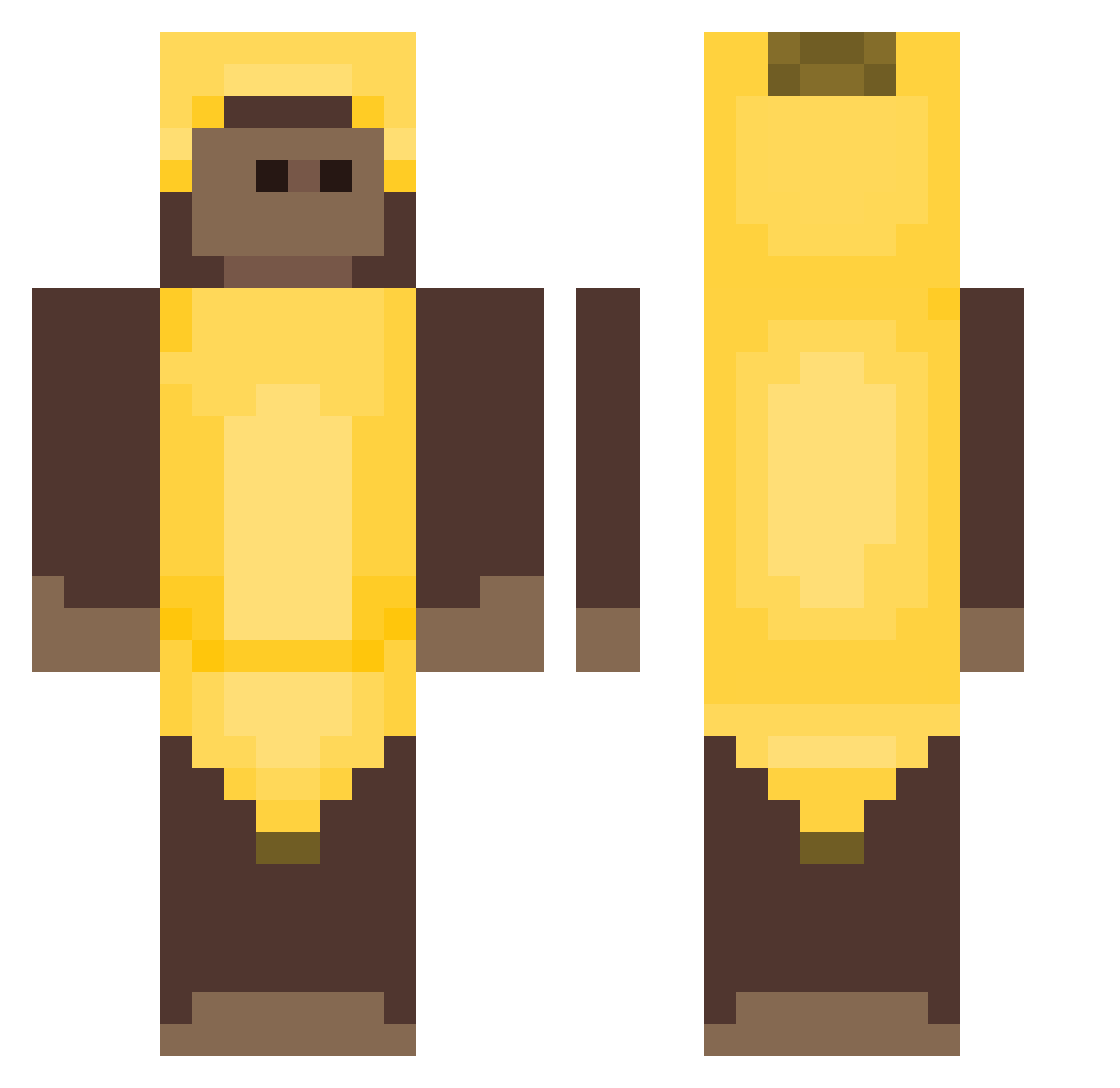
Current Minecraft skin of the player SingeBlatant, loaded from the official Mojang API. Rotate the 3D model with your mouse or finger, then download the skin as a PNG file and use it in Minecraft: Bedrock Edition or Java Edition for free. When SingeBlatant changes their skin, this page updates automatically and the old skin stays in the history below.
Other players with this skin (407)
SingeBlatant was the 232nd player we have seen with this skin, first spotted on 25.09.2026. The same skin was seen on these players. Open a nickname to see their current skin and skin history.
 danny03v4 strwwzz vArcooros Damiron2013 tintinmen Uni_Friends NiallSnipars RoDzyN__ ELPEPEX1 Monkey_Man123456 seergio15 OkayZero CZATI_ elcordepa Morbid8Angel theooosss danibananny23 copph cartyss S_H0210 BIGKNEES9 Noxin18 Valeriixx aaxedaa bloodypears Kephri_Rizz Tonnyu grvaceful Darvac Bananek371 iTsNoriuS dlcowns07 catasv Winnieeiei Icylr BigMessMaster Sweetmonkey42 NU2FETUS 64Hours xiiiiiiiiiiiu19 rrick017 Ilusinex PICKLEL0TI0N bag_uwu_bag ZurnaciKoala Markizinha 619PewPew Lilwirt Tiiiiiiiiiimo Lilmarquitos243 DressyBubble23 ItzSooh_ ErringSand29065 ddalvarado Zadobga Am0urx szopigo Eddietin CapitanCogollo Ismapro223
More Banana Costume Minecraft skins
See all 52 Banana Costume skins
How to install the SingeBlatant skin
- Press the Download button above to save the skin as a PNG file.
- Minecraft: Bedrock Edition (PE): open the Dressing Room from the main menu (or tap your character → Edit Character), go to Classic Skins → Owned, press the + (new skin) button, choose the downloaded PNG and pick the Classic (Steve) model. Works on PC and mobile; consoles cannot import custom skins.
- Minecraft: Java Edition: open the Minecraft Launcher, go to the Skins tab, click New Skin, load the PNG, pick the Classic (Steve) model and press Save & Use. You can also upload it at minecraft.net → Profile → Change Skin.
The skin does not show up after import - what should I do?
Restart Minecraft and open the Dressing Room again - imported skins sometimes appear only after a restart. Also make sure you selected the imported skin and picked the Classic (Steve) model.
Which model should I choose, Classic or Slim?
This skin is designed for the Classic (Steve) model. If you pick the wrong model, the arms of the skin will look stretched or squeezed.
Is the skin of SingeBlatant free to download?
Yes. Press Download, save the PNG file and use it in Minecraft: Bedrock Edition or Java Edition - no payment or registration needed. The skin also works on multiplayer servers and Realms.
More skins
Looking for more? Go back to all Minecraft skins and check the top skins of the week, month and all time, or find any player's skin by nickname.