
Silvaznx7 - Minecraft Skins & Skin History
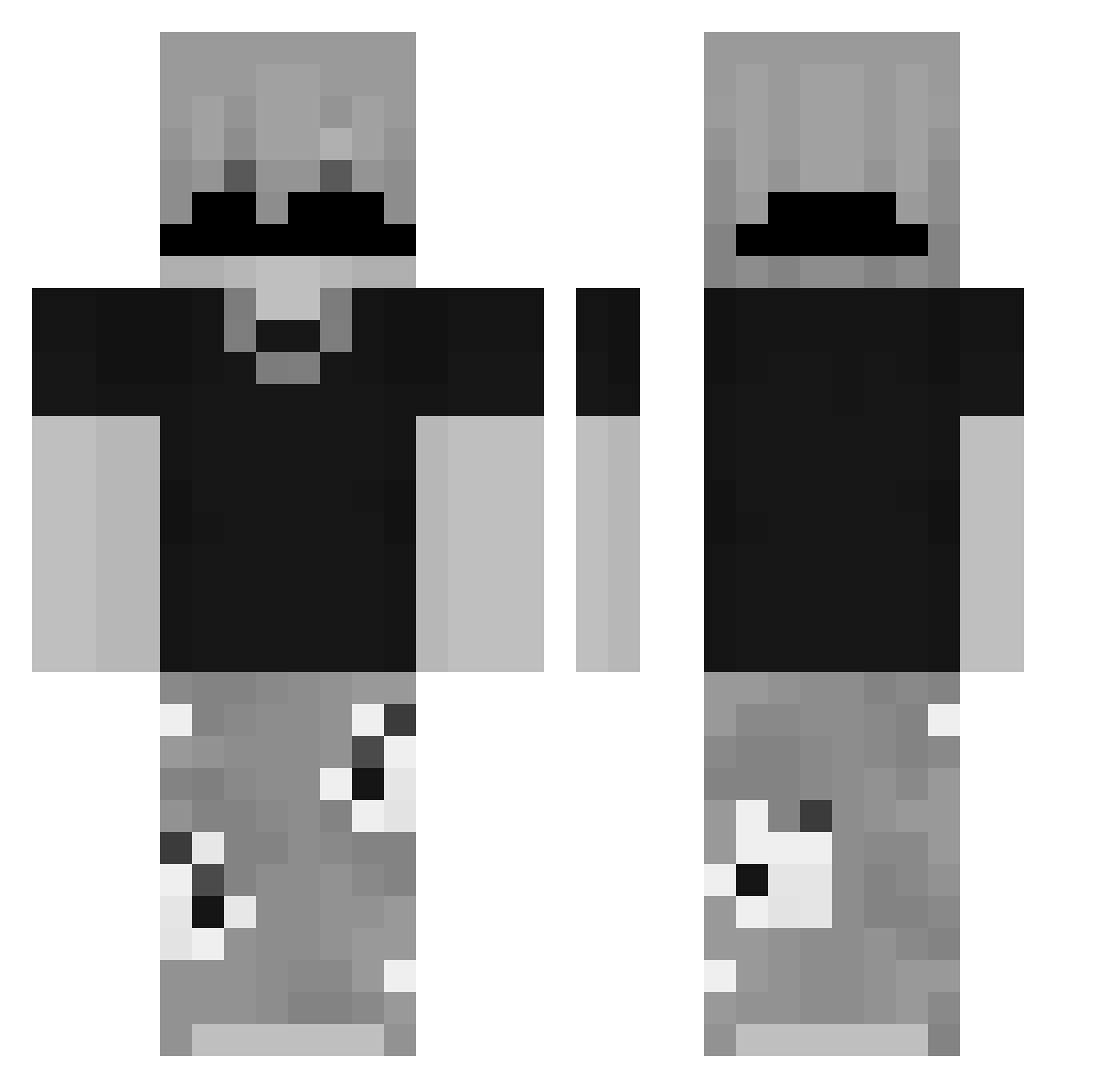
Current Minecraft skin of the player Silvaznx7, loaded from the official Mojang API. Rotate the 3D model with your mouse or finger, then download the skin as a PNG file and use it in Minecraft: Bedrock Edition or Java Edition for free. When Silvaznx7 changes their skin, this page updates automatically and the old skin stays in the history below.
Other players with this skin (105)
Silvaznx7 was the 85th player we have seen with this skin, first spotted on 29.10.2026. The same skin was seen on these players. Open a nickname to see their current skin and skin history.
 dr_bombastic67 Dodomc2121 maxmetodico MXRCEXE EitherX ensbrcn DanielDaddy123 jajestemboss p0gromca_zydow Klarivo Vortexaa N1rkk Kamasucks todynho7658 wrtx Sombrero2137 TokyoDrift546777 synsik z47N4m0s___ Koksuwa_elu DOGTheFlash ItzNotIan ALEZWEF KrickPL Skilorenso Osmanglr 67klv Nyvexx_YT Lexi589 AtalayaHard dmplx woazyy Wslow__ RayBox1106 EduFR3X xJun1o _Dezent_ ItzCritzz Zoomahh Vinicultor2 2yet Dainixxx_ fpqw GuiLtYJ JokubasK2014 IssaRejust qleepy Huinyx keghr SalientCave5913 Bomchi32 Daniel_Els sp1dxrr Elerias Zenuk Luid1409 Zentloww Alezin77_ MielsenXd Tomtin_
How to install the Silvaznx7 skin
- Press the Download button above to save the skin as a PNG file.
- Minecraft: Bedrock Edition (PE): open the Dressing Room from the main menu (or tap your character → Edit Character), go to Classic Skins → Owned, press the + (new skin) button, choose the downloaded PNG and pick the Classic (Steve) model. Works on PC and mobile; consoles cannot import custom skins.
- Minecraft: Java Edition: open the Minecraft Launcher, go to the Skins tab, click New Skin, load the PNG, pick the Classic (Steve) model and press Save & Use. You can also upload it at minecraft.net → Profile → Change Skin.
The skin does not show up after import - what should I do?
Restart Minecraft and open the Dressing Room again - imported skins sometimes appear only after a restart. Also make sure you selected the imported skin and picked the Classic (Steve) model.
Which model should I choose, Classic or Slim?
This skin is designed for the Classic (Steve) model. If you pick the wrong model, the arms of the skin will look stretched or squeezed.
Is the skin of Silvaznx7 free to download?
Yes. Press Download, save the PNG file and use it in Minecraft: Bedrock Edition or Java Edition - no payment or registration needed. The skin also works on multiplayer servers and Realms.
More skins
Looking for more? Go back to all Minecraft skins and check the top skins of the week, month and all time, or find any player's skin by nickname.