
SillyBlackMan7 - Minecraft Skins & Skin History
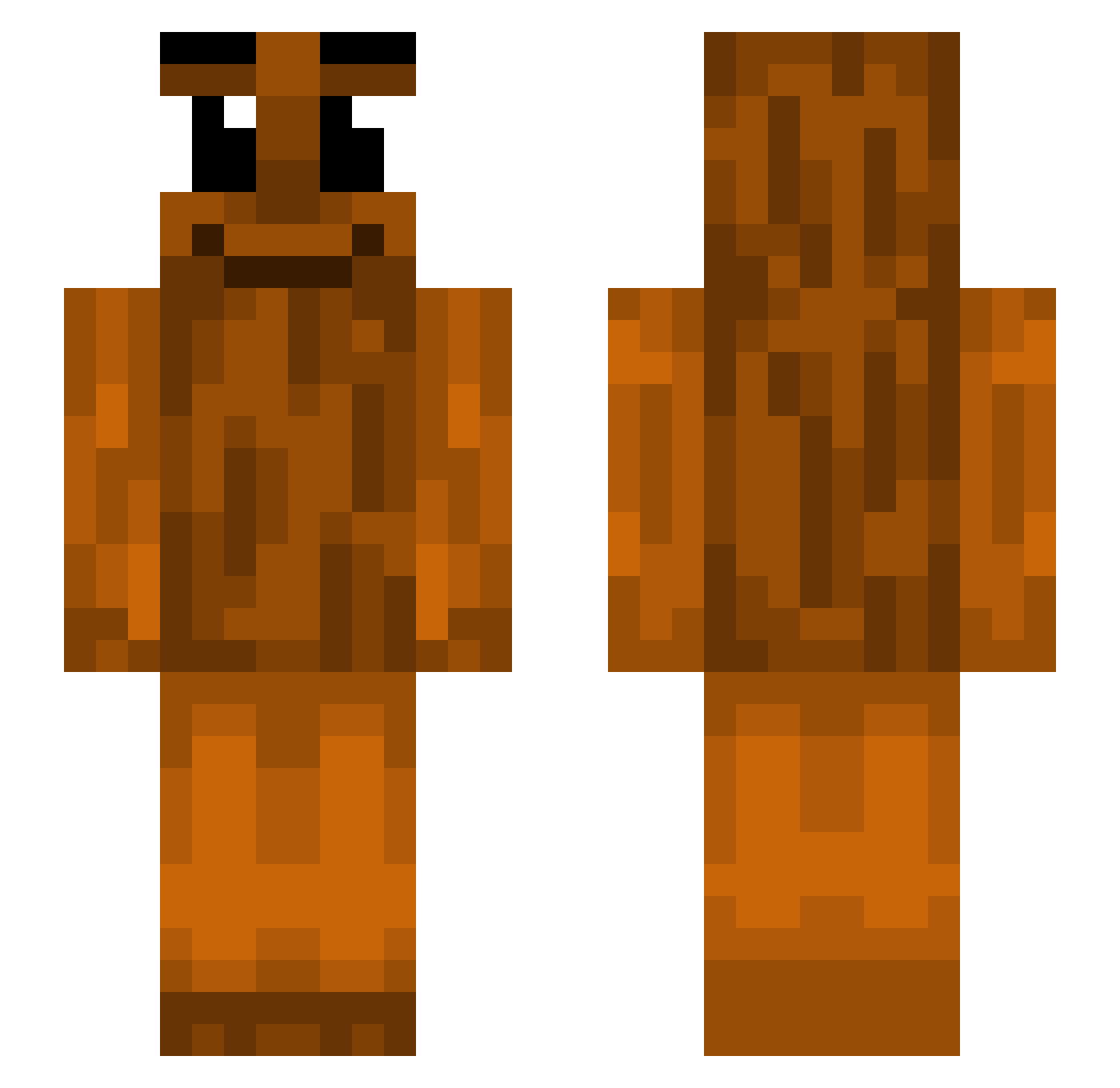
Current Minecraft skin of the player SillyBlackMan7, loaded from the official Mojang API. Rotate the 3D model with your mouse or finger, then download the skin as a PNG file and use it in Minecraft: Bedrock Edition or Java Edition for free. When SillyBlackMan7 changes their skin, this page updates automatically and the old skin stays in the history below.
Other players with this skin (390)
SillyBlackMan7 was the 271st player we have seen with this skin, first spotted on 27.09.2026. The same skin was seen on these players. Open a nickname to see their current skin and skin history.
 Fizzxo CaptainE146 MaybachMark Veer0328 santos_pantos Masha13 damukeloom Calv8n love_osaczekl tentacless Fulrus Txttyman M_son14 grass_bread i_likeboys QuinnForWin oZurxx GlibberMan07 dimodies dighur sangu1ne0_o OBLOCK13 zSkersh Nogglieee Blaze_Raider PapaDimSim MusiKutteri lodzioYT Granosz ReillyIsUnbanned AnotherFan Call_Me_OaK Bonobo64 bust_a_nut25 mehhhhhhhln lextroNN Watic_ topdihmezz MPHR Plasma_Gamer123 PadowiecEXE1808 Drot3x TungTungSahur825 Mangorina LuckyCannon FenaSeverim1_1 CCYMan Wik23 victim29 Kris7718 Radadiad yankekin realjway kolokolo_0 EUJVSILVA tumnusjaya TrippleCreamOreo kyylue YamzzB LesbianNeeko
More Oak Log Minecraft skins
How to install the SillyBlackMan7 skin
- Press the Download button above to save the skin as a PNG file.
- Minecraft: Bedrock Edition (PE): open the Dressing Room from the main menu (or tap your character → Edit Character), go to Classic Skins → Owned, press the + (new skin) button, choose the downloaded PNG and pick the Slim (Alex) model. Works on PC and mobile; consoles cannot import custom skins.
- Minecraft: Java Edition: open the Minecraft Launcher, go to the Skins tab, click New Skin, load the PNG, pick the Slim (Alex) model and press Save & Use. You can also upload it at minecraft.net → Profile → Change Skin.
The skin does not show up after import - what should I do?
Restart Minecraft and open the Dressing Room again - imported skins sometimes appear only after a restart. Also make sure you selected the imported skin and picked the Slim (Alex) model.
Which model should I choose, Classic or Slim?
This skin is designed for the Slim (Alex) model. If you pick the wrong model, the arms of the skin will look stretched or squeezed.
Is the skin of SillyBlackMan7 free to download?
Yes. Press Download, save the PNG file and use it in Minecraft: Bedrock Edition or Java Edition - no payment or registration needed. The skin also works on multiplayer servers and Realms.
More skins
Looking for more? Go back to all Minecraft skins and check the top skins of the week, month and all time, or find any player's skin by nickname.