
SilentWinter99 - Minecraft Skins & Skin History
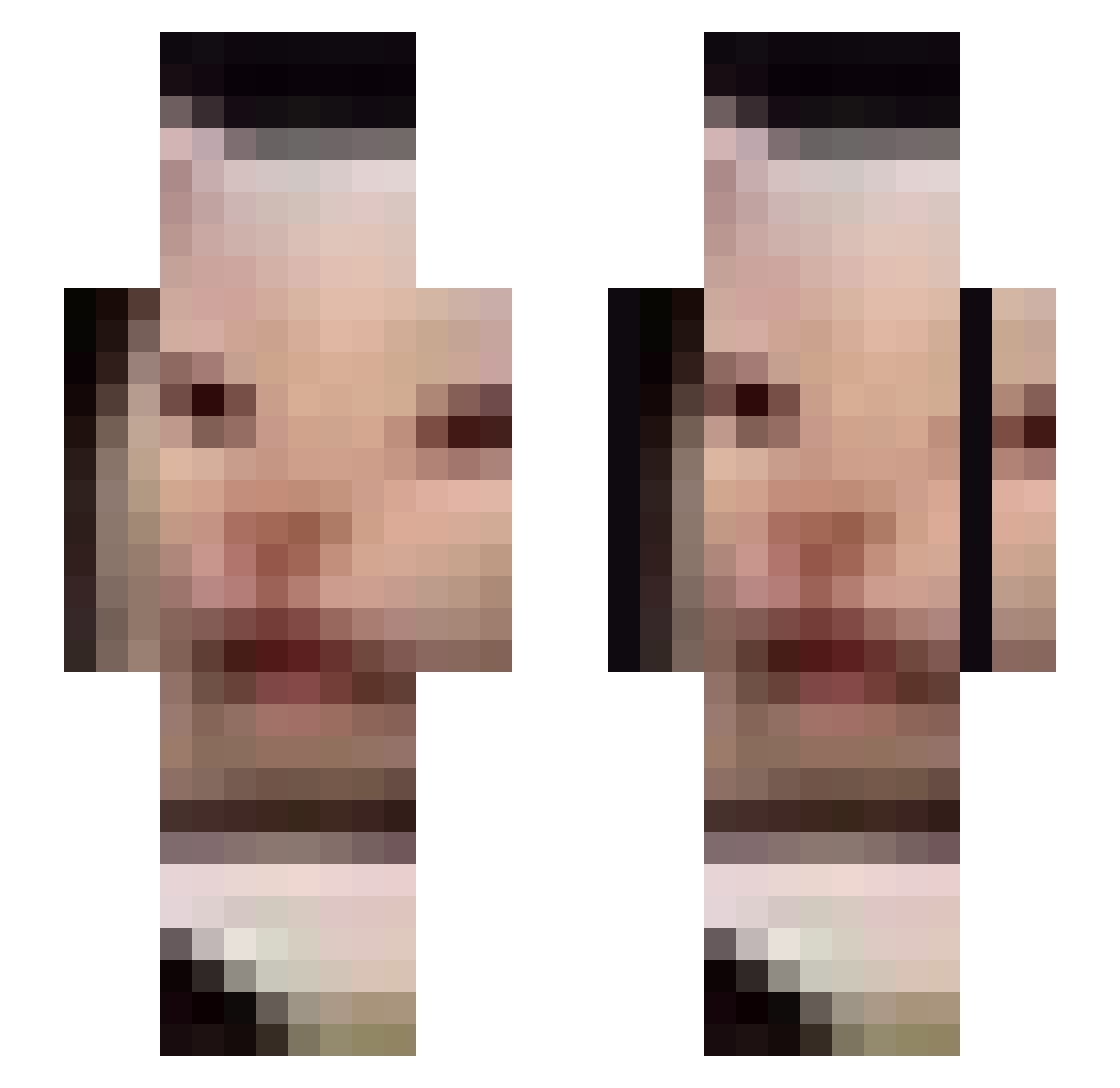
Current Minecraft skin of the player SilentWinter99, loaded from the official Mojang API. Rotate the 3D model with your mouse or finger, then download the skin as a PNG file and use it in Minecraft: Bedrock Edition or Java Edition for free. When SilentWinter99 changes their skin, this page updates automatically and the old skin stays in the history below.
Other players with this skin (676)
SilentWinter99 was the 336th player we have seen with this skin, first spotted on 20.09.2026. The same skin was seen on these players. Open a nickname to see their current skin and skin history.
 1masse benten825 Shrubberry porphyromonas consii0521 31_weihfuyq217 PunishMEnt_101 LifeIsLemonade tacos130 lacaradedios uva_s NAS_Anomaly isabelrau_ soullessginger2 Nep_OwO ChairFiend Zetzoo XX_FATBALONY_XX RummiZen maArk_23 SignatoryFrog Snoop_G Kotsoniasty QuadUpload NaoSama kadi013 umbr311a commasrcool WestYeti9143818 brendan56 pijany_towarzysz Dr_Sprite Can1Getuhhhhhhhh ricecake15 xPk_Mercenary c1szek Chisd6767 BloodThirstyMuff DorPea Liquid699 EpixGamer69 PaolaSSTS PhilMir Italie_PP OutrightNothing WeeeWouu cr250sawyer UFPS pimpek122 _i_y Fiops1 tuma11 WhiskyWhisker JOKER7683 Tikru119 _dingdingdong P3lemeni Megapixels NeFushka2 ohuton0626
More Beluga Minecraft skins
How to install the SilentWinter99 skin
- Press the Download button above to save the skin as a PNG file.
- Minecraft: Bedrock Edition (PE): open the Dressing Room from the main menu (or tap your character → Edit Character), go to Classic Skins → Owned, press the + (new skin) button, choose the downloaded PNG and pick the Slim (Alex) model. Works on PC and mobile; consoles cannot import custom skins.
- Minecraft: Java Edition: open the Minecraft Launcher, go to the Skins tab, click New Skin, load the PNG, pick the Slim (Alex) model and press Save & Use. You can also upload it at minecraft.net → Profile → Change Skin.
The skin does not show up after import - what should I do?
Restart Minecraft and open the Dressing Room again - imported skins sometimes appear only after a restart. Also make sure you selected the imported skin and picked the Slim (Alex) model.
Which model should I choose, Classic or Slim?
This skin is designed for the Slim (Alex) model. If you pick the wrong model, the arms of the skin will look stretched or squeezed.
Is the skin of SilentWinter99 free to download?
Yes. Press Download, save the PNG file and use it in Minecraft: Bedrock Edition or Java Edition - no payment or registration needed. The skin also works on multiplayer servers and Realms.
More skins
Looking for more? Go back to all Minecraft skins and check the top skins of the week, month and all time, or find any player's skin by nickname.