
ShoePac - Minecraft Skins & Skin History
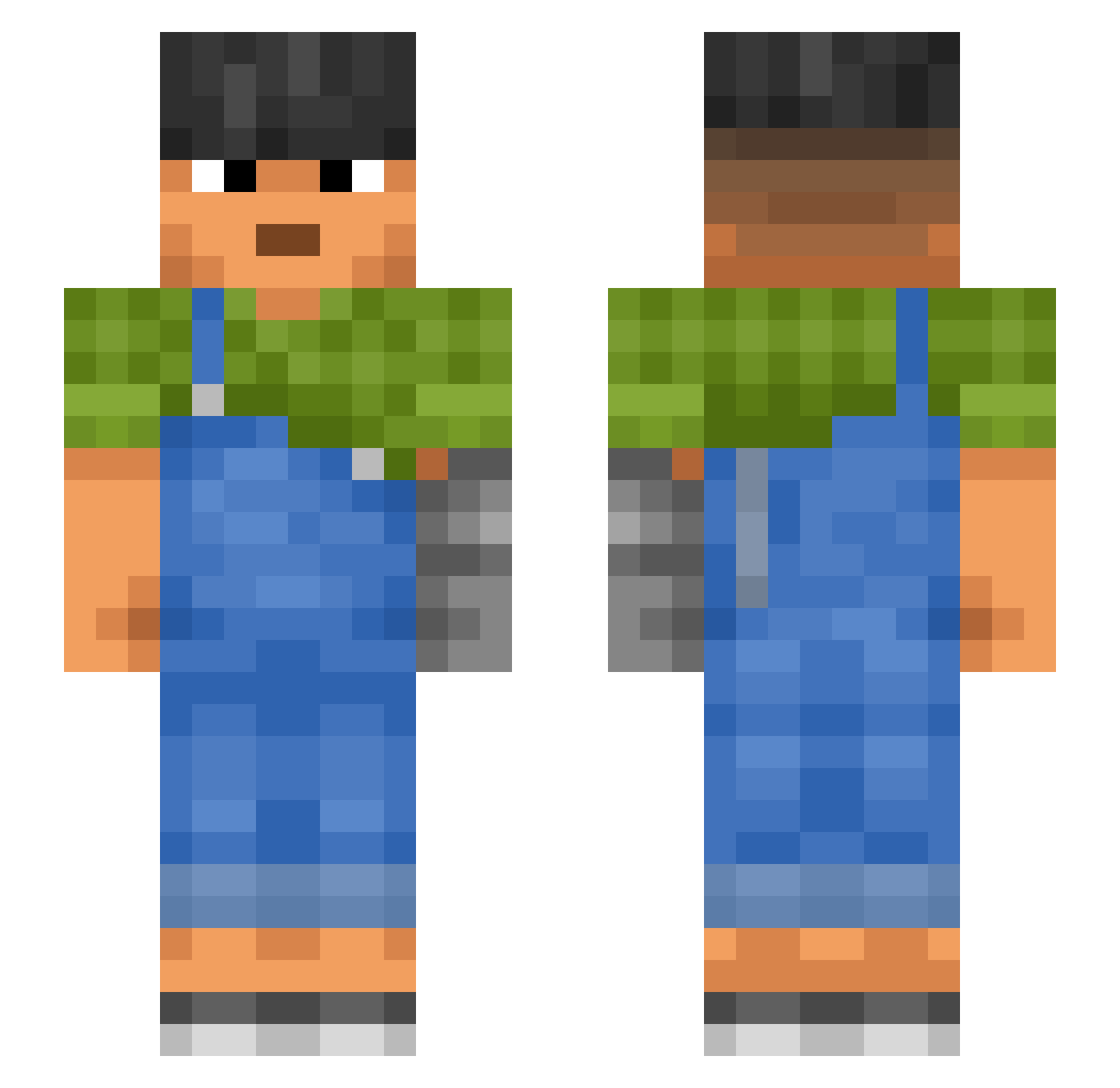
Current Minecraft skin of the player ShoePac, loaded from the official Mojang API. Rotate the 3D model with your mouse or finger, then download the skin as a PNG file and use it in Minecraft: Bedrock Edition or Java Edition for free. When ShoePac changes their skin, this page updates automatically and the old skin stays in the history below.
Other players with this skin (987)
ShoePac was the 828th player we have seen with this skin, first spotted on 19.10.2026. The same skin was seen on these players. Open a nickname to see their current skin and skin history.
 cedilla Tyfs Abdo_Amr2121 Larnax Alehkhs Harace Chimeric HugeJohnson69 Peziza Helloes 258Street Cornetto STOPHACKINGME123 MrRobot777 lYuWonl Trulygxd333 Mik3l jose220207 Dindle 02_0 lokrens23 Unread FamedOak Carlisle Replanning Tellurous Musa_33 gigantosaurus Pakipol DiegoDigi Cye1127 slowrunner__ cooniest Tjarkules Kathlyn21 nightl2 Stunt PUXPRO hpeterson Malachi acrobat Euryale pGx47 Mati4360 pterygota Fluraky Sleepy497 davi_scarcela fxoi RenanOMPassinho Cordialities BingBongBryle cbrs LiuYiChen_CN Ancona Banyuls Craiglovessoup43 guineas DivyeMeena Kittenlily
More Prosthetic Arm Minecraft skins
See all 71 Prosthetic Arm skins
How to install the ShoePac skin
- Press the Download button above to save the skin as a PNG file.
- Minecraft: Bedrock Edition (PE): open the Dressing Room from the main menu (or tap your character → Edit Character), go to Classic Skins → Owned, press the + (new skin) button, choose the downloaded PNG and pick the Slim (Alex) model. Works on PC and mobile; consoles cannot import custom skins.
- Minecraft: Java Edition: open the Minecraft Launcher, go to the Skins tab, click New Skin, load the PNG, pick the Slim (Alex) model and press Save & Use. You can also upload it at minecraft.net → Profile → Change Skin.
The skin does not show up after import - what should I do?
Restart Minecraft and open the Dressing Room again - imported skins sometimes appear only after a restart. Also make sure you selected the imported skin and picked the Slim (Alex) model.
Which model should I choose, Classic or Slim?
This skin is designed for the Slim (Alex) model. If you pick the wrong model, the arms of the skin will look stretched or squeezed.
Is the skin of ShoePac free to download?
Yes. Press Download, save the PNG file and use it in Minecraft: Bedrock Edition or Java Edition - no payment or registration needed. The skin also works on multiplayer servers and Realms.
More skins
Looking for more? Go back to all Minecraft skins and check the top skins of the week, month and all time, or find any player's skin by nickname.