
Shobani - Minecraft Skins & Skin History
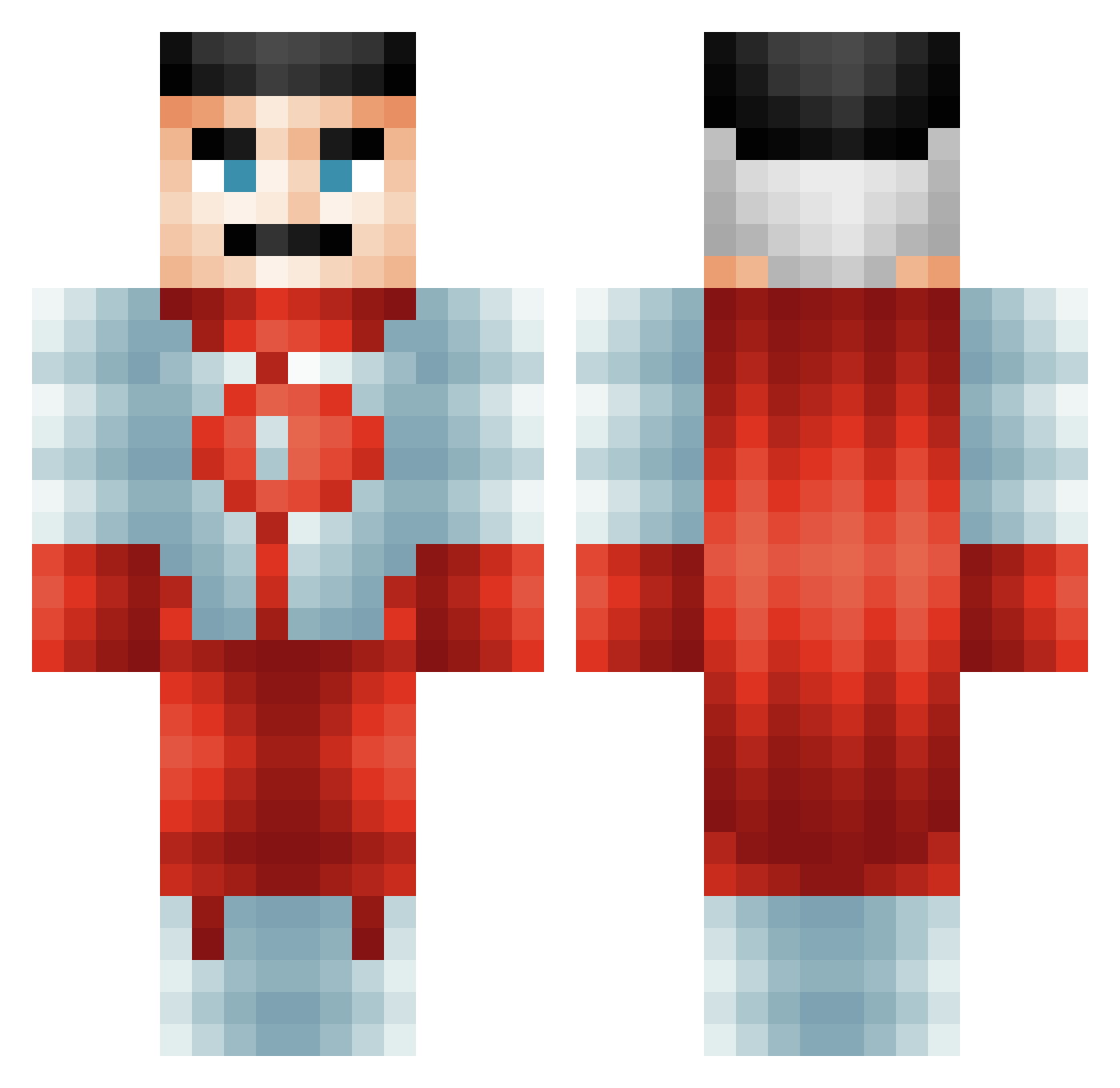
Current Minecraft skin of the player Shobani, loaded from the official Mojang API. Rotate the 3D model with your mouse or finger, then download the skin as a PNG file and use it in Minecraft: Bedrock Edition or Java Edition for free. When Shobani changes their skin, this page updates automatically and the old skin stays in the history below.
Other players with this skin (484)
Shobani was the 427th player we have seen with this skin, first spotted on 09.10.2026. The same skin was seen on these players. Open a nickname to see their current skin and skin history.
 BauerAlex alfred101 emirbaransen MultipleBiomes SAvZbik Discount_Aussie Karma_Zen notSmokey69 _Wisey brenoandrade2001 GhostMeow8 Episowe Eladih67 EmperorClad xKalebthehacker Kwah2000 ph4ntasm tidmansweden G4ma Kimmywa26 LilWilleyCD PriceyScroll159 Ham1t_16 Tonymah43 sigma1101 Dr_Aura1 will_cr Syn_zH JoeyRavioli7 dubster123 LuluzeraJkk RodneyStanger95 ClaudicionTrue BeastPhox BigslipperOK _wat3r__ aberlouis Ronniev70 Rex_Dracarys Lupokk FilipBjorklund09 andrei2525 Lebronsosexey Interestlngname piraka64 zach1369 b1g_noob69 Fritos50_ Durdinz tribos69 AdmS17 SillyGuyO_O GabeWG CakedUpOmniMan CheesyGangsta187 Killi86 MillyBilly345 doge8000 WHITEN08 _Solarist_
More Omni Man Minecraft skins
How to install the Shobani skin
- Press the Download button above to save the skin as a PNG file.
- Minecraft: Bedrock Edition (PE): open the Dressing Room from the main menu (or tap your character → Edit Character), go to Classic Skins → Owned, press the + (new skin) button, choose the downloaded PNG and pick the Classic (Steve) model. Works on PC and mobile; consoles cannot import custom skins.
- Minecraft: Java Edition: open the Minecraft Launcher, go to the Skins tab, click New Skin, load the PNG, pick the Classic (Steve) model and press Save & Use. You can also upload it at minecraft.net → Profile → Change Skin.
The skin does not show up after import - what should I do?
Restart Minecraft and open the Dressing Room again - imported skins sometimes appear only after a restart. Also make sure you selected the imported skin and picked the Classic (Steve) model.
Which model should I choose, Classic or Slim?
This skin is designed for the Classic (Steve) model. If you pick the wrong model, the arms of the skin will look stretched or squeezed.
Is the skin of Shobani free to download?
Yes. Press Download, save the PNG file and use it in Minecraft: Bedrock Edition or Java Edition - no payment or registration needed. The skin also works on multiplayer servers and Realms.
More skins
Looking for more? Go back to all Minecraft skins and check the top skins of the week, month and all time, or find any player's skin by nickname.