
ShiroRz - Minecraft Skins & Skin History
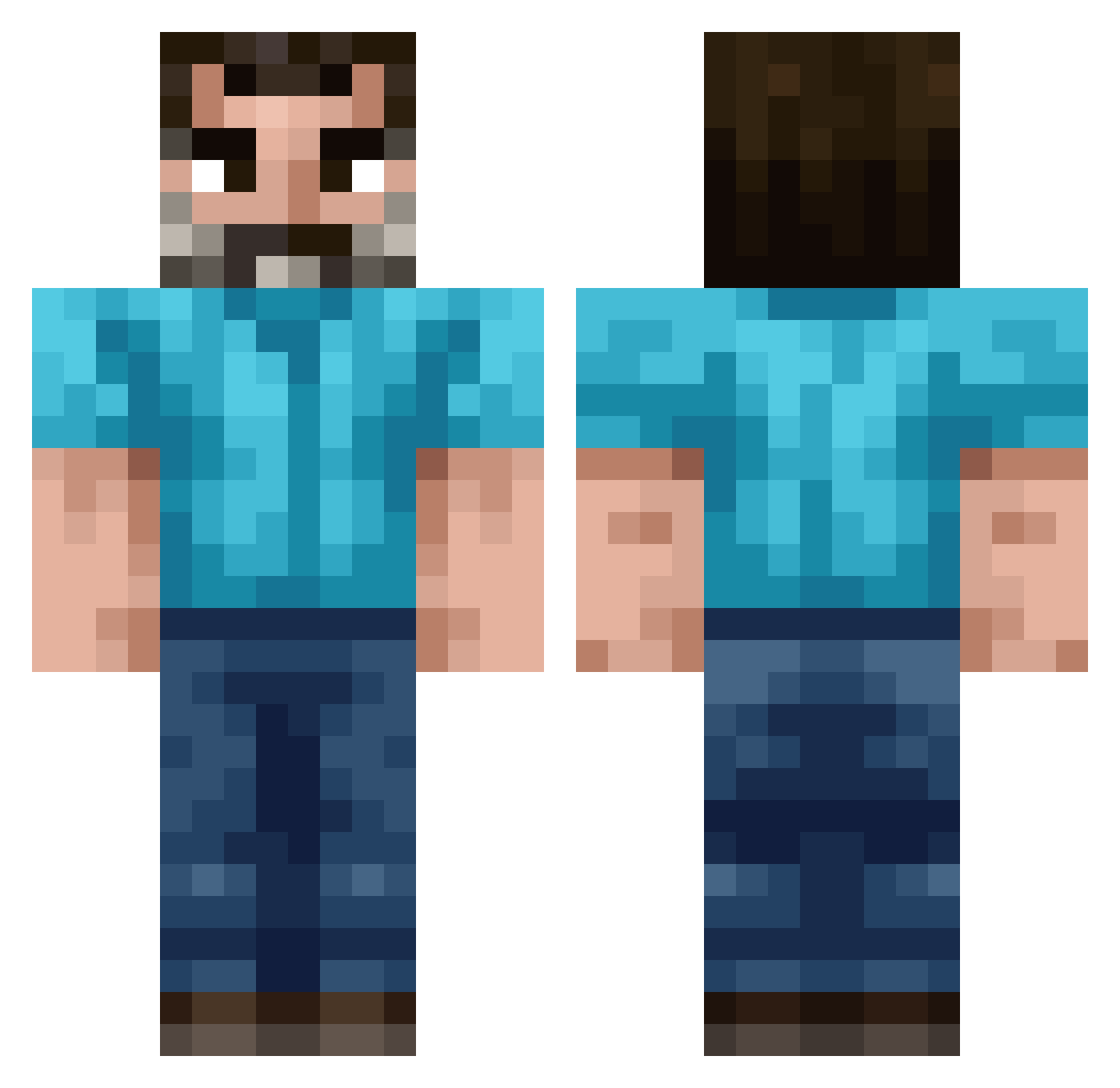
Current Minecraft skin of the player ShiroRz, loaded from the official Mojang API. Rotate the 3D model with your mouse or finger, then download the skin as a PNG file and use it in Minecraft: Bedrock Edition or Java Edition for free. When ShiroRz changes their skin, this page updates automatically and the old skin stays in the history below.
Other players with this skin (220)
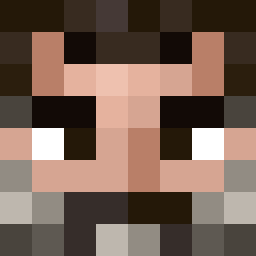
ShiroRz was the 130th player we have seen with this skin, first spotted on 01.10.2026. The same skin was seen on these players. Open a nickname to see their current skin and skin history.
 Ruphe LilFarquadSkrrrr hoffmao AvatarBard BobOfHavana biingus_ Den4ikowski kurwiosmiornica Dawud759 AgustinPro10 HumbleBeekeeper Metheglin Paranoia555 YouNoob1 GigaChadNek ComputerVirrrus Hyruli Tw1sty__ harvz Its_Garretto skullk1ng53 DJohnsTheGreat SputRafa robertwpower molatiS junsies 1059ms Crafty_Noah_ MrGab0 ArkNo588 MattieC DArkOakWoodLog Dr_Disc0 Fly0933 builder2026gurra John_Zehner lohnsklave ranger____ Jikypops NooodleRat goongamingboi Paweira _Boutch_ uWCrutch demer8 welshcraft Minecrafter4082 SergeantDad KOmiiii BaghdadBandito OnDerska666 FaZe_theRAPIST QU75 StevonGames TonyK72 megagagis Nemo889 GalaxymaxiS 0uroboro5 Paroxysmal
How to install the ShiroRz skin
- Press the Download button above to save the skin as a PNG file.
- Minecraft: Bedrock Edition (PE): open the Dressing Room from the main menu (or tap your character → Edit Character), go to Classic Skins → Owned, press the + (new skin) button, choose the downloaded PNG and pick the Classic (Steve) model. Works on PC and mobile; consoles cannot import custom skins.
- Minecraft: Java Edition: open the Minecraft Launcher, go to the Skins tab, click New Skin, load the PNG, pick the Classic (Steve) model and press Save & Use. You can also upload it at minecraft.net → Profile → Change Skin.
The skin does not show up after import - what should I do?
Restart Minecraft and open the Dressing Room again - imported skins sometimes appear only after a restart. Also make sure you selected the imported skin and picked the Classic (Steve) model.
Which model should I choose, Classic or Slim?
This skin is designed for the Classic (Steve) model. If you pick the wrong model, the arms of the skin will look stretched or squeezed.
Is the skin of ShiroRz free to download?
Yes. Press Download, save the PNG file and use it in Minecraft: Bedrock Edition or Java Edition - no payment or registration needed. The skin also works on multiplayer servers and Realms.
More skins
Looking for more? Go back to all Minecraft skins and check the top skins of the week, month and all time, or find any player's skin by nickname.