
Shegi812 - Minecraft Skins & Skin History
Current Minecraft skin of the player Shegi812, loaded from the official Mojang API. Rotate the 3D model with your mouse or finger, then download the skin as a PNG file and use it in Minecraft: Bedrock Edition or Java Edition for free. When Shegi812 changes their skin, this page updates automatically and the old skin stays in the history below.
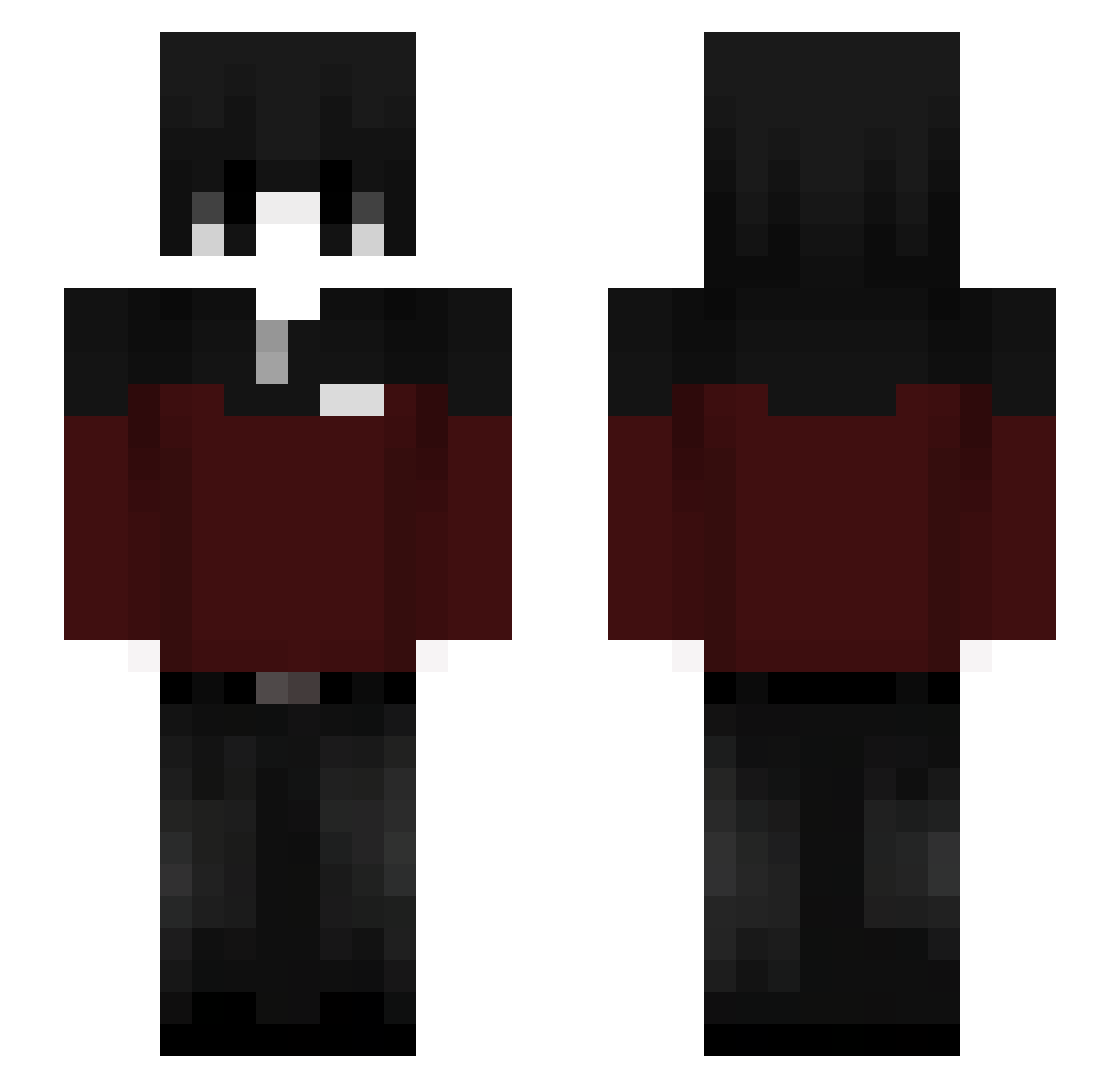
Other players with this skin (63)
Shegi812 was the 17th player we have seen with this skin, first spotted on 14.08.2026. The same skin was seen on these players. Open a nickname to see their current skin and skin history.
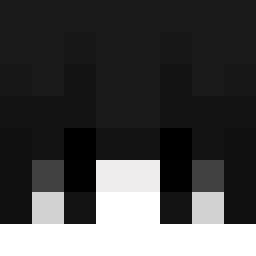 NoobsOriginaI LordZEN0
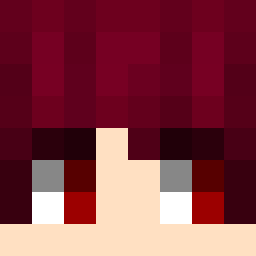 dominator101 200KG_160CM_4MMC
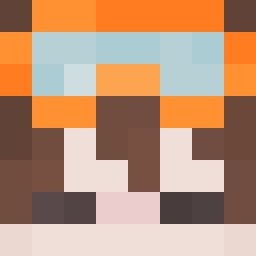 Aaronkof Matx14 xxgl Brownlee_ hesein_ getmoneyy9x19 OwenKi liba_real selen3_sxlac3 Dehanminguk Chief_Asher14 insomn1akk gabizin9952
 Hcj_ll madness134 Nvuc Jorvian_ eden0716
 Smxrq
Smxrq HydraBane moiseskingpro
 Lolo51113 xadamxx33 Jorgexs28 danonePARRUDO alisu_san
 Acebmoon DayVariable2148 SIGNMEINBRO VechBlade Konewka21378 Magi0102 undertang yumz SKYwunder4 fainterd MindOD Hermdrip N1ght_C0r3 Toniewiruz Death114514 shyro4kaq daryo2020 LIGUAN0331 monpaw pPaAwwlix ImGumong Hyunbin0704 brosh1k Sci_Blade01 wezyyeez Peger44 Alejopp mybotn1 Phrlk777 iwgg
More Emo Minecraft skins
How to install the Shegi812 skin
- Press the Download button above to save the skin as a PNG file.
- Minecraft: Bedrock Edition (PE): open the Dressing Room from the main menu (or tap your character → Edit Character), go to Classic Skins → Owned, press the + (new skin) button, choose the downloaded PNG and pick the Slim (Alex) model. Works on PC and mobile; consoles cannot import custom skins.
- Minecraft: Java Edition: open the Minecraft Launcher, go to the Skins tab, click New Skin, load the PNG, pick the Slim (Alex) model and press Save & Use. You can also upload it at minecraft.net → Profile → Change Skin.
The skin does not show up after import - what should I do?
Restart Minecraft and open the Dressing Room again - imported skins sometimes appear only after a restart. Also make sure you selected the imported skin and picked the Slim (Alex) model.
Which model should I choose, Classic or Slim?
This skin is designed for the Slim (Alex) model. If you pick the wrong model, the arms of the skin will look stretched or squeezed.
Is the skin of Shegi812 free to download?
Yes. Press Download, save the PNG file and use it in Minecraft: Bedrock Edition or Java Edition - no payment or registration needed. The skin also works on multiplayer servers and Realms.
More skins
Looking for more? Go back to all Minecraft skins and check the top skins of the week, month and all time, or find any player's skin by nickname.