
Shaxizzz - Minecraft Skins & Skin History
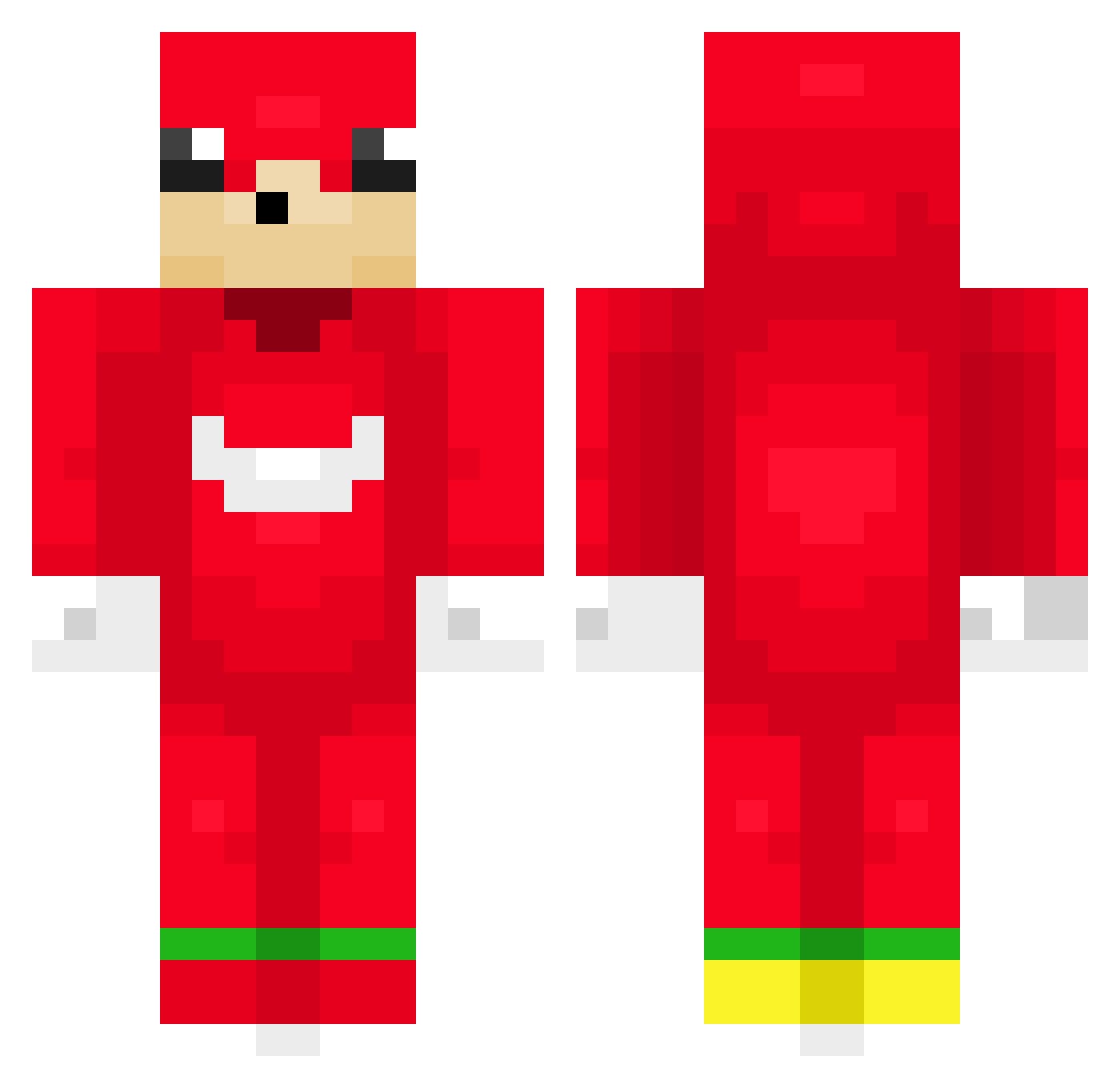
Current Minecraft skin of the player Shaxizzz, loaded from the official Mojang API. Rotate the 3D model with your mouse or finger, then download the skin as a PNG file and use it in Minecraft: Bedrock Edition or Java Edition for free. When Shaxizzz changes their skin, this page updates automatically and the old skin stays in the history below.
Other players with this skin (145)
Shaxizzz was the 68th player we have seen with this skin, first spotted on 16.09.2026. The same skin was seen on these players. Open a nickname to see their current skin and skin history.
 Drallid twodrain L_Hyeok hoyuggi _Harrax_ germhs Topez1234 ItsScorch Anotni jungjin0 orangee234 KneeBbang jamelinhok oiia_0iia gator_756 WRWR IM_FEARLESS1 Protven sa_ad1 al3jito YungZAZ Smurre2k
 Rimpeltje bananachocol Idewr dododdood sharon_molinari Lewanzy qrlz VMLopes Vavan_ Ingilingibingi DeBigBacon suta0119 Balmierozan10 Xwampy_ Akio_YT navycreeper carlos1604 Stewedatom MequeCzarny Catherine07 traps0sa EXOenjoyer Framski_Kidneper Lsama_Oaden DrDraven123567 anangiller Jasonyt1 Kuchcik5854 BomBom1310 Grefld yonghwan1207 god_sunder ARGGHHHH ItsStrukz FcEmong Z0o0 AVETRONz 7ofuu
More Knuckles Minecraft skins
How to install the Shaxizzz skin
- Press the Download button above to save the skin as a PNG file.
- Minecraft: Bedrock Edition (PE): open the Dressing Room from the main menu (or tap your character → Edit Character), go to Classic Skins → Owned, press the + (new skin) button, choose the downloaded PNG and pick the Classic (Steve) model. Works on PC and mobile; consoles cannot import custom skins.
- Minecraft: Java Edition: open the Minecraft Launcher, go to the Skins tab, click New Skin, load the PNG, pick the Classic (Steve) model and press Save & Use. You can also upload it at minecraft.net → Profile → Change Skin.
The skin does not show up after import - what should I do?
Restart Minecraft and open the Dressing Room again - imported skins sometimes appear only after a restart. Also make sure you selected the imported skin and picked the Classic (Steve) model.
Which model should I choose, Classic or Slim?
This skin is designed for the Classic (Steve) model. If you pick the wrong model, the arms of the skin will look stretched or squeezed.
Is the skin of Shaxizzz free to download?
Yes. Press Download, save the PNG file and use it in Minecraft: Bedrock Edition or Java Edition - no payment or registration needed. The skin also works on multiplayer servers and Realms.
More skins
Looking for more? Go back to all Minecraft skins and check the top skins of the week, month and all time, or find any player's skin by nickname.