
Shauroon - Minecraft Skins & Skin History
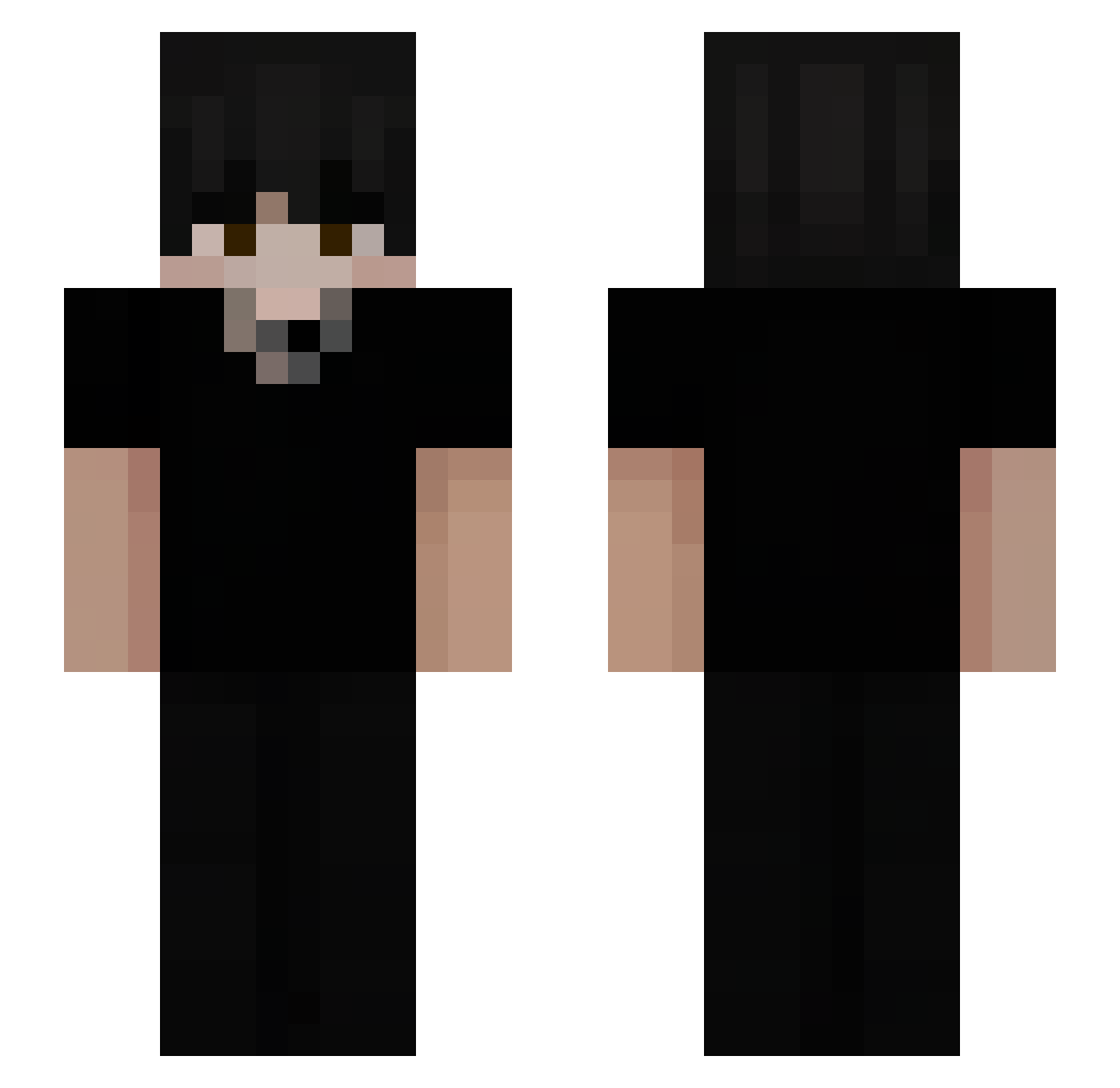
Current Minecraft skin of the player Shauroon, loaded from the official Mojang API. Rotate the 3D model with your mouse or finger, then download the skin as a PNG file and use it in Minecraft: Bedrock Edition or Java Edition for free. When Shauroon changes their skin, this page updates automatically and the old skin stays in the history below.
Other players with this skin (53)
Shauroon was the 28th player we have seen with this skin, first spotted on 07.10.2026. The same skin was seen on these players. Open a nickname to see their current skin and skin history.
 maco_1 EvolvedGodzilla9 FR_Fenix HakuY00 st9rasuraa MADARAdeGAMER tyleriswashed 69Mxrt Vadexxxx madeaidenistaken Blcktzz cukierek66 04lies ClutchZ_04 Yayaxviii zStevem Bxlto WookiPooki _Al_0ne_ Isaac__45 LunarCrowd Crytos__ LeBao114 GRlewis Honza789_CZ Santiagoe2 XVYZZB__ syvxx SpiderLucifer Unkerlo1 Brylix005 ezabaleta ffraze123 Cxre_zzz Thom027 Edgeshark420 ZodieZop PandreroKing POCHI0527 Negrp EinTypDE Samr_Sh_ Xanthuria Nachnachito Deliverability Ghostr_23 Oreo_v1
 Papsic LukOFFcial AiroZ_exe
 __jz ItsNekross
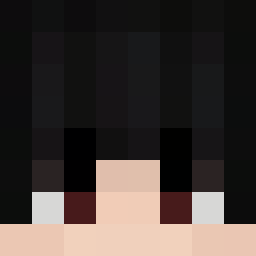 Bathroom342
How to install the Shauroon skin
- Press the Download button above to save the skin as a PNG file.
- Minecraft: Bedrock Edition (PE): open the Dressing Room from the main menu (or tap your character → Edit Character), go to Classic Skins → Owned, press the + (new skin) button, choose the downloaded PNG and pick the Slim (Alex) model. Works on PC and mobile; consoles cannot import custom skins.
- Minecraft: Java Edition: open the Minecraft Launcher, go to the Skins tab, click New Skin, load the PNG, pick the Slim (Alex) model and press Save & Use. You can also upload it at minecraft.net → Profile → Change Skin.
The skin does not show up after import - what should I do?
Restart Minecraft and open the Dressing Room again - imported skins sometimes appear only after a restart. Also make sure you selected the imported skin and picked the Slim (Alex) model.
Which model should I choose, Classic or Slim?
This skin is designed for the Slim (Alex) model. If you pick the wrong model, the arms of the skin will look stretched or squeezed.
Is the skin of Shauroon free to download?
Yes. Press Download, save the PNG file and use it in Minecraft: Bedrock Edition or Java Edition - no payment or registration needed. The skin also works on multiplayer servers and Realms.
More skins
Looking for more? Go back to all Minecraft skins and check the top skins of the week, month and all time, or find any player's skin by nickname.