
SenpaiZest - Minecraft Skins & Skin History
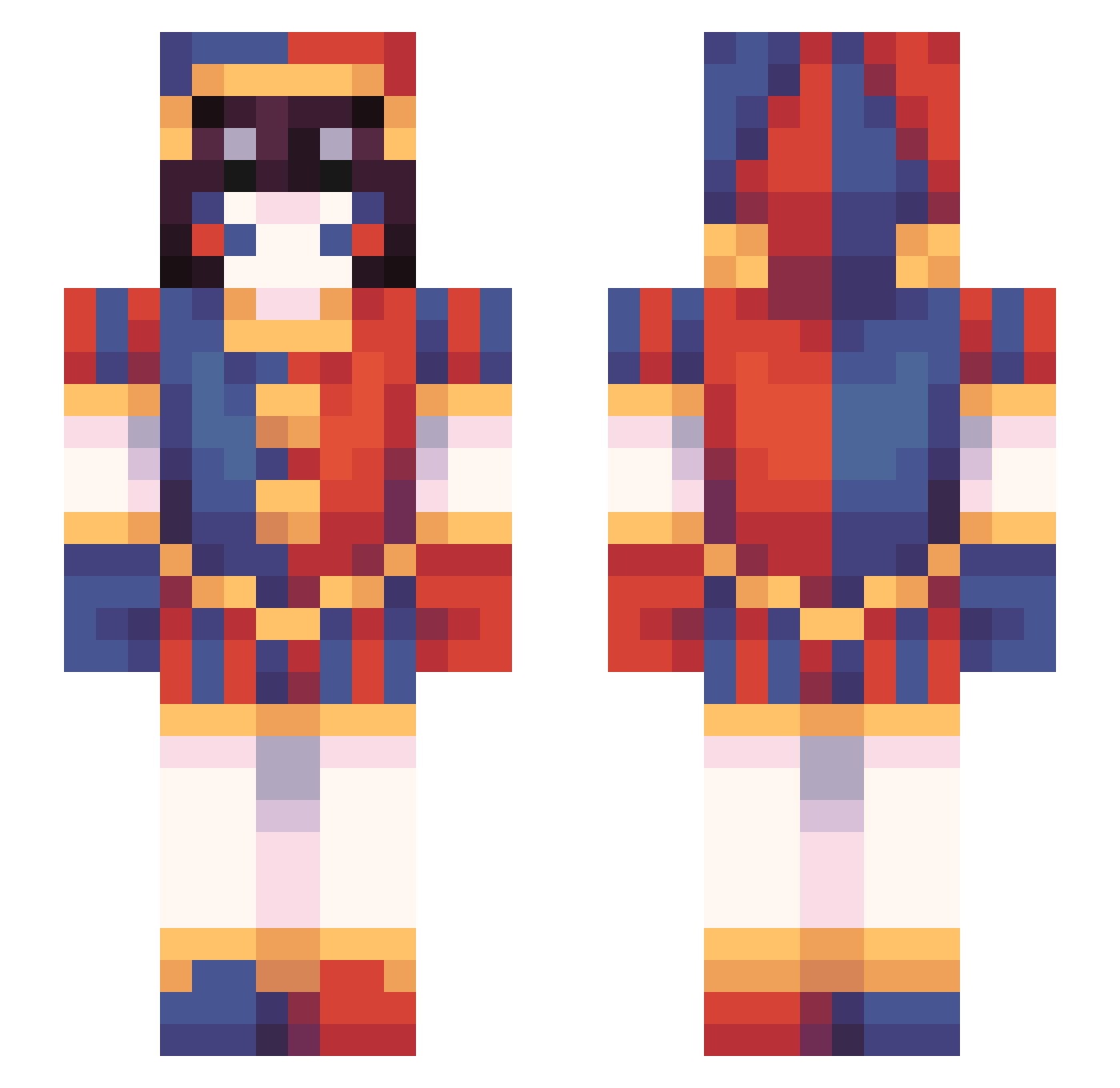
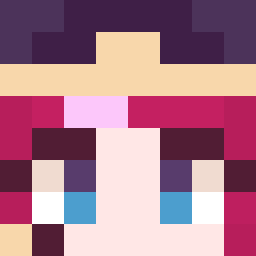
Current Minecraft skin of the player SenpaiZest, loaded from the official Mojang API. Rotate the 3D model with your mouse or finger, then download the skin as a PNG file and use it in Minecraft: Bedrock Edition or Java Edition for free. When SenpaiZest changes their skin, this page updates automatically and the old skin stays in the history below.
Other players with this skin (48)
SenpaiZest was the 31st player we have seen with this skin, first spotted on 23.09.2026. The same skin was seen on these players. Open a nickname to see their current skin and skin history.
 ghdgocks25 KAYOURANKED shiroxz09 Pusz_ynka Muss_ouo melsek10 Stefubu kensmall Alvusia05 CWL21 ricrubrom ScrotaNutsOfOryx StxrmyGrey sengal Sirius_S2 Besmircher DoggieBG
 ST45RZ
 MagentaMage Baisch KaineShadowlord tinytansy dilaz4ever
 Kawaiskay archerexe
 APKY2006 UltraPlays7 OGFISH0 Cyrexia Sunset_Haven Liziusss Poki_to VuMislaw poisoncookies
 KoCiAk69XD Null2077 NoMooheon
 assamoat nekarri Kifuno
 Zyo95 misspiggy444 Bloofed
 isabel1e Pangoulin MonsterGoop67 aristox N3nta1Sensei
More Pomni Minecraft skins
How to install the SenpaiZest skin
- Press the Download button above to save the skin as a PNG file.
- Minecraft: Bedrock Edition (PE): open the Dressing Room from the main menu (or tap your character → Edit Character), go to Classic Skins → Owned, press the + (new skin) button, choose the downloaded PNG and pick the Slim (Alex) model. Works on PC and mobile; consoles cannot import custom skins.
- Minecraft: Java Edition: open the Minecraft Launcher, go to the Skins tab, click New Skin, load the PNG, pick the Slim (Alex) model and press Save & Use. You can also upload it at minecraft.net → Profile → Change Skin.
The skin does not show up after import - what should I do?
Restart Minecraft and open the Dressing Room again - imported skins sometimes appear only after a restart. Also make sure you selected the imported skin and picked the Slim (Alex) model.
Which model should I choose, Classic or Slim?
This skin is designed for the Slim (Alex) model. If you pick the wrong model, the arms of the skin will look stretched or squeezed.
Is the skin of SenpaiZest free to download?
Yes. Press Download, save the PNG file and use it in Minecraft: Bedrock Edition or Java Edition - no payment or registration needed. The skin also works on multiplayer servers and Realms.
More skins
Looking for more? Go back to all Minecraft skins and check the top skins of the week, month and all time, or find any player's skin by nickname.