
Sealeonn - Minecraft Skins & Skin History
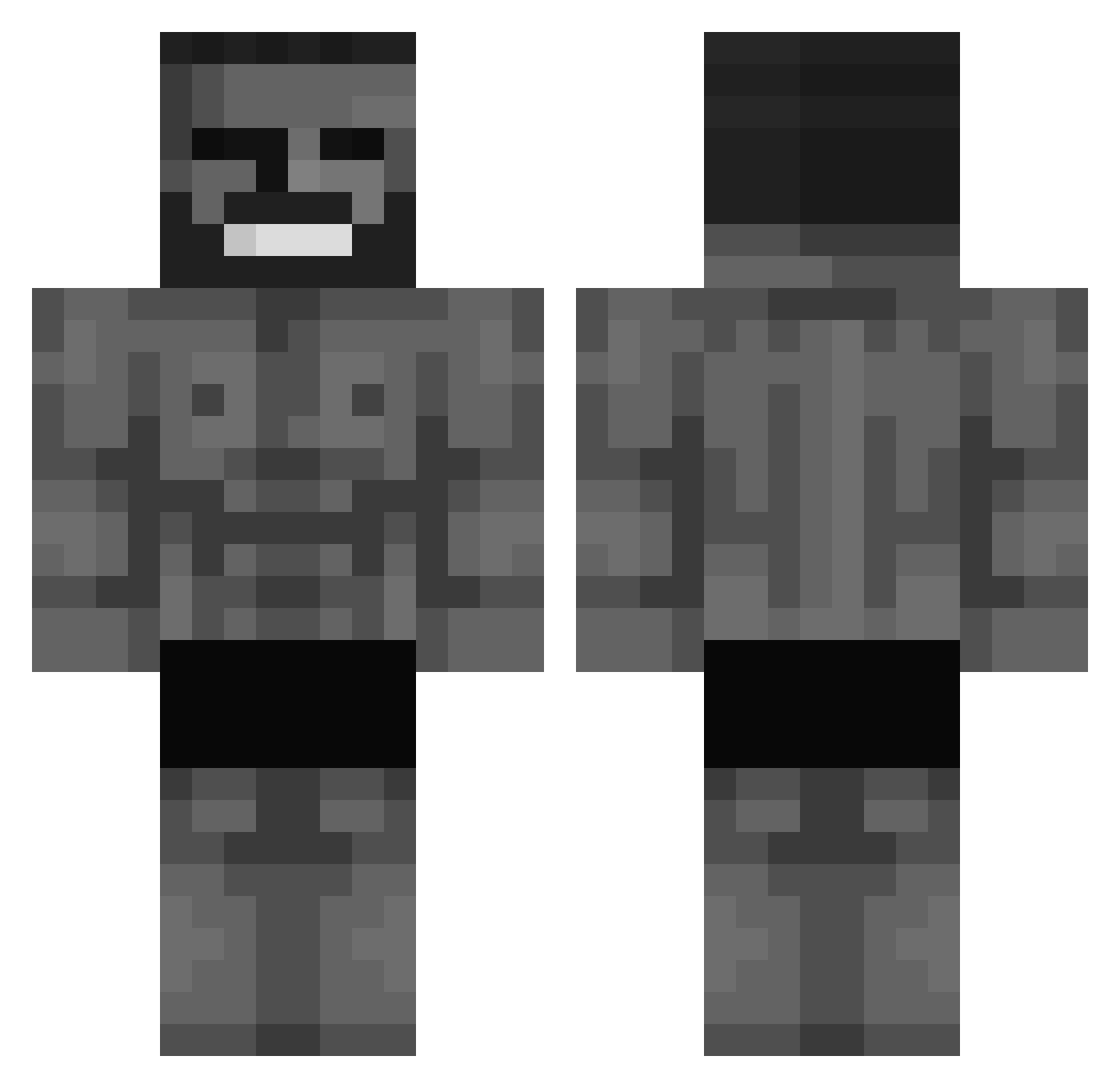
Current Minecraft skin of the player Sealeonn, loaded from the official Mojang API. Rotate the 3D model with your mouse or finger, then download the skin as a PNG file and use it in Minecraft: Bedrock Edition or Java Edition for free. When Sealeonn changes their skin, this page updates automatically and the old skin stays in the history below.
Other players with this skin (572)
Sealeonn was the 139th player we have seen with this skin, first spotted on 19.08.2026. The same skin was seen on these players. Open a nickname to see their current skin and skin history.
 1dock_ PorkBoarding PITEL_157 SouthernSoup533 MadKlark879 SweeetyXD _Zelenskyy UlytisBronkytis MrKodras CaMangePadPain XAnanDRAXZ Teiki SquirtFruit stdii Andrzej86880 ghestp BreadPeet Fear3539 gudeginga HAO91 Kokovan_ Timm_der_Grosse RoyalRasil Ivo____ koraiver _tmnkrgr lnvoc heyitshayden8 Qv1nti Armando_7 BarbaUnderground RoiLouie_ NotsiraV Midderwoo milksteack ItsMm69 Helecrest mqxlol NikoZel14 _Castiel_ MrLegende thiago235 matkahang MehmetMetzger xddStarks SebiiCoae xdrovex Mimillebg Slasherbf Pangucci
 Lhyteriaa LEON_BUCKS
 sneakyAlex2022 _bl4zer Mr_Santos09 GIovanni2912 MyCoP228 ziontemplar2 SwkCrew Serpent_XVIII
More Gigachad Minecraft skins
How to install the Sealeonn skin
- Press the Download button above to save the skin as a PNG file.
- Minecraft: Bedrock Edition (PE): open the Dressing Room from the main menu (or tap your character → Edit Character), go to Classic Skins → Owned, press the + (new skin) button, choose the downloaded PNG and pick the Classic (Steve) model. Works on PC and mobile; consoles cannot import custom skins.
- Minecraft: Java Edition: open the Minecraft Launcher, go to the Skins tab, click New Skin, load the PNG, pick the Classic (Steve) model and press Save & Use. You can also upload it at minecraft.net → Profile → Change Skin.
The skin does not show up after import - what should I do?
Restart Minecraft and open the Dressing Room again - imported skins sometimes appear only after a restart. Also make sure you selected the imported skin and picked the Classic (Steve) model.
Which model should I choose, Classic or Slim?
This skin is designed for the Classic (Steve) model. If you pick the wrong model, the arms of the skin will look stretched or squeezed.
Is the skin of Sealeonn free to download?
Yes. Press Download, save the PNG file and use it in Minecraft: Bedrock Edition or Java Edition - no payment or registration needed. The skin also works on multiplayer servers and Realms.
More skins
Looking for more? Go back to all Minecraft skins and check the top skins of the week, month and all time, or find any player's skin by nickname.