
Schwabba_ - Minecraft Skins & Skin History
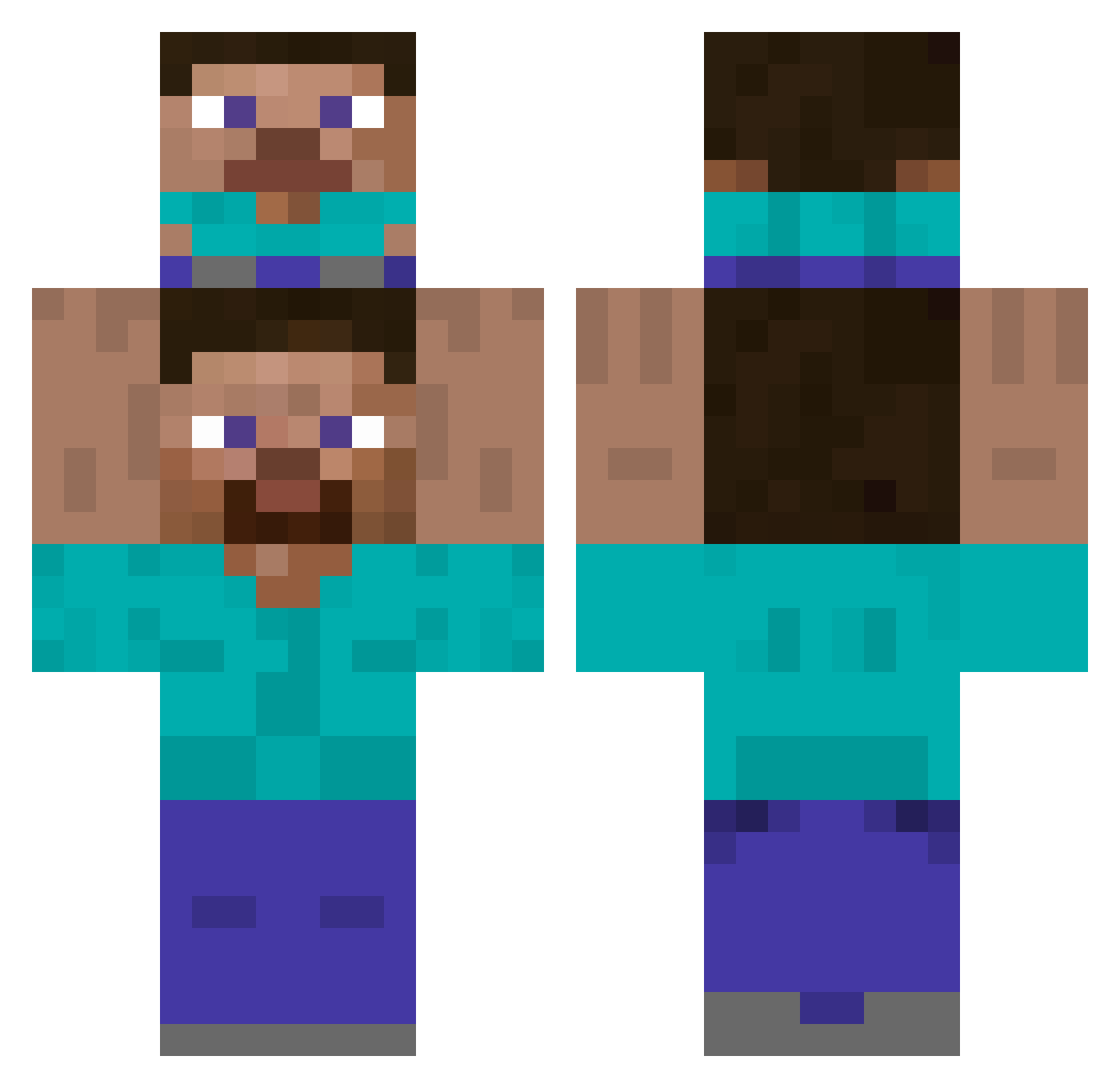
Current Minecraft skin of the player Schwabba_, loaded from the official Mojang API. Rotate the 3D model with your mouse or finger, then download the skin as a PNG file and use it in Minecraft: Bedrock Edition or Java Edition for free. When Schwabba_ changes their skin, this page updates automatically and the old skin stays in the history below.
Other players with this skin (516)
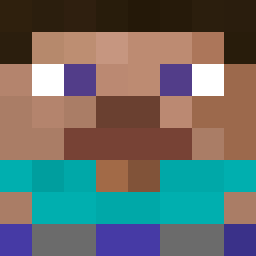
Schwabba_ was the 479th player we have seen with this skin, first spotted on 14.11.2026. The same skin was seen on these players. Open a nickname to see their current skin and skin history.
 LeRomeBoffe__ Oimoimo_25 Goelme TipTopBigBoi nickfd65 Walmart1212 Cottonsparks DarkPhantom7009 kevin_maz hikun24 yoav3577 InTheNmeOfGod TheTaconator69 DoYouKnowDokdo IcedAsh4 Xini30 SCHUGGAWADDE Floppi1 izzzmannn Memertron_gamer kartofel Gandoren Zelyx06 dfcorn mastersword461 DerkZin CatsDogs D_KoB High_Int FollowHD BRAUN1K dami6p 8g9 Nexxusgamer5201 Gameninja17 Setback749 Stokka5 Yagachi Lucie_August sweetcrazyloves Siben187 Jaxs2000 Kerem_4189 meneerblokvoet Huss3in rxesa Passiva24 Mario_xd_ Skevo ZyXx98 kidokiller69 fouziii MuffinTop7 Ch0osey Libra_54 VortexTc Hoopxn DerFunghinator muscleang gama35
How to install the Schwabba_ skin
- Press the Download button above to save the skin as a PNG file.
- Minecraft: Bedrock Edition (PE): open the Dressing Room from the main menu (or tap your character → Edit Character), go to Classic Skins → Owned, press the + (new skin) button, choose the downloaded PNG and pick the Classic (Steve) model. Works on PC and mobile; consoles cannot import custom skins.
- Minecraft: Java Edition: open the Minecraft Launcher, go to the Skins tab, click New Skin, load the PNG, pick the Classic (Steve) model and press Save & Use. You can also upload it at minecraft.net → Profile → Change Skin.
The skin does not show up after import - what should I do?
Restart Minecraft and open the Dressing Room again - imported skins sometimes appear only after a restart. Also make sure you selected the imported skin and picked the Classic (Steve) model.
Which model should I choose, Classic or Slim?
This skin is designed for the Classic (Steve) model. If you pick the wrong model, the arms of the skin will look stretched or squeezed.
Is the skin of Schwabba_ free to download?
Yes. Press Download, save the PNG file and use it in Minecraft: Bedrock Edition or Java Edition - no payment or registration needed. The skin also works on multiplayer servers and Realms.
More skins
Looking for more? Go back to all Minecraft skins and check the top skins of the week, month and all time, or find any player's skin by nickname.