
Sc00teliam69 - Minecraft Skins & Skin History
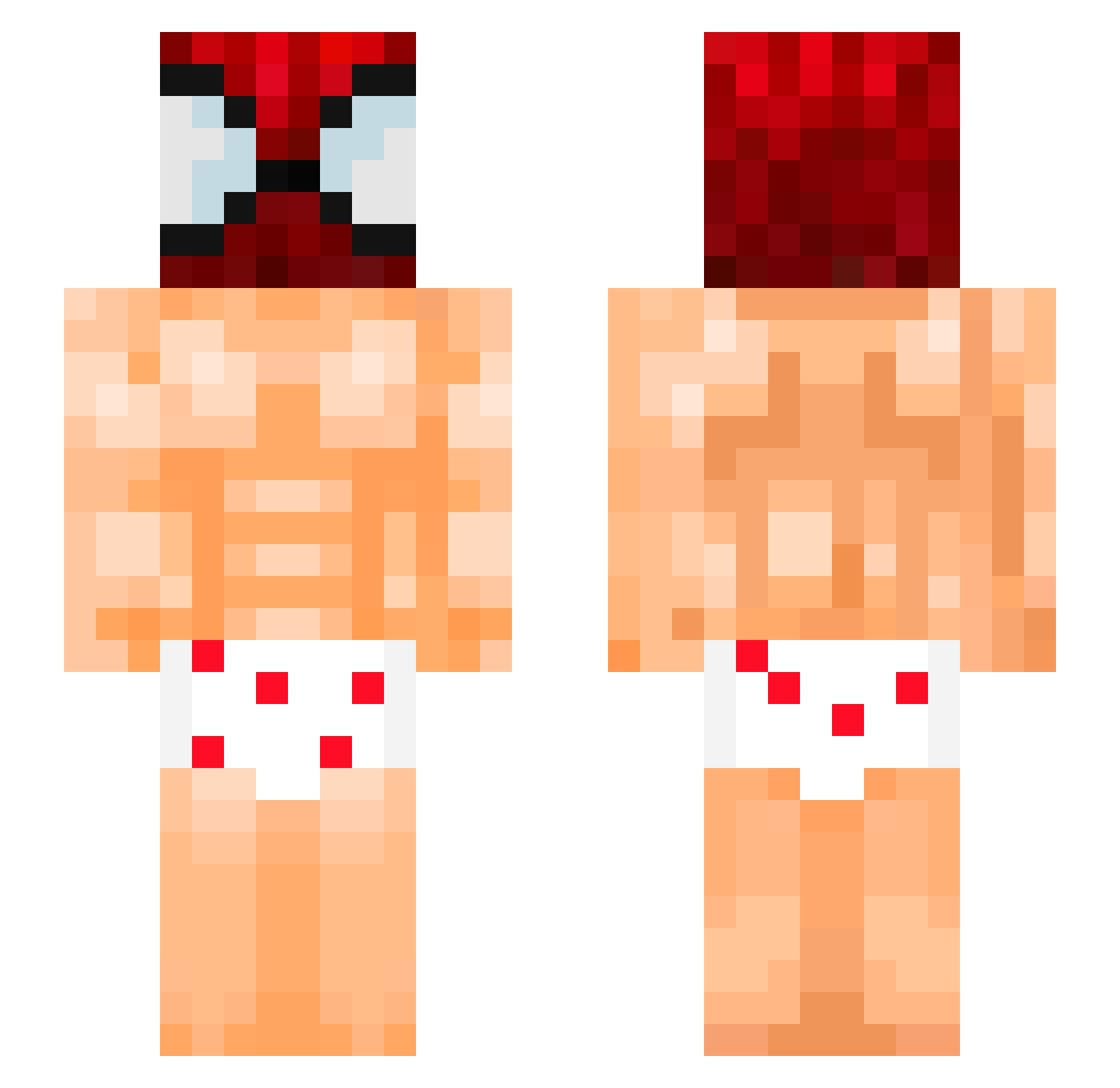
Current Minecraft skin of the player Sc00teliam69, loaded from the official Mojang API. Rotate the 3D model with your mouse or finger, then download the skin as a PNG file and use it in Minecraft: Bedrock Edition or Java Edition for free. When Sc00teliam69 changes their skin, this page updates automatically and the old skin stays in the history below.
Other players with this skin (119)
Sc00teliam69 was the 36th player we have seen with this skin, first spotted on 22.08.2026. The same skin was seen on these players. Open a nickname to see their current skin and skin history.
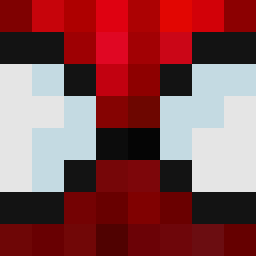 Bukiatan taeyul2233 miteboss N1col4sN
 Tr4sh_Dem0n MelanieSincera ShadowSlayer455 feetyyra27 kevinnnnnn_ tacite29 GyariRen vuutanng giulio2554 shakabot rapterus22 Gugis_ Bonnex69 fidancatay Zarcked m0ISTU Diua alpro133 Seddwick FriBinCringe1 1vautour SpiderCPvP Mansik_10 valtuo Luminous_10 alexplease AnthonyEdwards16 Aura_Monster08 _Balb0
 yagzkan Tuf020 _Nestly_ MWolf2410 Not_Huchinango qZireael
 kqnae
kqnae Sm0keyy0 ElSintro20 nacho1175 zaboMC KnightFall511 FX_5cEnZo queen_vaheen H20ISWATER iWiree zFabio03 Eustakiio lukesq LilCatMiau VAL3NT1_ xpatrix11 Hirochifaa91 17densh ZodiacAgar DilanG1404 Webbyyyyyyyy
More Spider-Man Minecraft skins
How to install the Sc00teliam69 skin
- Press the Download button above to save the skin as a PNG file.
- Minecraft: Bedrock Edition (PE): open the Dressing Room from the main menu (or tap your character → Edit Character), go to Classic Skins → Owned, press the + (new skin) button, choose the downloaded PNG and pick the Slim (Alex) model. Works on PC and mobile; consoles cannot import custom skins.
- Minecraft: Java Edition: open the Minecraft Launcher, go to the Skins tab, click New Skin, load the PNG, pick the Slim (Alex) model and press Save & Use. You can also upload it at minecraft.net → Profile → Change Skin.
The skin does not show up after import - what should I do?
Restart Minecraft and open the Dressing Room again - imported skins sometimes appear only after a restart. Also make sure you selected the imported skin and picked the Slim (Alex) model.
Which model should I choose, Classic or Slim?
This skin is designed for the Slim (Alex) model. If you pick the wrong model, the arms of the skin will look stretched or squeezed.
Is the skin of Sc00teliam69 free to download?
Yes. Press Download, save the PNG file and use it in Minecraft: Bedrock Edition or Java Edition - no payment or registration needed. The skin also works on multiplayer servers and Realms.
More skins
Looking for more? Go back to all Minecraft skins and check the top skins of the week, month and all time, or find any player's skin by nickname.