
SaucyJoke - Minecraft Skins & Skin History
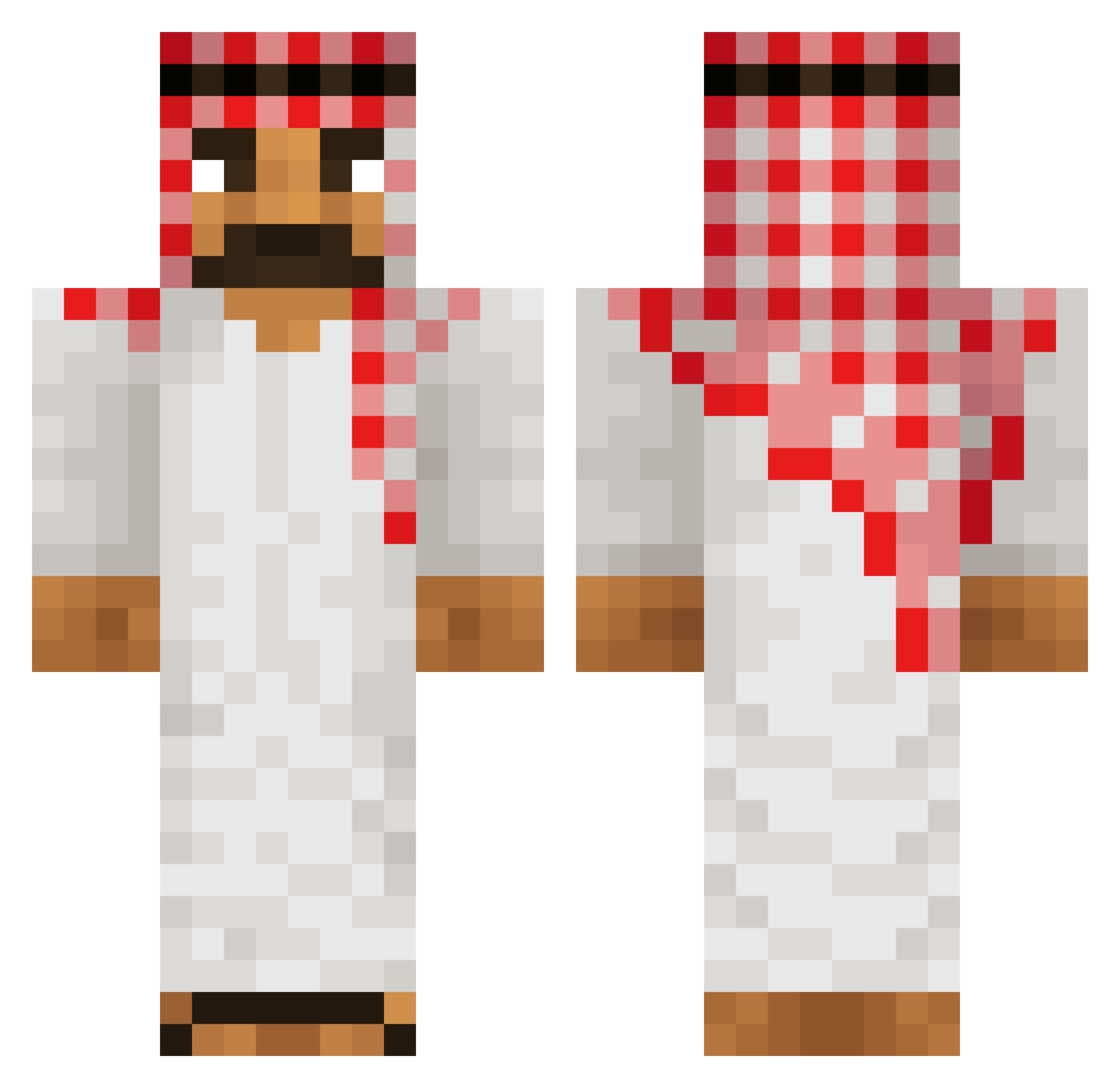
Current Minecraft skin of the player SaucyJoke, loaded from the official Mojang API. Rotate the 3D model with your mouse or finger, then download the skin as a PNG file and use it in Minecraft: Bedrock Edition or Java Edition for free. When SaucyJoke changes their skin, this page updates automatically and the old skin stays in the history below.
Other players with this skin (513)
SaucyJoke was the 291st player we have seen with this skin, first spotted on 25.09.2026. The same skin was seen on these players. Open a nickname to see their current skin and skin history.
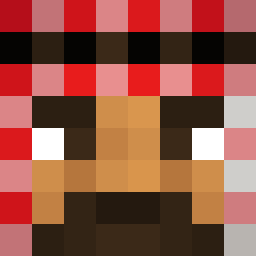 JeyJoe1 Iez_UR_MOM Marlon19 SpainwithsilentS n1bba1 iOwnLegacy Baldestt TobyThe Kuroshima Ingowingo J_N_M OsamaBinCraftiin ZE4EN The_Migz epiiicishere Abdul_Aziz__ Ihzan Pressec El_M7zM watchyotoes whywaskirataken GaviGotAMFPole Firesinsin snitzel18 LilBrownBomb HubertoMilos ayhamlikesrowan sigamatic littlemagic168 Emuah Norge_Theo HT1Achil your_fatherless Oliwier_2137 meowvorki ceeda sixten23_ GripJr Levi_91 Hydridplayz Sebachleb dakokonutman ToufikShow Freestylea44 RobikLLL Cobercios DonaldDumb bykjah INZ_ Huib2104 marcustheo jpgos7 KryLoveMe adamzaf Kardarash R2EXPLOSIVE IbyAlooo Pouchhh Edinburghisbased LimitedHasTalent
More Sheikh Minecraft skins
How to install the SaucyJoke skin
- Press the Download button above to save the skin as a PNG file.
- Minecraft: Bedrock Edition (PE): open the Dressing Room from the main menu (or tap your character → Edit Character), go to Classic Skins → Owned, press the + (new skin) button, choose the downloaded PNG and pick the Classic (Steve) model. Works on PC and mobile; consoles cannot import custom skins.
- Minecraft: Java Edition: open the Minecraft Launcher, go to the Skins tab, click New Skin, load the PNG, pick the Classic (Steve) model and press Save & Use. You can also upload it at minecraft.net → Profile → Change Skin.
The skin does not show up after import - what should I do?
Restart Minecraft and open the Dressing Room again - imported skins sometimes appear only after a restart. Also make sure you selected the imported skin and picked the Classic (Steve) model.
Which model should I choose, Classic or Slim?
This skin is designed for the Classic (Steve) model. If you pick the wrong model, the arms of the skin will look stretched or squeezed.
Is the skin of SaucyJoke free to download?
Yes. Press Download, save the PNG file and use it in Minecraft: Bedrock Edition or Java Edition - no payment or registration needed. The skin also works on multiplayer servers and Realms.
More skins
Looking for more? Go back to all Minecraft skins and check the top skins of the week, month and all time, or find any player's skin by nickname.