
SashaWipe - Minecraft Skins & Skin History
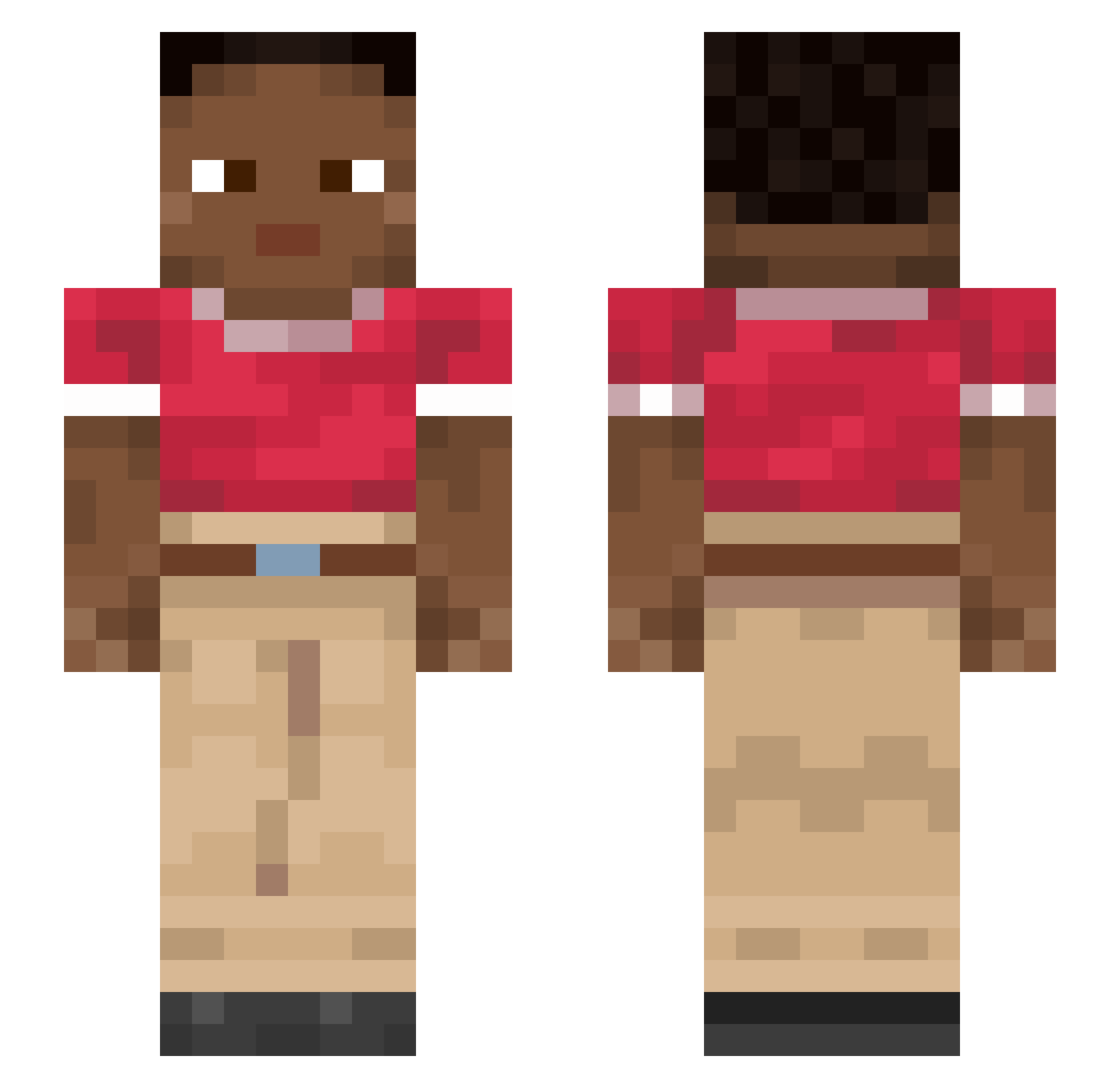
Current Minecraft skin of the player SashaWipe, loaded from the official Mojang API. Rotate the 3D model with your mouse or finger, then download the skin as a PNG file and use it in Minecraft: Bedrock Edition or Java Edition for free. When SashaWipe changes their skin, this page updates automatically and the old skin stays in the history below.
Other players with this skin (915)
SashaWipe was the 520th player we have seen with this skin, first spotted on 26.09.2026. The same skin was seen on these players. Open a nickname to see their current skin and skin history.
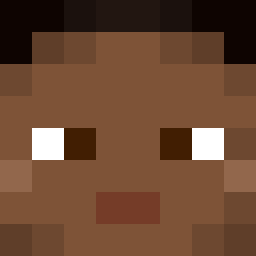 _Kryptor_ Thiaw Diseuse a20james8 rndm_adrian lli_ill D06E gramper Ramppa98 Kouteki_PvP D1mke Colorin uu4a FurinasDog_ Anigilator_Sanya jjk9ksk KNAAep07 Gybed sv9tsv9tsv9t_ Spocony_e__s Matcha636 Calonectria Enot1k_ rechristened CashMoneyIP minutest approve PastaBoxTv Luffy0713 CuSO41 lousy RebElly JKMRACING LittleJaunt Mether Kelper ButterCC bz_hWx5Q_12_15 motMOTS bayman Caseadude101 versificator ontr Cilm u1il longshot mdltb 8KillerF9 Spectrochemistry irin_t6l monological astep1 Xablauzin2710 ALERedfire MudjaFlip Spinsters clickontop Reassert ReRosso Tovarisch
How to install the SashaWipe skin
- Press the Download button above to save the skin as a PNG file.
- Minecraft: Bedrock Edition (PE): open the Dressing Room from the main menu (or tap your character → Edit Character), go to Classic Skins → Owned, press the + (new skin) button, choose the downloaded PNG and pick the Slim (Alex) model. Works on PC and mobile; consoles cannot import custom skins.
- Minecraft: Java Edition: open the Minecraft Launcher, go to the Skins tab, click New Skin, load the PNG, pick the Slim (Alex) model and press Save & Use. You can also upload it at minecraft.net → Profile → Change Skin.
The skin does not show up after import - what should I do?
Restart Minecraft and open the Dressing Room again - imported skins sometimes appear only after a restart. Also make sure you selected the imported skin and picked the Slim (Alex) model.
Which model should I choose, Classic or Slim?
This skin is designed for the Slim (Alex) model. If you pick the wrong model, the arms of the skin will look stretched or squeezed.
Is the skin of SashaWipe free to download?
Yes. Press Download, save the PNG file and use it in Minecraft: Bedrock Edition or Java Edition - no payment or registration needed. The skin also works on multiplayer servers and Realms.
More skins
Looking for more? Go back to all Minecraft skins and check the top skins of the week, month and all time, or find any player's skin by nickname.